




Privileged access gives users a lot of power and that is exactly why it needs regular checks. Over time admin access grows, roles change and old permissions stay behind. A PAM audit helps teams slow down and really see who has access and why.
In 2026 with more apps cloud systems and compliance pressure auditing privileged access is less about rules and more about staying in control.
Privileged Access Management (PAM) Audit Checklist
When it comes to sensitive access you need clarity not complexity. This checklist walks you through each step so audit privileged access feels practical and helps you spot real security gaps without confusion.
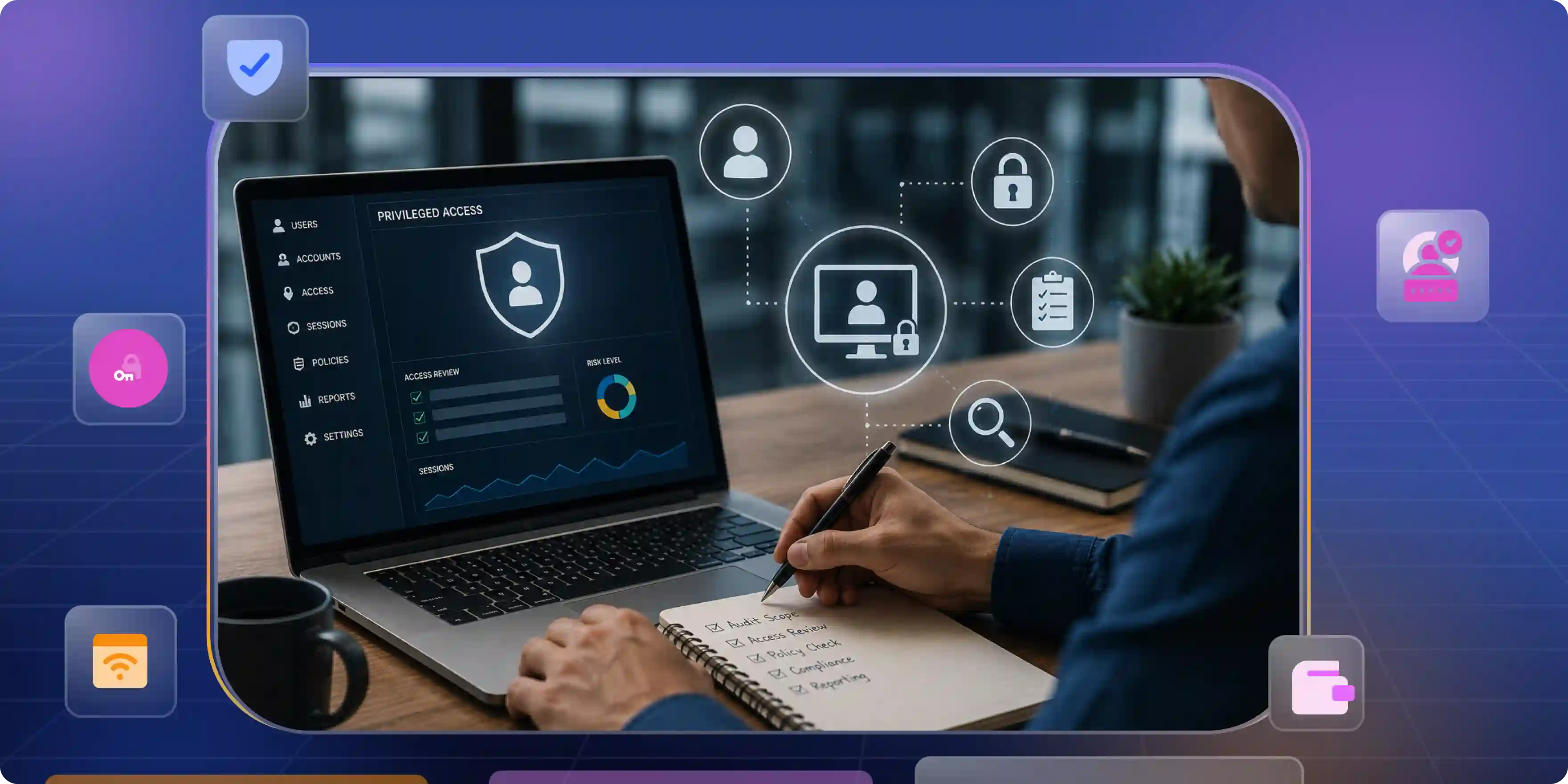
1. Identify All Privileged Users and Accounts
Start with a simple question: who has special access right now. This step helps you see every powerful account clearly so the PAM audit checklist actually makes sense and does not miss anything important.
- Human Privileged Users. List admins IT staff developers and vendors with extra access. Check if they still need it today and remove access that no longer fits their role.
- Service and Application Accounts. These accounts help systems work and connect with each other. Because they often have wide access they should be reviewed just like real users.
- Shared and Generic Accounts. When many people use one account it becomes hard to track actions. Try to reduce shared access and move toward individual logins.
- Dormant and Orphaned Accounts. Old privileged accounts that are no longer used can create risk. Find them and clean them up before they cause problems.
2. Review Privileged Access Scope and Permissions
Now look at what each privileged account can actually do. This step makes sure every privileged account only has the access it actually needs so the privileged access management audit clearly shows who can do what and where risk is reduced.
- Role Based Access Review. Check if permissions match the user role and daily work. If someone has access they do not really use it is better to reduce it.
- Excessive Privilege Detection. Look for accounts that can access too many systems or sensitive data. Too much access increases damage if an account is misused.
- Temporary and Emergency Access. Review special access given for urgent tasks or fixes. Make sure it was time bound and removed after the work was done.
- Privilege Creep Checks. Over time users collect extra permissions. Regular reviews help reset access to what is actually needed today.
3. Evaluate Authentication and Credential Controls
Here you are basically checking how people prove who they are. Strong login methods matter a lot because weak credentials can break even the best PAM compliance efforts.
- Authentication Methods Used. See how privileged users log in today. Password only access is risky so stronger methods should be in place for important systems.
- Multi Factor Authentication. Check if extra verification is enabled for privileged access. This simple step blocks many common attacks even if passwords get exposed.
- Credential Storage and Handling. Look at where privileged credentials are stored and who can see them. Credentials should never be saved in plain text or shared casually.
- Password Sharing Practices. Find out if teams are sharing admin passwords to get work done faster. This may feel convenient but it creates serious security and audit problems.
4. Review Privileged Password Management
Let us talk about passwords because this is where things usually go wrong. This step checks if privileged passwords are handled in a clean and safe way using the right privileged access management audit tool.
- Where Passwords Are Kept. First see where admin passwords live. If people save them in notes files or chats that is a clear warning sign.
- How Often Passwords Change. Check if privileged passwords are changed regularly. If the same password is used for months or years it increases risk.
- Who Can Use the Passwords. Look at how many people can access privileged passwords. Fewer people means better control and easier audits.
- Passwords Inside Scripts or Apps. See if passwords are hard coded into scripts or applications. These are easy to forget and hard to track later.
5. Assess Just-in-Time and Time-Bound Access
Here you are checking if powerful access is given only when needed and removed on time as part of a PAM audit. This keeps control tight and reduces chances of misuse during daily work and audit reviews.
- Just in Time Access Usage. Check if users get privileged access only when a task starts. This limits standing access and lowers risk when accounts are not actively in use.
- Time Bound Access Limits. Review how long privileged access stays active. Access should end automatically once the job is done and not stay open by mistake.
- Approval Before Access. See if someone approves access before it is granted. A quick approval step adds control without slowing down work.
- Access Expiry Tracking. Make sure expired access is actually removed. This helps avoid situations where old permissions stay active without anyone noticing.
6. Monitor and Record Privileged Sessions
After giving someone high level access it is normal to ask what they actually did. This step helps a privileged access management audit by showing real actions instead of assumptions.
- User Activity Visibility. Check if you can see actions taken during privileged sessions. This removes guesswork and makes reviews easier.
- Session Recording. Make sure key sessions are recorded. When questions come up later recordings help explain things clearly.
- Active Session Awareness. Find out if teams can tell when a privileged session is live. This helps keep control while work is happening.
- Session History Retention. Ensure past session data is saved properly. Audits often depend on old records to confirm what happened.
7. Detect and Investigate Privileged Activity
Sometimes things do not look right and teams need to understand what happened. This step helps a privileged access management audit by making it easier to notice problems and explain actions later.
- Spotting Unusual Actions. Check if you can notice activity that feels out of place. Small signs often point to bigger issues.
- Getting Alerts on Time. See if the system alerts you when risky actions happen. Early alerts help teams react faster.
- Reviewing Past Activity. Make it easy to look back at what privileged users did. This helps clear doubts during audits.
- Supporting Investigations. Ensure logs and session details are easy to find. This saves time when someone asks questions.
8. Integrate PAM with SIEM and Security Tools
PAM does not work well when it stays alone. This step looks at how privileged access data connects with other security tools so teams get a full picture during a privileged access management audit.
- Centralized Log Sharing. Check if PAM logs are sent to SIEM or monitoring tools. Having everything in one place makes reviews easier.
- Better Threat Visibility. When PAM data is combined with other security events it becomes easier to understand what is really happening.
- Faster Incident Response. Integrated tools help teams act quickly when something goes wrong. This reduces damage and confusion.
- Consistent Security Reporting. Make sure reports include privileged activity along with other alerts. This helps audits feel complete and reliable.
9. Conduct a Privileged Access Risk Assessment
A privileged access management audit becomes stronger when you clearly understand which access creates the most risk for the business.
- High Risk Access Identification. Look at accounts with the most power over systems and data. These usually carry the highest impact if misused.
- Critical System Focus. Pay extra attention to access linked to core systems. Problems here can affect operations very quickly.
- User Behavior Patterns. Review how privileged users normally work. Unusual patterns often highlight hidden risks.
- Risk Prioritization. All risks are not the same. Start with the ones that can cause the most damage and deal with smaller issues after that.
10. Review Access Request, Approval, and Workflow Controls
Privileged access should never feel random and a PAM audit makes sure everyone can clearly explain how access was requested, who approved it and what steps were followed.
- Access Request Flow. Understand how users ask for elevated access in daily work. A clear request path avoids confusion and shortcuts.
- Approval Responsibility. Know who gives the final yes for access. That decision should come from someone who understands the system's impact.
- Workflow Clarity. See how access moves from request to approval. Fewer unclear steps make the process easier to follow.
11. Verify Offboarding and Privilege Revocation
When someone leaves the company or moves to a new role they should not keep their old access which is why a privileged access management audit tool is used to make sure all special access is removed on time and nothing extra is left behind.
- Employee Exit Handling. When a user leaves the organization their privileged access should be removed the same day. Delays here create unnecessary risk.
- Role Change Updates. When responsibilities change, old privileges should be adjusted. Access should always match the current role, not the past one.
- Third Party Access Removal. Vendors and contractors often need temporary access. Once the work is done their access should be fully revoked.
- Confirmation of Removal. There should be a clear way to confirm that access was actually removed. This avoids assumptions and missed accounts.
12. Map PAM Controls to Compliance Requirements
Audits become smoother when security controls clearly match compliance needs during a privileged access management audit. This step helps connect privileged access practices with rules and standards teams are expected to follow.
- Relevant Compliance Standards. Identify which regulations apply to your environment. Common examples include ISO, SOC, HIPAA or internal policies.
- Control Mapping. Connect each PAM control to a specific compliance requirement. This makes it easier to explain how rules are being met.
- Evidence Availability. Make sure logs, reports and approvals can be shown when asked. Clear evidence saves time during audits.
- Gap Awareness. Notice where controls do not fully meet requirements. Knowing gaps early helps teams fix them before audits begin.
13. Prepare and Present the PAM Audit Report
At the end everything needs to come together in a way people can actually understand. A clear audit report helps teams explain what is working, what needs fixing and what actions should come next.
- Clear Findings Summary. Share the main observations in simple language. Focus on what matters instead of overwhelming details.
- Risk and Impact Explanation. Explain why certain issues matter to the business. This helps non technical teams understand the importance.
- Actionable Recommendations. Suggest practical next steps that teams can actually follow. Clear actions lead to real improvement.
- Stakeholder Friendly Format. Present the report in a clean and readable format. A well structured report builds confidence and trust.
How Often Should Privileged Access Be Audited?
There is no one size fits all answer here. Audit frequency depends on risk system sensitivity and business size but regular reviews help teams stay ahead of issues instead of reacting late during a privileged access management audit.
- High Risk Systems. Critical systems with sensitive data should be audited more often because even small issues can cause big impact.
- Regulatory Requirements. Some industries require audits at fixed intervals. These rules often decide the minimum audit frequency.
- Changes in Access or Roles. Whenever users join leave or change roles it is a good time to review privileged access.
- Security Incidents. After any security incident privileged access should be reviewed to understand what happened and what to improve.
- Routine Security Reviews. Even without changes a regular schedule keeps access clean and avoids slow buildup of risk.
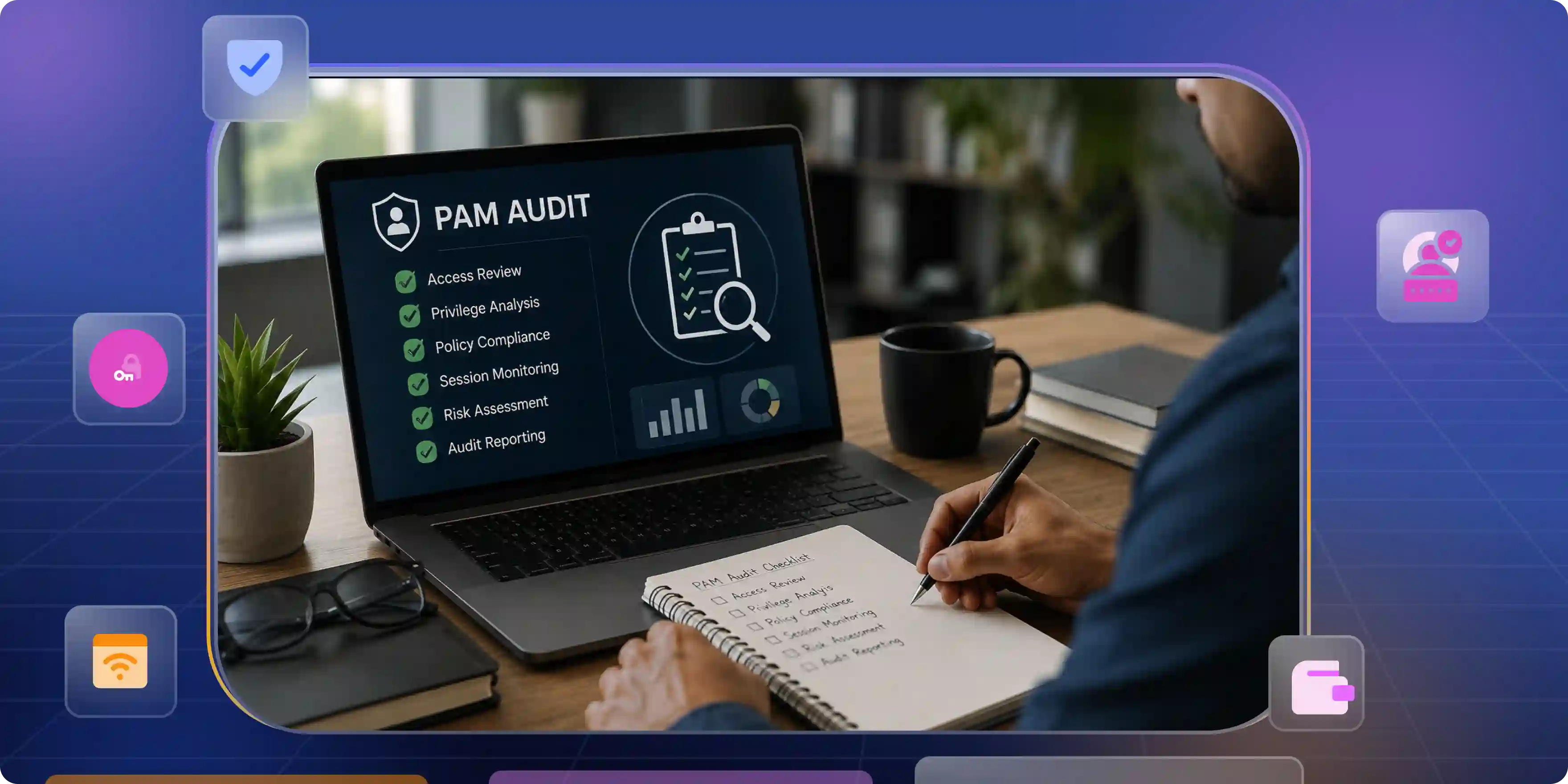
How Infisign Simplifies Privileged Access Management Audits
Auditing privileged access often feels heavy because data lives in many places. Infisign simplifies this with its complete PAM solution and IAM suite platform giving teams one clear view control and audit ready visibility across all privileged identities.
Unified Privileged Identity Visibility
Privileged access usually gets messy because accounts live in different systems. Infisign’s PAM features bring all privileged accounts and permissions into one clear view so teams instantly know who has access where without chasing data during audits or reviews.
- Single dashboard shows all privileged users across cloud and on premises
- Centralized visibility into roles permissions and access paths
- Directory sync connects human and non human identities automatically
- Real time access view highlights active admin and service accounts
- Audit ready insights reduce effort during access reviews and compliance checks
Granular Privileged Access Controls
Not everyone needs full access all the time. Infisign lets teams give only the exact level of access needed for a task so fewer people have extra power and audits become easier to handle.
- Least privilege access keeps users limited to what their work needs
- Role based controls match access with real job responsibilities
- Conditional access rules step in when risk or behavior changes
- Just in time access gives admin rights only for short tasks
- Adaptive checks add security for sensitive systems automatically
Strong Authentication for Privileged Access
Privileged access needs stronger checks than normal logins. Infisign makes sure only the right person gets access by using smart authentication that stays secure without slowing people down.
- Passwordless authentication removes weak passwords from privileged access completely
- Infisign’s Biometric verification confirms identity using face or fingerprint on trusted devices
- Adaptive MFA increases security only when risk or behavior changes
- Device trust checks block access from unknown or unsafe devices
- Phishing resistant methods protect admins from credential theft attacks
Just in Time Privileged Access
Giving admin access all the time is risky. Infisign avoids that by giving privileged access only when work actually needs it and taking it back automatically once the task is done.
- Temporary admin access is given only for the task being worked on
- Automatic access removal happens as soon as the work is finished
- On demand access avoids keeping powerful permissions always active
- Controlled third party access allows vendors in only for limited time
- Clear access history shows who had access and for how long
Privileged Session Visibility and Logging
When someone uses admin access you should be able to see what they did. Infisign shows every privileged session clearly and keeps a record so there is no guessing later during audits or investigations.
- Session activity logs show what actions were taken
- Clear timelines help understand when actions happened
- Full session records remove doubt during reviews
- Easy search helps find specific sessions fast
- Audit friendly logs support compliance and security checks
Automated Offboarding and Access Revocation
When someone leaves the company or moves to a new role access should not stay active. Infisign handles this automatically so old permissions do not turn into security risks.
- Access is removed automatically when a user leaves
- Permissions update instantly when roles change
- No leftover admin access after work ends
- Forgotten accounts are avoided without manual checks
- Clean access history helps during audits and reviews
Ready to simplify your PAM audits and reduce risk without complexity? Book your demo to see how Infisign works in real environments and experience smarter privileged access control today.
FAQs:
How to audit privileged access management?
Auditing PAM means identifying privileged accounts, reviewing access permissions, checking authentication controls, monitoring sessions and confirming access is removed on time to reduce risk and meet security and compliance needs as part of a privileged access management audit.
What is a Pam audit?
A PAM audit is a structured review of how privileged access is granted, used, monitored and removed. It helps organizations find risks, prevent misuse and prove compliance during security and regulatory assessments.
How does Just-in-Time access reduce PAM audit risk?
Just in Time access limits privileged access to short time windows. This reduces standing privileges, lowers attack surface and makes audits easier by showing that access is controlled temporarily and purpose driven.


