


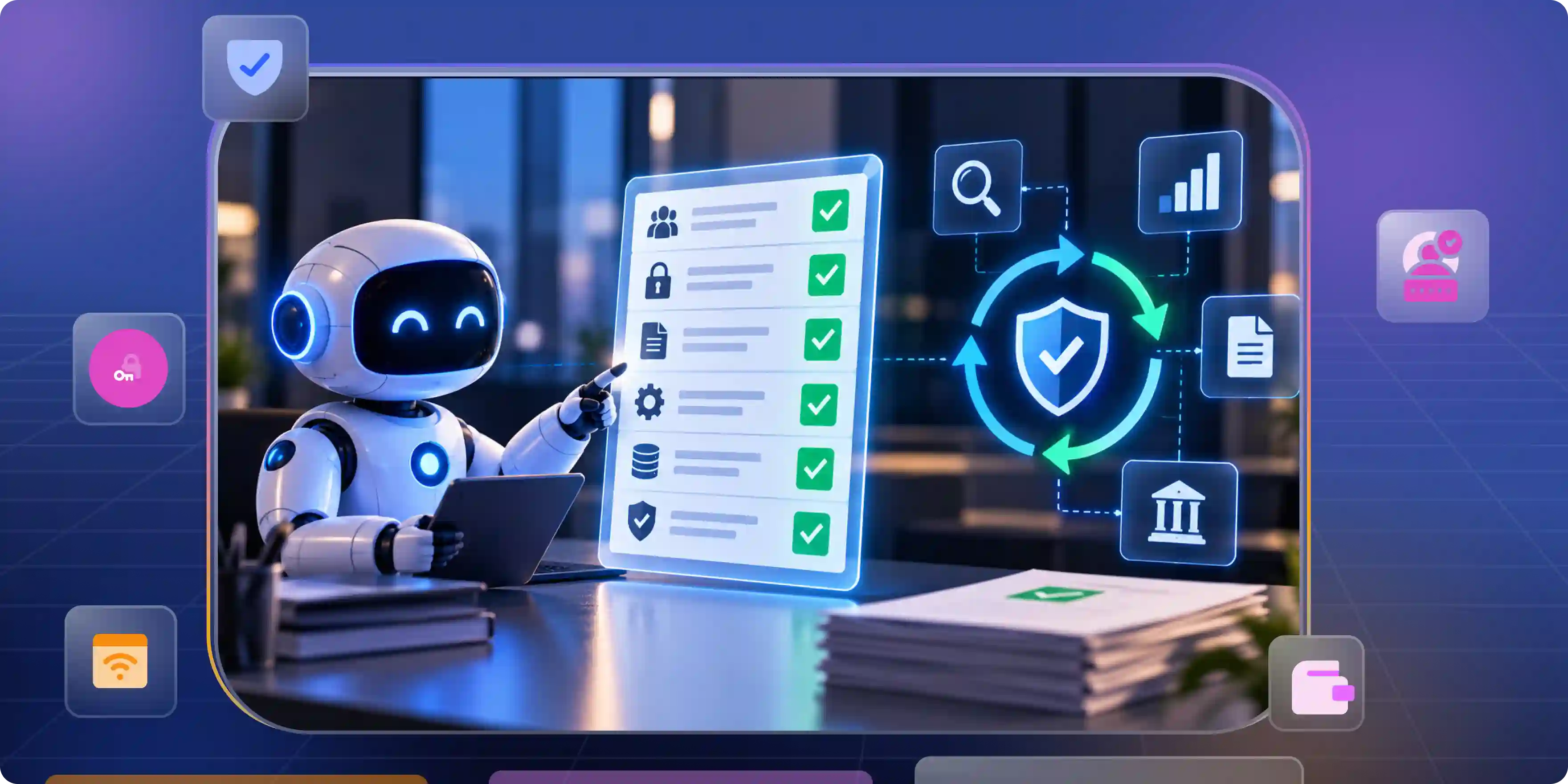

Cybersecurity audits take time. Teams must check user accounts, collect records, and prove that security rules are followed. AI agents for cybersecurity compliance auditing automation can help by collecting evidence, checking controls, and finding gaps before an audit begins. But automation alone is not enough. Auditors still need clear, reliable evidence that shows what happened and whether each control worked.
What an AI Compliance Agent Can Add to Your GRC Tool
A GRC tool helps teams manage risks, rules, and audit tasks. An AI agent can help with these tasks by checking data, finding possible gaps, and helping teams complete approved actions. What it can do depends on its capabilities and the systems it can connect to.
From Storing Evidence to Checking Controls
Saving a file does not prove that a security rule works. An agent can compare system data with a rule and flag problems that need attention.
- Check system data: An agent can review user lists, access rights, and security settings. It can flag accounts that should have been removed or permissions that need review.
- Find missing proof: An agent can check whether an access review has a date, a reviewer, and a recorded result.
From Manual Tasks to Approved Actions
An agent can help teams respond to problems, but risky changes should not happen without proper controls. Human approval may still be needed before access is removed or important settings are changed.
- Create tasks: If a user has too much access, the agent can open a ticket for review. The ticket helps the team track the issue and record how it was fixed.
- Prepare changes: An agent can prepare a request to remove access or update a setting. A person or approved process should review and approve the change when required.
Where AI Agents Actually Cut Audit Work
AI agents can save time on tasks that repeat across systems. They work best when the rules are clear, the source data is correct, and the team can check their results.
Evidence Collection and Control Testing
Auditors need proof of what happened, when it happened, and which control was checked. Agents can help collect this proof and test it against approved rules.
- Collect records: An agent can gather logs, user lists, and system settings from connected tools. It can link each record to the control it supports.
- Check controls: An agent can compare system settings with approved rules. It can flag changes or gaps that need a closer look.
A practical IT audit checklist helps teams identify the accounts, systems, and records they need to review.
Access Reviews and IT General Controls
IT general controls, also called ITGCs, cover user access, system changes, and IT operations. These checks help show that important systems are managed in a controlled way.
- Review user access: An agent can compare user rights with approved access lists. It can flag former staff, unused accounts, and permissions that need review.
- Check system changes: An agent can compare system changes with tickets and approvals.
SOC 2 and Evidence Across Frameworks
One record may support more than one audit control, but only when it meets the needs of each control. Teams should not reuse evidence without checking that it proves the right thing for the right period.
- Link evidence to controls: An agent can connect an access review to related requirements.
- Keep proof current: Regular checks can flag old or missing records. This helps teams find gaps before audit time.
Where AI Audit Automation Breaks and How to Handle Each One
AI agents can make mistakes when data is wrong or rules are unclear. Teams should test the results and review important findings before relying on them during an audit.
Poor or Missing Data
An agent cannot produce reliable results from incomplete or incorrect data. The team must fix the source records before trusting the results.
- Check the source: Compare the agent's results with the original system records. Fix missing details, duplicate accounts, and outdated user information.
- Keep the source record: Save where each record came from and when it was collected.
False Results and Wrong Actions
An agent may flag a valid account or miss a real risk. Its results should be tested before the team uses them to make decisions.
- Test the agent: Use examples that should pass and examples that should fail. Update the rules when the agent makes repeated mistakes.
- Limit its powers: Give the agent only the access it needs. Require approval for high-risk changes, such as removing administrator access.
Evidence That Cannot Be Explained
An AI summary alone may not be enough to prove that a control worked as expected. Depending on the control and audit requirements, auditors may also need the original records, test results, and documents showing how the conclusion was reached.
- Keep an audit trail: Save source records, dates, test results, and actions taken by the agent. Keep the evidence behind each summary so reviewers can check it.
- Show facts clearly: Separate original system results from the agent's explanation. Reviewers should be able to confirm the facts without relying only on the AI output.
The Cybersecurity Audit Checklist Your Agents Should Run Continuously
A cyber security audit checklist should cover the controls that matter to the company. It should not focus only on tasks that are easy to automate.
Identity and Access
Access checks can help find accounts and permissions that people no longer need. Regular reviews also help teams keep access records accurate.
- Check accounts: Look for former staff, unused accounts, and accounts without clear owners. Flag accounts that break company rules.
- Check permissions: Compare user rights with approved roles and access reviews. Record who reviewed the access, when they reviewed it, and what they decided.
An IAM compliance audit can help teams review user records, access rights, and the evidence needed to support their controls.
Teams can also review how AI is changing identity and access management to understand how AI can support access checks and identity-related tasks. The team should still test the results and keep the source records.
System Changes and Security Settings
System changes can create risks when they lack approval or proper testing. Security settings should also match the company's approved rules.
- Check approvals: Match system changes with approved tickets. Flag changes that have missing approvals or unclear reasons.
- Check settings: Compare important settings with the company's approved rules. Report changes that may weaken security.
Logs, Incidents, and Evidence
Logs show what happened in a system. Incident records show how the company handled a security problem.
- Check logs: Make sure important systems create and keep logs for the required period. Flag missing records or gaps in the log history.
- Check incidents: Look for an owner, date, actions, and closure details for each incident. Keep proof of the work done to address the problem.
Policies and Compliance Records
Policies should match the way the company works. Agents can help find missing documents and policies that need review.
- Check policies: Look for an owner, approval date, and review date on each required policy. Send overdue reviews to the right person.
- Check control proof: Make sure each control has evidence for the correct period. Flag old or missing records instead of marking the control complete.
For a wider review of audit requirements, use this IT compliance audit checklist to help identify areas that need attention. Adapt the checks to your systems, risks, and audit scope.
Which Compliance Automation Platform Fits Your Audit
The right platform depends on your audit, systems, and budget. A SaaS company preparing for SOC 2 may need different tools from a large company managing SOX and ITGC requirements.
When comparing best platforms for automating sox and itgc compliance, test each platform against your actual controls instead of choosing by feature count alone.
Vanta
Vanta provides compliance tools that help teams collect evidence, monitor controls, and manage compliance tasks.
- Best fit: SaaS teams may find it useful for managing common compliance tasks. Check whether it connects to the systems included in your audit.
- What to check: Test its support for your SOX and ITGC controls, access reviews, and evidence needs. Ask how it records findings and shares records with auditors.
Drata
Drata provides compliance and risk management tools, including evidence collection and control monitoring.
- Best fit: Teams working with several frameworks may benefit from shared controls and evidence. This can reduce repeated work across audit programs.
- What to check: Test its SOX and ITGC workflows with your own controls. Check whether evidence records and approval steps meet your audit requirements.
Secureframe
Secureframe provides tools for evidence collection, control checks, and audit tasks.
- Best fit: Teams can use it to manage compliance work and audit requests in one place. Check whether it supports your cloud services, identity systems, and business applications.
- What to check: Ask how it handles failed checks, outdated evidence, and reviewer notes. Test it with real control before making a purchase decision.
Hyperproof
Hyperproof helps teams manage controls, evidence, and audit work across frameworks.
- Best fit: Companies with many teams or frameworks may find shared control management useful.
- What to check: Review its connections to your current systems and its support for custom controls.
Identity and Access Management Tools
A compliance platform does not replace every identity tool. If your main problem is user access, an identity and access management tool may help improve the source records.
- Best fit: Companies with old accounts, weak access reviews, or unclear user rights should review their identity systems.
- What to check: Review user lifecycle management, access reviews, and permission changes. Make sure each record can be traced back to its source.
When comparing soc 2 compliance management tools platforms for saas, focus on the systems you use and the proof your auditor needs. A long feature list does not guarantee that a platform will meet your audit requirements.
What to Demand From Any Platform Before You Sign
A good product demo is not enough. Test the platform with your own controls and records before you buy.
Evidence Quality and Audit Trail
You should be able to trace every important finding back to its source. The records should also show when the evidence was collected and what changed afterward.
- Source and date: Each record should show where it came from and when it was collected. The platform should flag old or incomplete evidence.
- Change history: Check whether the system records who changed a control, approved a task, or closed a finding.
Integrations and Control Coverage
Automation only works for systems the platform can access and check. A connection to an application does not mean every related control is covered.
- Test your systems: Ask the vendor to demonstrate connections to your identity, cloud, ticketing, and finance tools. Check what data each connection can collect.
- Check test limits: Find out which controls are tested automatically and which still need manual work. Ask the vendor to explain any gaps in coverage.
Human Review and Safe Automation
The platform should make it clear when an agent is collecting facts, suggesting a fix, or taking action. Your team should be able to control what the agent can access and change.
- Approval rules: Make sure high-risk actions can require human approval. Limit the agent's permissions to what it needs for its assigned tasks.
- Clear results: Ask how each finding was produced and which records support it. Your team should be able to review the result independently.
When comparing continuous compliance software in 2026, focus on its current features, the controls it supports, and the quality of its evidence. Check what each vendor can actually offer and test the platform against your needs before making a decision. Confirm the vendor's current capabilities and test the platform against your own requirements before choosing it.
Fix the Access Evidence Before You Automate the Audit
AI agents cannot fix poor access records on their own. First, make sure you know who has access to each system and why that access is needed.
Start With User Access
Access records should show who has an account, what they can access, and whether that access is approved. These details help the audit team understand how permissions are managed.
- Find old accounts: Check for former staff, contractors, unused accounts, and accounts without owners. Remove or change access only through an approved process.
- Record reviews: Save the reviewer's name, date, decision, and any action taken. Keep proof that the change was completed.
Connect Identity Changes to Audit Evidence
Changes to user accounts can affect several controls. Keep records of these changes so the team can explain them later.
- Track user changes: Record new accounts, role changes, permission updates, and account removals. Link each change to the right request or approval when possible.
- Keep proof easy to find: Store identity records where the audit team can review them. This reduces the time spent searching for evidence during audit preparation.
How Infisign UniFed Supports Secure Access and Audit Readiness
AI agents need reliable identity data to check access and find gaps. Infisign UniFed focuses on customer identity and access management, which can support secure sign-in and access control as part of a wider security program.
- Attribute Based and Conditional Access: Access rules can use user attributes and conditions to help control who can sign in or access an application.
- Single Sign-On and Multi Factor Authentication: UniFed supports sign-in options such as SSO, MFA, social login, and passwordless authentication.
- Identity Lifecycle and Audit Records: Identity lifecycle management and available audit records can help teams track account changes and support reviews.
For companies that need stronger control over customer access, Infisign UniFed can support the identity part of the compliance process. It does not replace the need to test controls, review source records, or confirm that the evidence meets each audit requirement.
When access becomes more complex, control must become more precise. Discover how Infisign can help you secure every identity and permission. Schedule a demo to explore smarter access control.
FAQ
Can AI agents replace compliance auditors?
No. AI agents can collect records, test rules, and flag gaps, but they cannot replace an auditor's independent judgment. Auditors must still decide whether the evidence is reliable and whether the controls meet the required standards.
Do auditors accept AI-generated evidence for SOC 2 and SOX?
AI-generated summaries may help explain evidence, but a summary alone does not prove that a control worked. Auditors need reliable source records and must decide whether the evidence supports the control being tested.
What are the best platforms for automating SOX and ITGC compliance?
Vanta, Drata, Secureframe, and Hyperproof are options to evaluate. The best choice depends on your systems, audit requirements, control coverage, and the evidence your auditor needs.
How do I automate user access reviews for compliance audits?
Connect your identity and application data, then compare user permissions with approved roles and access rules. Record the reviewer, date, decision, and proof of any access change.
What should a cyber security audit checklist include?
It should cover user access, system changes, security settings, logs, incidents, policies, and control evidence. Each check should have a clear owner and records that can be traced to the source system.


