




Most companies don't use just one app or identity system. Employees sign in to work tools, customers access their accounts, and partners need their own level of access. The trouble begins when these systems don't work well together.
That's where identity orchestration platforms come in. They connect different systems and control how login and access work. But here's the catch: not every vendor means the same thing by identity orchestration, and choosing the wrong type can leave you with another tool to manage.
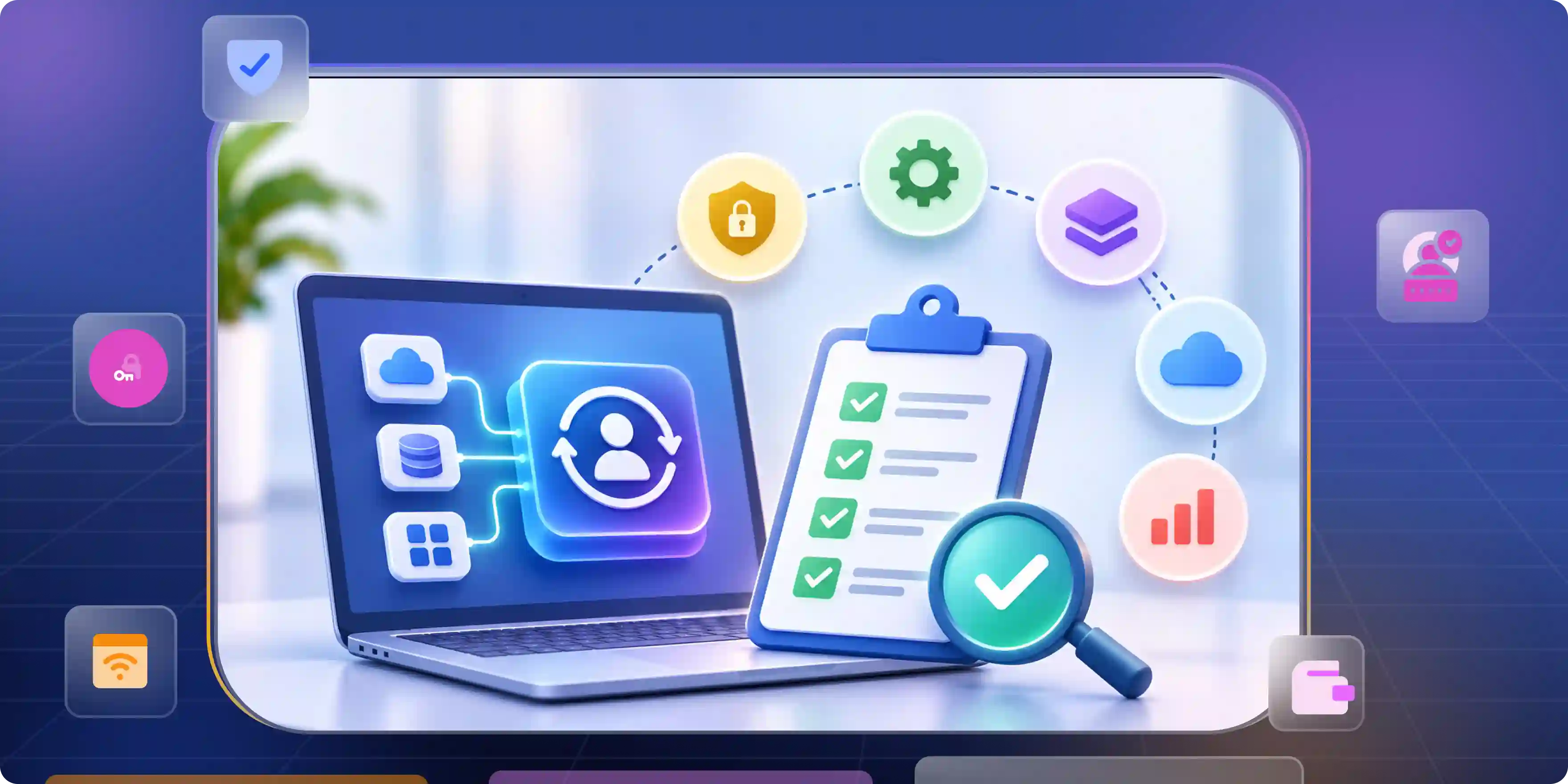
Identity Orchestration Means Three Different Things to Vendors
Talk to three vendors, and you might get three different answers about identity orchestration tools. One may focus on login flows, another on connecting identity systems, and a third on managing user access.
- Authentication orchestration: This is about what happens when someone signs in. Some users may need only a password, while others face extra security checks before they can get in.
- Identity integration: Many companies have identity tools that don't work well together. Connecting them makes it easier to manage access across older apps, cloud services, and products from different vendors.
- Lifecycle orchestration: Employee access changes all the time. New staff need accounts, people changing jobs need different permissions, and those leaving the company should lose access. That's where identity lifecycle management fits in.
Some platforms cover all three areas, while others handle only one. So, before comparing identity orchestration vendors, it helps to know what you actually need.
How We Evaluated These Platforms
A long feature list doesn't tell you how well a platform will work once it's part of your business. The more useful questions are about everyday use, connections, and the work needed to keep everything running.
- Workflow flexibility: Can you change login steps for different users? This matters when one standard process doesn't fit every situation.
- Integration coverage: A platform may connect easily to popular identity providers but struggle with older apps. Those gaps can add time and cost.
- Legacy system support: Older apps don't always support modern login methods. Connecting them may need extra software or custom work.
- Audit visibility: When someone gets access, it's useful to know why. Clear records also make it easier to understand what happened when something goes wrong.
- Ongoing effort: Every platform needs setup, testing, and maintenance. A tool that saves time in one area may create more work somewhere else.
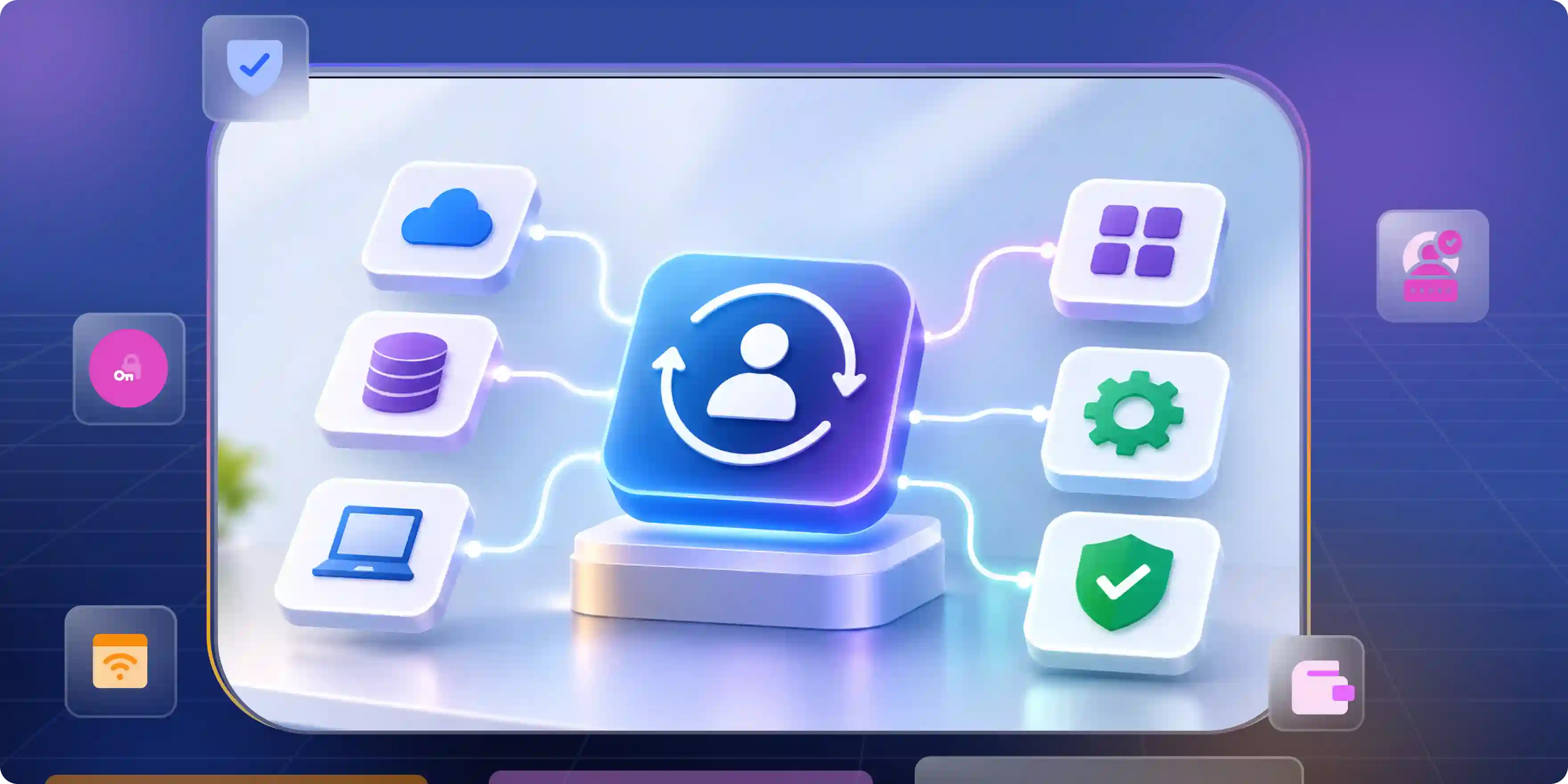
Identity Orchestration Platforms Compared at a Glance
The 10 Best Identity Orchestration Platforms Right Now
1. PingOne DaVinci: Best for Complex Login Flows
PingOne DaVinci lets teams build login journeys by connecting services and deciding what happens at each step. It's worth a look when employees, partners, and customers all need different ways to sign in.
- Workflow control: Teams can change login steps without rewriting every part of an app's code. That gives them more freedom to handle different user needs.
- What to expect: Custom flows still need care. When a connected service changes, the login journey may need testing too.
2. Monokee: Best for a Wider Identity Setup
Monokee brings identity workflows, access management, and identity governance together. It's aimed at companies that want these parts to work as one setup rather than manage them through separate tools.
- Connected systems: The platform can link login journeys, access rules, and user accounts. That can help when several identity systems need to share information.
- The catch: Not every company has the same mix of apps. Older systems or unusual setups may need extra work to connect.
3. Oracle Access Governance: Best for Identity Governance
Oracle Access Governance focuses on identity governance, access rights, account provisioning, and access reviews. It helps organizations manage who can access their business systems and what permissions they have. Its main focus is not on creating customer login experiences.
- Account Changes: The platform supports identity lifecycle management, including employee onboarding, internal transfers, and offboarding. It also helps automate account provisioning and update access permissions when an employee's role changes.
- Where Problems Appear: Missing user information or failed system connections can cause account details to become out of sync. This can create problems when an employee's access needs to be updated quickly.
4. Rubrik: Best for Identity Continuity and Recovery
Rubrik is known for its data security and recovery solutions. Its identity resilience features focus on keeping identity services available and helping organizations recover their identity systems. In June 2026, Rubrik announced these capabilities following its acquisition of Strata Identity.
- Recovery Focus: Identity Continuity helps keep authentication running by automatically switching to a secondary identity provider if the primary provider goes down. Identity Roll Forward focuses on restoring identity systems to a clean and up-to-date state.
- Different Purpose: Rubrik's identity resilience features serve a different purpose than a general login flow builder. They are more useful for organizations that need to keep identity services available and recover identity infrastructure when something goes wrong. When Rubrik made its announcement in June 2026, both capabilities were still in private preview.
5. Transmit Security: Best for Customer Login Security
Transmit Security focuses on customer identity, login security, and fraud checks. It may suit banks, retailers, and other businesses that need to protect accounts without making every login difficult.
- Risk-based login: An unusual login may trigger an extra check, while a familiar one may need fewer steps. The experience changes based on the level of risk.
- The trade-off: Extra checks can protect accounts, but they can also frustrate genuine customers. Account recovery and failed logins often show where the process gets in the way.
6. Descope: Best for Developers
Descope gives developers visual tools to build login and identity flows. It's useful for teams that want to add sign-in features without writing every step from scratch.
- Building app flows: Developers can shape login around what their app actually needs. That's handy when standard login options don't offer enough control.
- What it doesn't replace: Building app login flows is different from managing employee access across a large company. Broader governance needs may call for another tool.
7. Okta Customer Identity Cloud: Best for Custom App Login
Okta Customer Identity Cloud, built around Auth0, helps teams manage customer logins and customize authentication workflows through Auth0 Actions. It's a good choice when the login experience is an important part of the product.
- App Integration: Teams can connect login processes with other services and use Actions to add custom logic to authentication workflows. This gives developers more control over how customers sign in and interact with their apps.
- Keeping Workflows Working: Custom Actions offer more flexibility, but they also require regular maintenance. Changes to an application can affect login or account recovery if the related workflows aren't updated to match.
8. Microsoft Entra ID: Best for Microsoft-Based Companies
Microsoft Entra ID manages employee identity, single sign-on, and access rules. Companies already using Microsoft products may find that it covers much of what they need.
- Microsoft connection: Entra ID works closely with the wider Microsoft environment. That can make identity management easier for businesses already using its tools.
- Older apps: Legacy applications may need additional integration methods before they can connect to the platform. Microsoft Entra ID offers options such as Application Proxy and header-based authentication for certain applications. However, compatibility depends on how each application handles authentication and its technical requirements. Some older applications may still need custom integration or may not support the available methods.
9. Infisign UniFed: Best for Customer Identity and Application Access
Infisign UniFed focuses on customer identity, authentication, and application access. It helps organizations manage how customers sign in to applications and access connected services. It's worth exploring when a business needs SSO, MFA, and flexible authentication options across its applications.
- Authentication options: UniFed supports single sign-on (SSO), multi-factor authentication (MFA), and passwordless authentication methods. These options help businesses manage user sign-ins without relying on passwords alone.
- Connecting applications: The platform supports application integrations and directory connections, including SAML, OIDC, and integrations with identity providers such as Okta, Microsoft Entra ID, and LDAP. This can help when different identity systems need to work together.
- User provisioning: UniFed supports SCIM-based provisioning and automated user management for connected applications. This helps reduce the manual work involved in creating and managing user accounts.
- Where it fits: UniFed is more focused on customer identity and application access than connecting security tools across an entire enterprise. Organizations with broader orchestration needs should check whether its integrations and workflows cover their specific requirements.
10. SailPoint Identity Security Cloud: Best for Identity Governance
SailPoint focuses on identity security and governance. It helps organizations track which users can access specific systems, manage access rights when people's roles change, and maintain the right permissions across enterprise applications.
- Managing Access: Large organizations often have too many users and applications to manage access manually. SailPoint helps simplify this process by automating identity lifecycle management, account provisioning, access reviews, and user permission changes.
- The Right Use Case: SailPoint is mainly designed for identity governance and lifecycle management rather than building customer login flows. It's a better fit for organizations that need to manage enterprise access and make sure users have the right permissions for their roles.
Where Orchestration Projects Break After the Demo
A demo usually looks smooth. Someone signs in, the checks work, and access is granted. Real systems are less predictable. User records go missing, apps stop responding, and account changes don't always reach every connected system.
- Conflicting identity data: An employee may have two accounts, or a contractor may be missing from the main user system. That can stop a workflow or give someone the wrong level of access.
- Failed connections: An app may reject user details or stop responding during account setup. The result may be an account that was only partly updated.
- Machine identity controls: Service accounts and automated systems need access rules too. In hybrid cloud setups, protecting machine identities across different environments becomes another part of the identity problem.
Palo Alto Networks' 2026 Identity Security Landscape reports that machine identities outnumber human identities by 109 to 1 in its survey. The exact ratio varies by company, but automated identities are a major part of modern IT.
Questions to Ask Before You Sign an Orchestration Contract
The feature list is only part of the cost. Setup, support, and future changes can also affect whether a platform is worth it.
- Connector costs: Some connections may be included, while others cost extra or need custom work. That can change the final price.
- Workflow testing: A flow that works in a test may fail with real users. Testing and the ability to restore an older version can help limit the damage.
- Service failures: Identity providers and apps can go offline. How the platform reports a failure and restores the process matters when people need access.
- Access records: These records explain why someone was allowed into a system. It's also important to know who can change workflows and view sensitive data.
- Total cost: Setup, support, connectors, and usage may all add to the price. The first quote may not show the full cost over time.
- Moving later: Workflows can be hard to move if they depend on one platform. That can limit a company's options when its needs change.
Microsoft's Zero Trust identity guidance explains how identity protection and access controls fit into a wider security setup.
Fewer Layers Beat More Orchestration
The best identity orchestration software for complex workflows isn't always the one with the most features. If one identity provider already meets a company's needs, adding another platform may create more work than value.
The situation changes when several identity providers, older apps, and security tools need to work together. An orchestration layer can connect them and make the overall process easier to manage.
Switching tools also takes time. In a DevOps discussion about moving from HCP Vault Secrets, the wider challenge of changing systems comes through clearly: existing connections and workflows matter just as much as the new product.
Infisign UniFed
Infisign UniFed is worth exploring for organizations looking to simplify identity management across connected systems. Infisign offers SSO, MFA, and identity access management capabilities that help manage application access. Before choosing it for orchestration workflows, verify support for required integrations and lifecycle processes.
- Single Sign-On (SSO): Simplifies access to supported applications through a single sign-in.
- Multi-Factor Authentication (MFA): Adds an extra verification step to help protect user accounts.
- Identity and Access Management: Helps manage access to supported applications and enforce access policies.
Schedule a demo with Infisign to review its features, discuss your identity workflows, and assess how they fit your existing systems.
FAQ
What is an identity orchestration platform?
An identity orchestration platform connects identity providers, apps, and security tools so they can work together during login and access changes.
What is the difference between identity orchestration and IAM?
IAM manages identities and access. Orchestration connects workflows across IAM systems and other services.
Is identity orchestration the same as an identity fabric?
No. An identity fabric is a wider setup that may include orchestration, governance, and access management.
Do I need an orchestration platform if I already have an IdP?
Not always. One identity provider may be enough for simple needs, but complex workflows may need orchestration.
Can identity orchestration work with legacy apps that don’t support SAML or OIDC?
In some cases, integration methods such as application proxies, header-based authentication, and custom connectors can help connect legacy applications. However, using a proxy does not mean every application will work with modern authentication. The right approach depends on the application's existing authentication method and technical requirements.


