


Ever wondered why some MFA tools strengthen security while others simply add another login step?
Choosing the best MFA provider is no longer about comparing features and pricing alone.
Teams also need to consider phishing resistance, adaptive authentication, integrations, user experience, and long-term scalability.
This guide compares the top MFA tools to help you find a solution that protects users without creating unnecessary friction.
Best MFA Providers: Comparison
How We Evaluated These MFA Tools
MFA tools usually sound similar when you read feature pages. The real difference starts when people log in every day and security has to work without slowing work.
The comparison focused on real usage so you can understand what actually defines the best multi factor authentication tools in practical environments.
- Phishing resistance. Modern login attacks target user behavior and fake sign in pages. Tools that support passkeys, WebAuthn and strong device verification scored higher. OTP apps stayed basic because codes can still be captured through phishing.
- Adaptive security. Good MFA analyzes login context like device location and behavior signals. Extra verification appears only when risk increases so normal authentication stays fast.
- Integration reality. Companies run cloud apps, legacy systems and SSO platforms together. MFA tools that integrate smoothly with these environments help security teams deploy protection without complex changes.
- Compliance and control. Security teams need clear logs policy management and authentication visibility. Tools that provide strong audit trails and governance support ranked higher because compliance monitoring is constant.
10+ Top Multi-Factor Authentication (MFA) Tools
1. Cisco Duo
Cisco Duo is built for teams that want strong security without making login hard for users. It focuses on phishing resistant authentication and simple rollout across apps and devices. The platform supports many verification methods which makes it a practical choice among modern MFA solutions for smooth and secure access.
Key Features
- Phishing Resistant Login. Duo supports phishing-resistant authentication methods such as FIDO2/WebAuthn, and verified push authentication which help reduce phishing-based login attacks and protect user identities.
- Flexible Authentication Methods. You can use authenticator apps, biometrics tokens or passwordless options based on user need. Users can still authenticate even in offline or edge cases which improves reliability.
- Device Trust Controls. Duo does not only check identity but also verifies device health before access. Security teams like this because it supports zero trust principles.
- Wide Integration Ecosystem. Duo supports many applications and infrastructure setups. Security teams can protect VPNs, cloud apps and legacy tools without heavy changes.
Pros
- Duo checks both user identity and device trust before giving access. This means risky devices can be blocked early and you get stronger zero trust style security.
- Adaptive access policies help change authentication based on user device and location. Security teams like this because risk decisions happen automatically.
- Duo supports many authentication methods and integrates with SSO environments. Users can choose strong factors like passkeys or push approval.
Cons
- Advanced features like complete device trust are tied to higher pricing tiers. Smaller teams may feel cost pressure when they need deeper controls.
- Device posture checks add security but sometimes increase setup effort. Admins need proper endpoint configuration before everything works smoothly.
- Enterprises with very custom identity flows may still need extra integration work. Duo fits many systems but not every complex architecture out of the box.
2. Infisign MFA
Infisign is a newer identity platform that focuses on adaptive MFA and AI driven access control. It is designed to work across cloud, hybrid and legacy environments which helps companies with mixed infrastructure.
The tool also pushes passwordless access and zero trust style verification to reduce credential risk. It is especially useful for organizations that want automation and modern identity workflows.
Key Features
- Phishing Resistant and Strong Authentication. Infisign focuses on modern authentication methods that reduce password risk. The platform supports passkeys, biometrics, and strong second factors.
- Adaptive and Risk Based MFA. Infisign evaluates login context before granting access. The system checks signals like device type, location, user behavior and access role. When risk appears the system automatically triggers stronger verification.
- Integration Capability. Infisign connects identity security across cloud apps, legacy systems and hybrid environments through one platform. The system supports 6000+ application integrations which allows companies to extend MFA and SSO to SaaS apps internal tools and older systems.
- Compliance and Governance Support. Infisign supports authentication controls that help organizations align with security standards such as SOC 2, GDPR, HIPAA and ISO 27001. Central policy management, audit logs and access visibility help security teams maintain compliance during audits.
- User Experience and Ease of Adoption. Infisign focuses on reducing login friction so users adopt MFA easily. The platform allows flexible login methods such as biometrics, push approval, OTP and QR based authentication.
Pros
- Infisign pushes adaptive MFA using AI so login security changes based on context. This reduces unnecessary login friction while still protecting sensitive access.
- Passwordless login removes password risk completely. Users can sign in using passkeys, biometrics, device based authentication, OTP, or QR based login methods.
- The platform also focuses on automation and lifecycle access control. Admin work becomes lighter because workflows can be automated.
Cons
- Passwordless authentication requires the use of its encrypted password vault feature.
3. Microsoft Entra ID
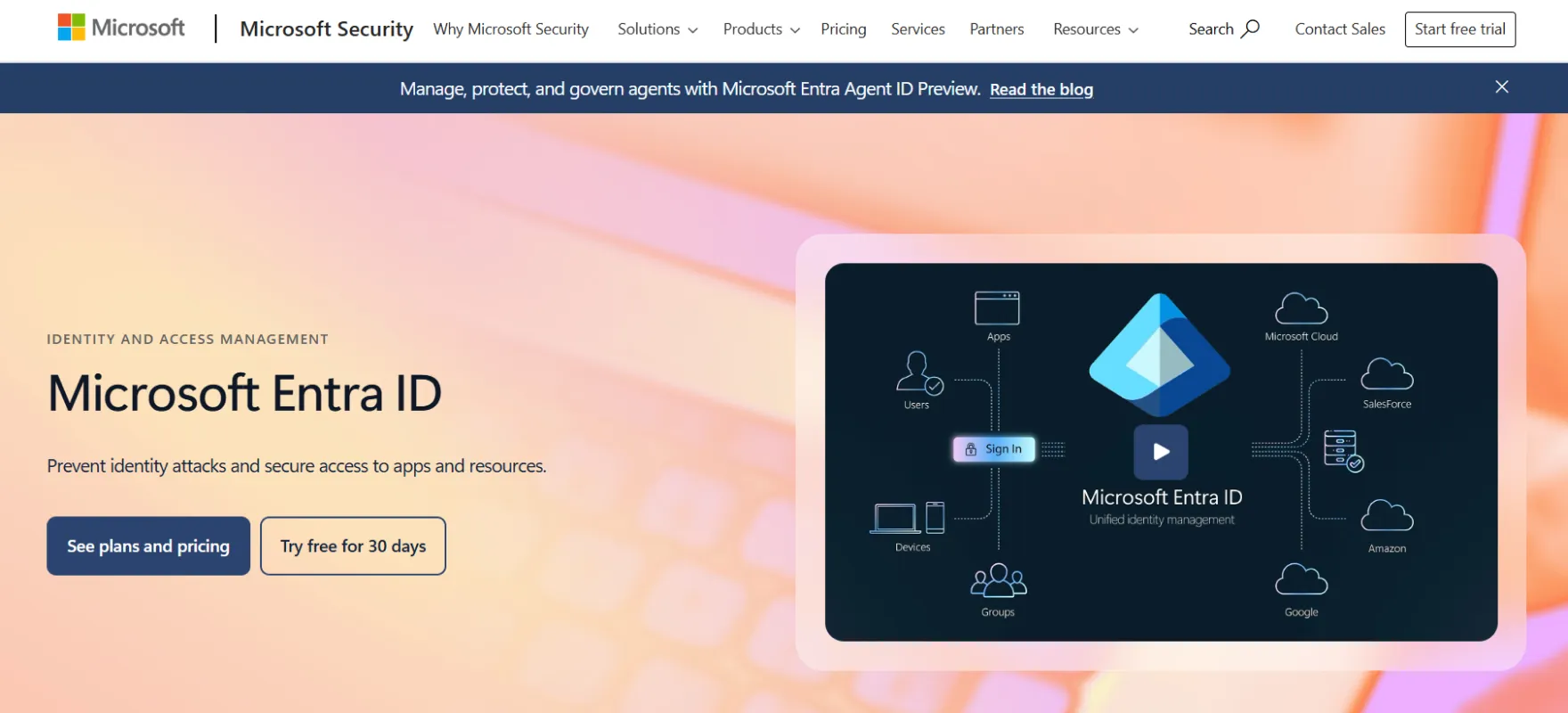
Microsoft Entra ID is a strong choice among MFA providers for organizations already using Microsoft cloud services. Its MFA security solutions layer is tightly connected with conditional access and identity policies. The platform adds extra verification during sign in to protect apps and company data.
Key Features
- Conditional Access Integration. Entra MFA works closely with conditional access policies. Risk based rules improve security while avoiding unnecessary prompts.
- Multiple Authentication Methods. Users can verify identity using methods such as Microsoft Authenticator push approval, one time passcodes, biometrics through Windows Hello, FIDO2 security keys, or passkeys.
- Enterprise Scale Management. Entra provides centralized identity management across apps and services. Security teams can monitor and enforce policies from one place.
- User Experience Controls. Admins can customize user experience options such as suspicious activity reporting and MFA behavior. Good UX matters because poor MFA experience causes user pushback.
Pros
- Entra MFA works tightly with conditional access policies. Security teams can decide when MFA is required based on risk or user role.
- Combined registration experience helps users set up MFA and recovery in one flow. This reduces confusion during onboarding and lowers support tickets.
- Strong integration with the Microsoft ecosystem makes rollout easier for organizations already using Microsoft services.
Cons
- Companies outside the Microsoft ecosystem may not get the same smooth experience. Integration is strongest when Microsoft tools are already in use.
- Conditional access policies are powerful but can feel complex for beginners. Wrong configuration may cause unexpected login prompts.
- Some advanced identity security scenarios may require premium licensing tiers. Budget planning becomes important when scaling to large user bases.
4. Okta Adaptive MFA
Okta Adaptive MFA is often considered a best multi-factor authentication provider for contextual security where login decisions change based on risk signals. The platform uses behavioral and device data to decide when step up authentication is needed.
Key Features
- Context Aware Authentication. Okta looks at device behavior, location and risk signals during login. If risk changes it can ask for stronger verification.
- Dynamic Policy Enforcement. Security policies adjust automatically based on context and behavior. This helps organizations react to threats in real time.
- Modern Factor Support. Okta supports a broad set of modern authentication factors. This helps companies adopt stronger login options beyond SMS or basic codes.
- Device Posture Checks. The platform can evaluate whether a device meets security requirements before granting access. Non compliant devices can be restricted automatically.
Pros
- Okta uses risk based authentication to adjust login security dynamically. Suspicious login attempts trigger stronger verification while normal ones stay smooth.
- Risk scoring engine analyzes sign in signals to detect possible malicious behavior. Security teams get smarter decisions during authentication.
- Large ecosystems and modern factors make integration easy across apps and networks. Many enterprises like this flexibility when managing hybrid environments.
Cons
- Advanced adaptive features can feel complex for smaller teams. Proper configuration needs understanding of risk policies.
- Enterprises sometimes need extra add ons for deeper threat protection. This can increase overall cost when advanced security is required.
- High flexibility means more decisions during setup. Teams must carefully design authentication flows. Beginners may feel overwhelmed initially.
5. Ping Identity
Ping Identity offers MFA as part of a larger enterprise identity platform focused on balancing security with user experience. It supports workforce and customer identity use cases and strengthens phishing resistant MFA strategies which makes it flexible for different business models.
Key Features
- Adaptive Cloud MFA. Ping MFA can adjust security requirements based on context and risk. Organizations can secure both employees and partners with similar policies.
- Strong Authentication Factors. The platform supports mobile based verification and additional authentication methods. Strong factors reduce account takeover risk which is critical for enterprise apps.
- Federation and SSO Integration. Ping integrates deeply with federated identity systems and enterprise SSO environments. Teams can add MFA without redesigning their login architecture.
- Customer and Workforce Identity Coverage. Ping supports both employee and customer authentication journeys. Companies running external customer apps benefit from this flexibility.
Pros
- Ping supports adaptive authentication where login behavior changes based on network or context. This helps reduce friction while keeping strong security controls.
- PingID provides strong authentication using mobile devices and additional factors. This improves security posture while keeping login simple for users.
- Ping tools integrate well with federation and VPN use cases. Companies can add MFA without redesigning everything.
Cons
- Setup can feel enterprise heavy for small teams. Many features are designed for large organizations and federated environments.
- Adaptive policies require planning and understanding of network behavior. Without good policy design login flow can become confusing.
- Full platform value often appears when multiple Ping products are used together. Teams wanting only basic MFA may not use all capabilities.
6. AuthX MFA
AuthX is designed for organizations that need strong authentication across distributed environments without adding friction. It focuses on adaptive MFA and passwordless authentication with deep endpoint and device-level security, making it a solid choice among modern MFA solutions.

Key Features
- Phishing Resistant Authentication. AuthX supports passwordless login with passkeys, biometrics, badge tap, and push, reducing passwords and blocking phishing attacks.
- Adaptive Risk Based MFA. Evaluates device, location, and behavior, triggering extra authentication only when risk increases.
- Endpoint and Device-Level Security. Ensures only trusted users and healthy devices can initiate sessions, especially in shared and virtual setups.
- Integration Capability. Works across cloud, on-prem, legacy, and non-federated apps, extending MFA and SSO where modern protocols are not supported.
- Compliance and Governance. Provides centralized visibility, audit trails, and policy controls for standards like HIPAA, SOC 2, and GDPR.
- User Experience Optimization. Enables fast, frictionless access with passwordless login, session roaming, and badge tap.
Pros
- It delivers adaptive MFA combined with endpoint-level security, reducing gaps between device and application access.
- Passwordless authentication improves both security and user experience across environments.
- Unified platform reduces dependency on multiple identity tools and simplifies management.
Cons
- Full capabilities may require integration across endpoints, applications, and identity systems to realize maximum value.
7. OneLogin MFA
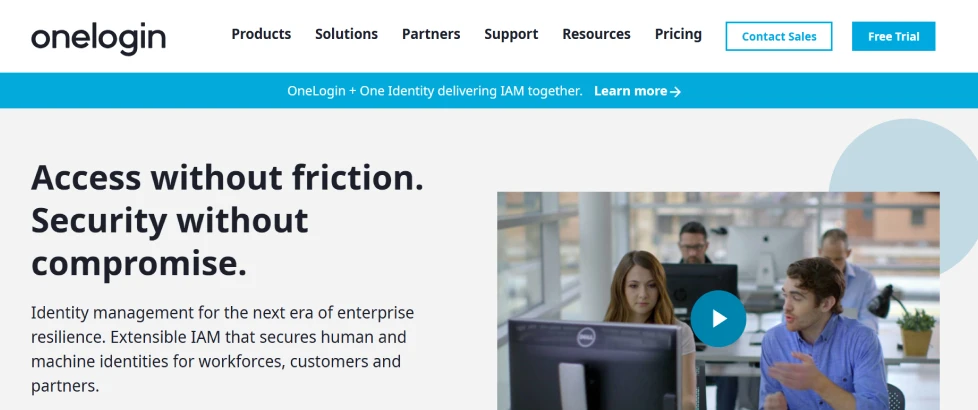
OneLogin MFA is designed for companies that want strong identity protection with simple daily use and it stands among modern MFA providers. It works closely with the OneLogin identity platform so admins can manage access and authentication in one place while supporting biometric multi factor authentication for stronger and smoother login security.
Key Features
- Push Based Authentication. Users can approve login with a single tap instead of typing codes. Security stays strong because approval still happens on a trusted device.
- Multiple Factor Support. OneLogin supports different authentication factors such as OTP SMS email voice and WebAuthn options. Flexible factors also help when onboarding mixed workforce environments.
- Admin Level Control. Security teams can configure authentication factors from the admin dashboard and assign them to users. Teams can quickly adjust settings when security needs change.
- API Driven MFA Management. Developers can enroll devices, trigger OTP and verify authentication through API endpoints. This makes it easier to connect MFA with custom apps or internal systems.
Pros
- OneLogin supports many authentication factors including OTP email, SMS voice and WebAuthn. This flexibility helps organizations choose what fits their users best.
- SmartFactor adaptive authentication uses machine learning to evaluate risk during login. This reduces unnecessary prompts and improves usability.
- Push based authentication helps speed up login experience. Users approve access quickly which improves adoption.
Cons
- Adaptive authentication still needs proper policy tuning to avoid wrong risk scoring. Admins may need time to optimize settings.
- Organizations with very custom workflows might still need integration effort. OneLogin covers many apps but unique environments can require extra work.
- Advanced passwordless and modern factors may require user education. Some employees are not familiar with newer methods.
8. Auth0
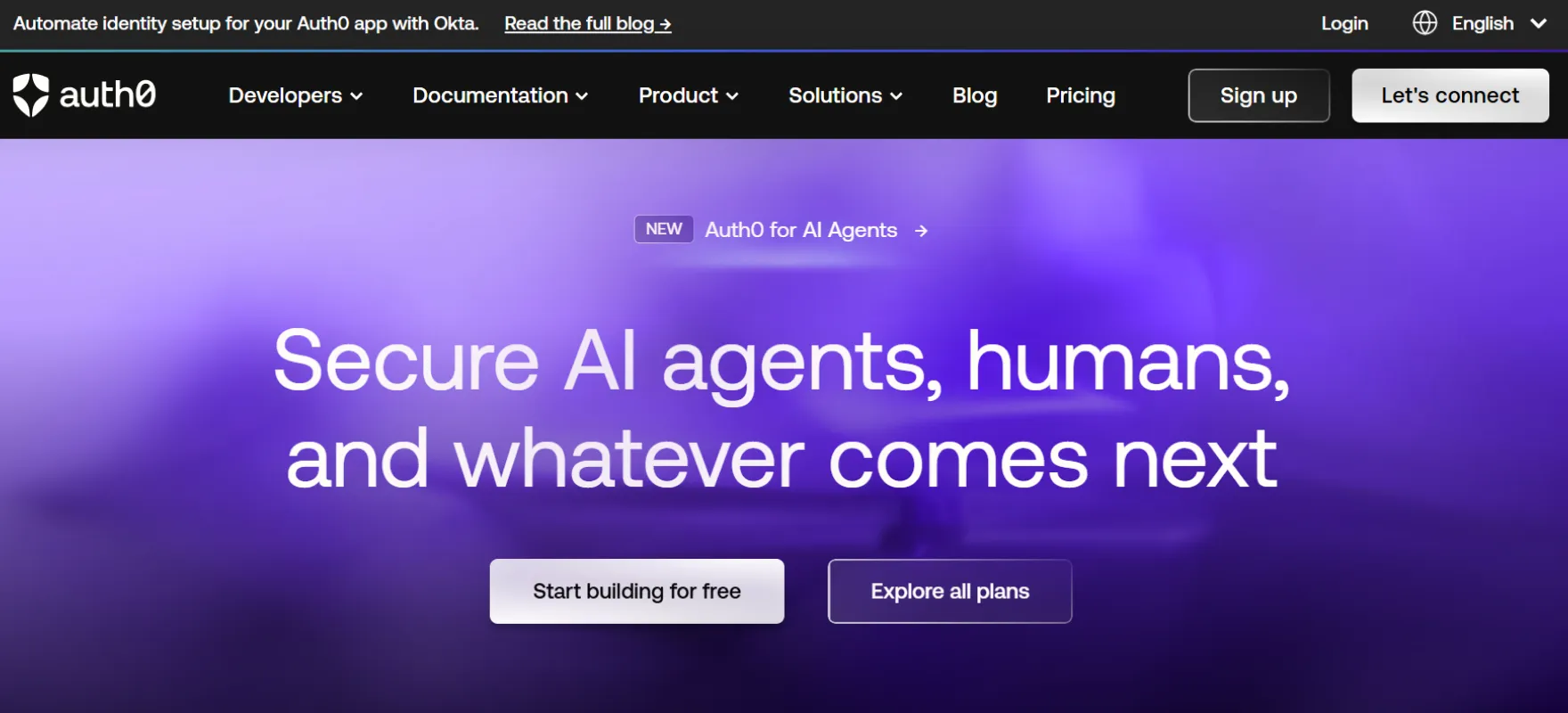
Auth0 MFA focuses on modern application security where login decisions depend on real risk instead of fixed rules. Adaptive MFA allows the system to request extra verification only when behavior looks suspicious which supports strong hybrid MFA security across different environments.
Key Features
- Adaptive Risk Detection. Auth0 evaluates each login attempt and checks risk signals before deciding if MFA is needed. It is very useful for consumer apps where login speed matters.
- Flexible Policy Modes. Admins can choose never always or adaptive MFA policies depending on business needs. Policy control also helps match compliance requirements.
- Push and Modern Factors. Auth0 supports modern factors including push notifications through Auth0 Guardian. Push verification feels smoother than manual codes and improves usability.
- Risk Logging and Visibility. Adaptive MFA events are recorded inside tenant logs with risk assessment details. Security teams can analyze patterns and improve policies over time.
Pros
- Adaptive MFA triggers only when login risk is high. This protects accounts without adding friction for normal users.
- Flexible policy options allow admins to choose never always or adaptive MFA. Teams can roll out gradually and increase security later.
- Risk assessment logs help security teams monitor authentication behavior. Visibility makes it easier to improve policies over time.
Cons
- Developer oriented design may feel technical for non engineering teams. Setup often expects some identity knowledge.
- Adaptive policies require tuning to match real user behavior. Wrong thresholds can cause extra prompts or weak protection.
- Organizations wanting fully managed enterprise workflows may need additional configuration. Auth0 gives flexibility but not always out of box simplicity.
9. Google Authenticator
Google Authenticator is a lightweight app that generates verification codes for two step authentication. It is simple and widely used because setup is quick and does not require complex configuration which is why many MFA providers support it as a standard authentication option.

Key Features
- Offline Code Generation. The app generates verification codes directly on the device so internet connection is not required. This helps users authenticate even during travel or poor connectivity.
- Easy Setup Flow. Users can enable authenticator based login from account security settings and follow simple steps. Once configured the app works automatically in the background.
- Stronger Than SMS. Google recommends authenticator apps as a more secure option compared to SMS verification. App based codes reduce risks linked with SIM swap attacks.
- Backup Code Support. Users can generate backup codes for account recovery when devices are unavailable. Recovery options are important for real world MFA usage.
Pros
- Codes work offline after setup which makes it reliable without internet or mobile signal. This is useful for travel or restricted environments.
- The app is simple and lightweight so beginners can start quickly. Setup usually takes only scanning a QR code. No complex account management is needed.
- Codes are generated locally on the device using the TOTP standard and do not require network connectivity. This allows users to generate verification codes securely even without internet access.
Cons
- If users lose access to the app and do not prepare backups recovery becomes hard. Many users forget this step.
- The app focuses mainly on code generation and lacks advanced enterprise management features.
- Users must manually enter codes which feels slower compared to push approval methods. Modern MFA tools sometimes feel smoother.
10. Authy
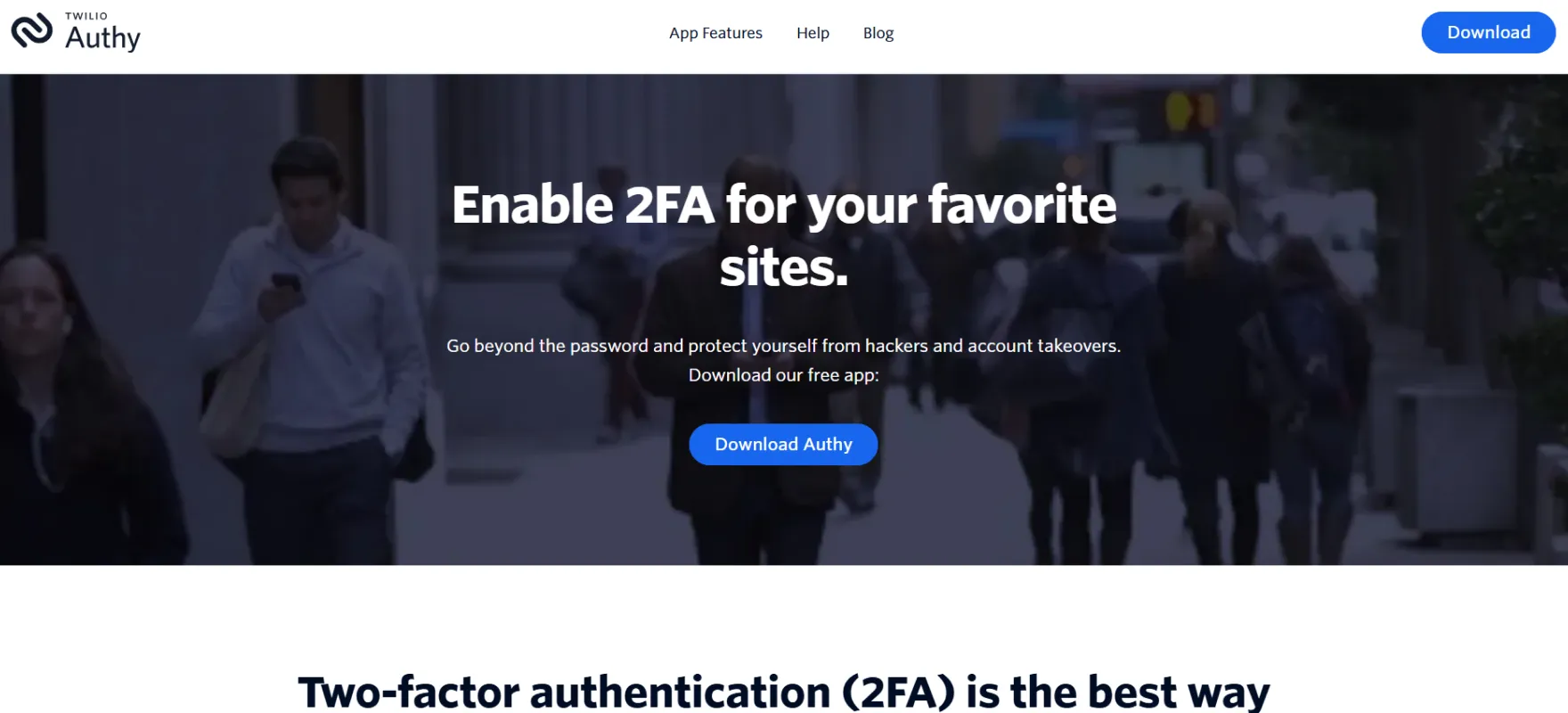
Authy is a multi device authenticator app focused on convenience and strong account protection. It generates secure two step verification tokens and works across mobile and desktop environments as part of modern multi factor authentication tools designed for simple everyday security.
Key Features
- Multi Device Access. Authy allows users to access authentication tokens across devices. This helps when switching phones or using desktop workflows.
- Secure Token Generation. The app generates secure verification tokens locally on the device. Token based security is simple yet effective.
- Cloud Backup Support. Authy includes secure backup options so users can recover accounts if devices are lost. Backup reduces fear of switching devices or upgrading phones.
- Push Notification Approval. Authy mainly works as a TOTP authenticator that generates verification codes on the device. It does not natively provide push based MFA across services.
Pros
- Authy supports multi device access which helps users avoid lockouts when switching devices. Power users managing many accounts benefit a lot.
- Cloud backup helps restore tokens safely after device loss. Recovery becomes easier compared to some basic authenticators.
- The app focuses on simple token generation with smooth usability. Setup is easy for non technical users. Security stays strong without complicated settings.
Cons
- Cloud backup convenience means users must trust cloud based recovery design. Some security focused users prefer fully local storage.
- Enterprise level policy management is limited compared to full identity platforms. Large companies may need extra tools for centralized control.
- Advanced adaptive or risk based authentication is not its main focus. It mainly handles token generation and approval flows.
11. LastPass
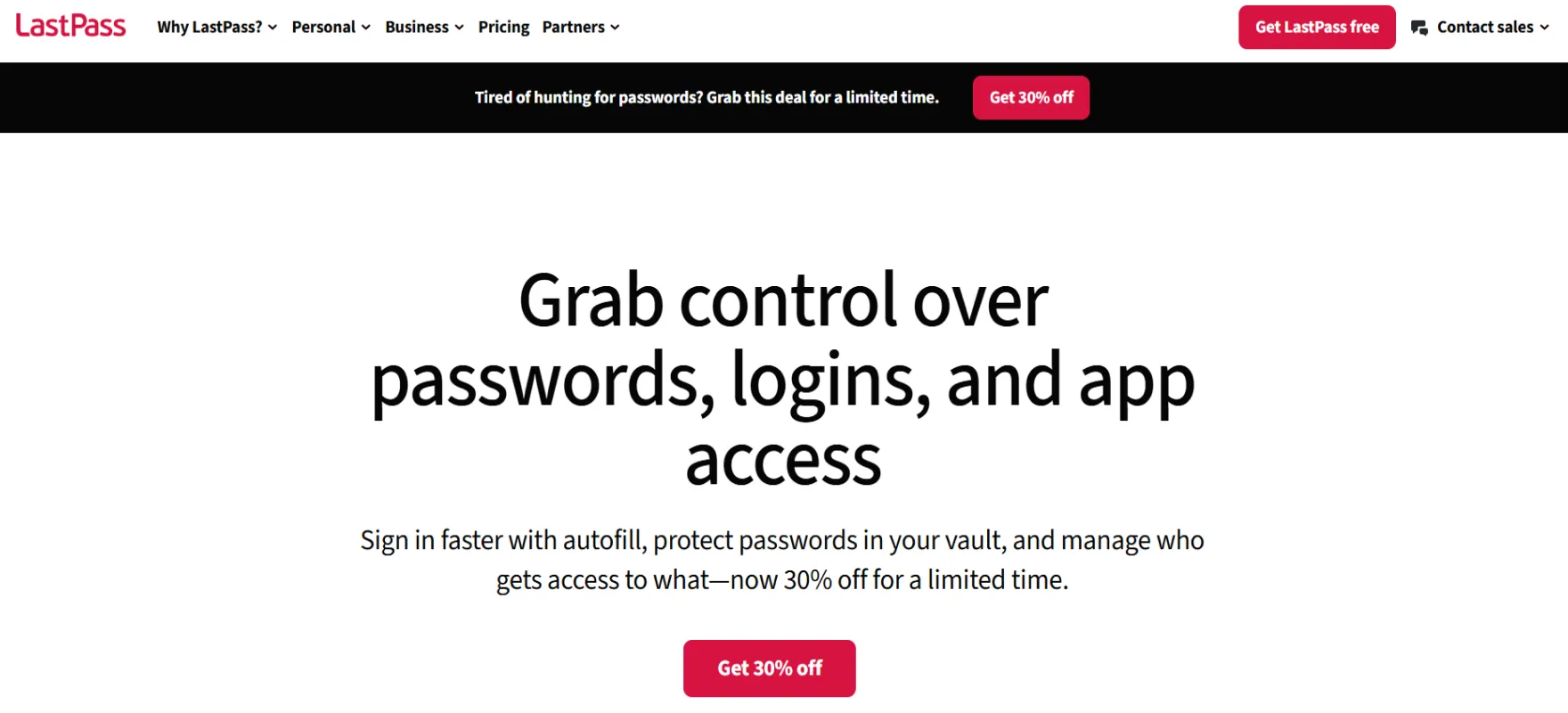
LastPass offers authentication tools that add an extra layer of login protection beyond passwords. Its authenticator app supports one tap verification and code based authentication and it is often used alongside modern MFA providers to secure many online services.
Key Features
- One Tap Verification. Users can approve login with a single tap instead of typing codes. This makes authentication faster and reduces friction during repeated logins.
- TOTP Code Support. The app can generate six digit one time passcodes for supported services. Standard TOTP support makes setup simple.
- Cloud Backup Convenience. LastPass Authenticator offers secure cloud backup so users can recover accounts when devices change. Recovery options are critical for real world adoption. Users feel safer knowing access can be restored.
- Cross App Compatibility. It works with the LastPass account and other supported apps which increases flexibility. Users do not need separate authenticators for every service.
Pros
- LastPass Authenticator supports one tap approval which makes login faster and easier. Users do not need to type codes every time.
- Supports standard TOTP codes so it works with many services. Users can manage multiple accounts in one app.
- Backup and recovery options help users restore access after device changes. This reduces lockout risk and improves confidence.
Cons
- It is mainly an authenticator app and not a full adaptive MFA platform. Enterprises needing advanced risk based authentication may find it limited.
- Users still need to manage backup carefully to avoid account loss. Many people ignore recovery setup until problems happen.
- Organizations wanting deep policy control and centralized management may require additional identity solutions.
12. Keycloak
Keycloak is an open source identity and access management platform used by organizations that want full control over authentication flows. It supports two factor authentication and advanced login customization for enterprise applications
Key Features
- Custom Authentication Flows. Keycloak allows admins to build and modify authentication flows based on organizational needs. This means MFA can be enforced conditionally or adapted for different user groups.
- WebAuthn and Passkey Support. The platform supports modern authentication methods including WebAuthn. These methods improve phishing resistance and strengthen identity verification.
- Account Self Management. Users can manage profiles, change passwords and enable two factor authentication through the account console. Self service reduces admin workload and improves user control.
- Recovery Codes for Backup Access. Keycloak supports recovery authentication codes as a backup second factor. It is an important detail for real production environments.
Pros
- Keycloak gives full control over authentication flows and MFA logic. Admins can design custom flows based on business needs.
- Supports modern authentication methods like WebAuthn and strong factors. This helps build phishing resistant login systems.
- Open source nature allows deep customization and no vendor lock feeling. Teams can host and manage everything themselves.
Cons
- Requires technical expertise to deploy and maintain properly. Teams without identity experience may find setup difficult.
- Self hosted management means updates and security maintenance become your responsibility. Managed SaaS tools reduce this burden.
- Initial configuration can take longer compared to ready made cloud MFA tools. Customization power also means more decisions during setup.
How to Choose the Right MFA Tool?
Most people choose MFA the wrong way. They compare feature lists and pricing tables and then wonder why users complain later. Smart choice starts with one simple question. Will this tool protect accounts without making login painful every day?
Real MFA thinking is about balance. Security must feel invisible when everything is normal and strong when something looks risky.
- Stop thinking about codes only. OTP apps look easy but modern attacks easily target human mistakes. Strong MFA today means phishing resistant login like passkeys device trust or hardware backed authentication.
- Look for smart behavior, not more prompts. Good MFA tools watch context quietly. Device changes, strange locations or unusual login patterns should trigger stronger checks automatically.
- Integration decides real success. Companies never run one system. There are cloud apps, old tools, internal portals and remote access setups. If MFA cannot connect smoothly then security teams end up creating messy workarounds.
- User experience is not optional. People always choose the easiest path. If MFA feels slow users will try to bypass it or complain until rules get weaker. Push approval passwordless login and clean onboarding make security feel natural.
- Think long term, not just today. A strong MFA tool should grow with the company. Policy control audit logs and clear governance matter because security always becomes more complex later. Choosing a tool that scales saves future pain.
Finding the Right Multi-Factor Authentication (MFA) Tool
The right MFA tool is not always the one with the most features. It is the one that fits how people actually work. Some companies need enterprise level control. Some need developer flexibility.
Some just want secure login without complexity. Smart selection comes from understanding your environment and not copying someone else’s setup.
Modern direction is clear. Identity security is moving toward passwordless authentication, adaptive access and unified identity layers where security decisions happen automatically in the background.
Tools that combine strong authentication with smooth experience usually win long term because they reduce both risk and user frustration.
- Match the tool to the environment. Enterprise environments usually need adaptive policies, governance and deep integrations. Smaller teams may prefer lightweight solutions that work fast without heavy setup.
- Security should scale quietly. As teams grow, login policies become harder to manage. The right MFA platform handles this growth without forcing redesign later. Scalability means fewer migrations and less operational stress.
- Automation is the new normal. Modern MFA tools reduce manual decision making. Risk engines, device trust, and policy based logic help security stay consistent without constant admin work.
- Visibility builds confidence. Security teams need clear insight into authentication activity. Good tools show who logged in why extra verification happened and where risks appear. Visibility turns MFA from a checkbox into real control.
- Future proof direction. Passwords are slowly losing importance. Tools that already support passkeys, strong device verification, and adaptive logic are usually safer long term choices.
When authentication becomes adaptive, simple and intelligent the difference is visible almost immediately.
If you want to see how a modern identity driven MFA approach can reduce friction, improve security and lower long term operational cost then the next step is simple.
Book a demo and explore how smart MFA can transform your access security without adding complexity.
FAQs
What is the strongest form of MFA?
The strongest MFA uses phishing resistant methods, like passkeys, hardware security keys, and device bound authentication, because these reduce credential theft risk, and make login harder to intercept or reuse.
Which MFA providers support hybrid and cloud environments?
Infisign, Cisco Duo, Microsoft Entra ID, Okta, Ping Identity, and other adaptive identity platforms support hybrid and cloud environments, through integrations, centralized policies, and flexible deployment models.
What MFA solution works with Active Directory?
Infisign, Microsoft Entra ID, Cisco Duo, Okta, Ping Identity, and other enterprise identity platforms work with Active Directory, extending AD authentication with stronger verification, adaptive access, and policy driven security controls.


