


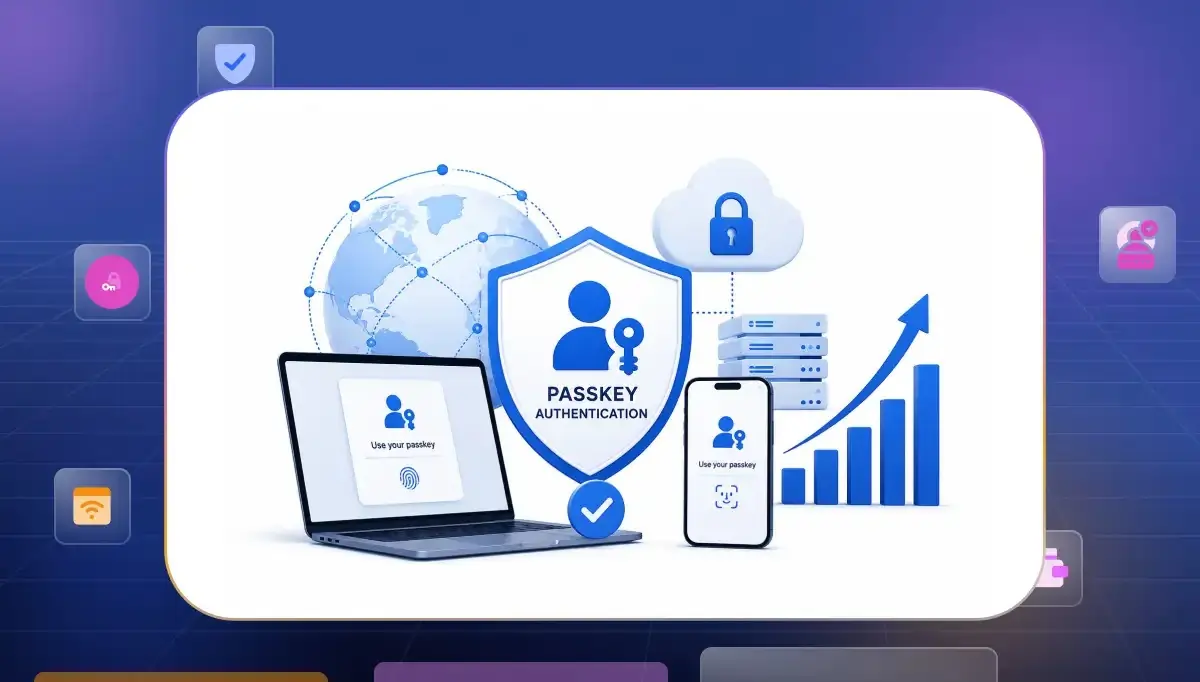

Many people now use passkey authentication to log into their accounts. This new technology replaces old passwords with safe digital keys on your device. When you want to sign in you just use your face or fingerprint. It is a very safe method because your secret details never travel over the internet. This setup makes your daily login feel smooth and keeps your data away from bad hackers. It is the easiest way to protect your apps today.
What Passkey Authentication Actually Is
Understanding these digital keys helps you see why they replace older methods of verifying identity. Every interaction relies on secure passkey based authentication standards that verify the user device without ever sharing secret codes across the internet.
Recent FIDO Alliance research shows that passkey awareness and adoption are growing fast with 75% of users already enabling them on at least one account. While many consumers are now completely familiar with the technology the actual adoption levels still vary quite a bit based on your specific region or industry or user demographic.
- FIDO Standards Based. These rules ensure everything works across different browsers or hardware setups perfectly. You get a consistent flow that behaves the same way regardless of the specific device your users hold.
- Public Key Cryptography. Magic happens through unique key pairs where the private portion never leaves local storage. Servers only hold public data, which keeps everything safe even if a database gets exposed.
- Phishing Resistance. Because these keys are tied to specific domain names, they stop users from getting tricked by fake sites. Even if an attacker makes a perfect copy of a site, the process fails because the domain details do not match.
- Hardware Security. On many modern devices private keys are protected by hardware-backed security components such as Trusted Platform Modules or Secure Enclaves or equivalent platform security modules. This keeps your keys encrypted right at the chip level to provide a level of safety that software passwords simply cannot match in today's threat landscape.
How Passkeys Work: The Two Flows You Need to Understand
To build a fast and stable system you need to look under the hood. Passkeys run on two distinct cryptographic journeys that keep your setup secure without ruining the user experience.
- The Registration Flow. When a user signs up their device creates a unique cryptographic key pair. The device keeps the private key locked safely in its local hardware and sends only the public key to your server. Your server registers this public key and links it to the user account for future verification.
- The Authentication Flow. When logging in your server issues a unique digital challenge. The user unlocks their device using biometrics or a PIN which allows the device to sign that challenge using the stored private key. The server verifies this signature against the public key to grant instant access without passwords.
Three Decisions to Make Before You Implement Passkey Authentication
Before adding passkeys to your app, you need to make a few important choices. These structural decisions will shape your development timeline and define how your users log in safely.
Synced or Device-Bound?
Choosing between storage options determines how your users handle account access if they ever lose their primary equipment. You should balance convenience against security to decide which path serves your specific user community best.
- Synced Passkeys. Keys stored in cloud accounts travel with users across their various gadgets. It makes moving between a phone and a laptop feel natural for anyone using an ecosystem like iCloud or Google.
- Device-Bound Passkeys. Device-bound passkeys keep credentials tied to a specific device to provide stronger control over where your data resides. This setup creates the ultimate security wall for sensitive tasks because it significantly reduces the risk associated with credential synchronization by keeping the key strictly on that single piece of hardware.
Build or Use a Platform?
Deciding on your WebAuthn implementation changes how much work your team does later. Here is how you can balance security needs with development speed.
- Custom Infrastructure. Creating your own backend logic gives you total power over how data moves through your system. This path is good for teams that want to manage every single piece of code themselves. It requires deep expertise to handle complex security keys safely.
- Maintenance Overhead. Building from scratch means you must update your system every time browsers change their rules. This constant tracking of new security updates can take a lot of valuable time from your engineering team over the years.
- Platform Integration. Ready-made services can significantly reduce implementation effort by providing pre-built passkey and WebAuthn functionality. This saves months of development work so you can launch your product much faster without the stress of handling complex math on your own.
- Resource Optimization. Using an existing platform keeps your team focused on building features that your users actually see. You leave the heavy security infrastructure to external experts who protect data for a living. This creates a highly stable experience without the extra workload.
What Happens to Your Existing SSO Stack?
Adding new login methods to a corporate environment requires a plan that respects your current setup. You can combine these new tools with existing systems to create a unified experience that grows over time.
- Credential Coexistence. Passkeys can coexist alongside existing authentication methods although implementation details may vary depending on your identity architecture. You can easily treat them as a primary factor or use them as a quick way to step up security for power users without causing any technical conflicts.
- Seamless Migration. Modern frameworks allow you to invite users to set up a new method after they have already logged in. This makes the transition feel helpful rather than forced during their daily work.
How to Implement Passkey Authentication Step by Step
Creating a reliable system requires careful attention to your domain settings and the way you process digital requests. You should follow a clear plan to ensure your users have a stable experience every single time they log in.
Lock Your RP Domain Before Enrollment Starts
The Relying Party ID must be perfectly aligned with your domain so that the browser does not reject the credential. Getting these settings correct at the very start saves you from weird browser errors later.
- Domain Consistency. Your domain must remain uniform across the entire journey for the standard to accept the request. If the subdomains do not match, the browser will block the entire creation process immediately.
- Proper Configuration. You should ensure that your origin matches the server configuration to prevent any security warnings. It forms the foundation of a successful flow that never frustrates your users during their first setup.
Building the Registration Flow
The registration process captures the public key and links it to a specific user account in your backend. You manage the challenge response cycle to keep the process secure and incredibly fast.
- Challenge Generation. Your server creates a unique challenge for every attempt to stop anyone from replaying old data. It ensures that every key creation is valid and tied strictly to that specific session.
- Server Side Verification. Once the client creates the key your server verifies the signature against the challenge. You verify possession of the authenticator and validate the challenge-response process according to WebAuthn requirements to confirm that the user truly has control over the device at that exact moment.
Building the Authentication Flow
Authentication is the daily process where the user unlocks their account using an existing key. You want this flow to be as quick as possible to make the login feel invisible to everyone.
- Triggering Verification. When a user enters their identity, your app initiates a request to the device for biometric or PIN confirmation. It keeps the experience fast while maintaining top security standards without effort.
- Verifying Assertions. The device sends back a response that your server checks against the public key stored earlier. If everything matches, your application grants access without requiring a password in most cases to make the login feel completely invisible.
Joon Hyuk Lee from the FIDO Alliance shared how Grab successfully scaled passkeys to millions of users, highlighting their core product philosophy: "If you unlock your phone with Face ID, why shouldn't you log in the same way? Security is no longer something you must remember. Security is who you are."
Design Recovery Before You Launch
Losing a device should not mean losing access to an account, so you must have a clear path ready. Planning for this failure scenario is what separates a pro application from a simple hobby project.
- Backup Method Setup. Always provide an alternative like a recovery email or a set of backup codes for the user. It ensures they can regain access if their authenticator becomes unavailable or they lose access to their device.
- Progressive Security. You can allow users to register multiple devices so they always have a backup at hand. It is the most natural way to handle recovery for modern users without adding extra stress.
What Good Passkey Implementation Looks Like in Practice
Companies that do this well see huge jumps in login success rates because users enjoy the experience. A good approach prioritizes user convenience by handling all the complex math in the background where it belongs.
- Reduced Friction. Users spend less time authenticating and more time accessing the services they need which can improve the overall user experience. When a login happens in under two seconds you know you have succeeded in boosting your daily active numbers.
Dennis Gamiello from Mastercard perfectly highlights this shift by asking, "What if the best experience is no experience at all? Tools such as biometric, passkeys are transforming secure setups, shifting from visible checkpoints to invisible trust."
- Measurable Gains. Organizations often report reductions in password-reset requests after introducing passkeys although results vary by deployment and user population. This change saves your support staff time and makes the entire operation much more efficient over the long run.
- Strategic Lessons. Many organizations choose phased rollouts often beginning with pilot groups before expanding deployment. This careful approach allows them to catch edge cases in different browsers before they become a wide issue for everyone.
- Outcome Optimization. By focusing on clear UI prompts you guide users through the setup without confusion. A well-designed onboarding experience can improve passkey adoption although results vary depending on the audience and implementation.
Is Your Stack Ready for Passkeys?
Before you jump into the code you should check your current system to see if it supports the right standards. Most modern passwordless authentication platforms have tools that handle this but you still need to review your specific setup.
- Tool Compatibility. Check if your current login tools have built in support for passkeys so you do not have to write everything from scratch. Using supported systems is the safest way to avoid security holes in your work.
- Browser Readiness. Ensure that you target browsers that are fully updated with the latest security rules. Testing on major platforms like Chrome and Firefox is necessary so no user gets left out.
- Server Performance. Authentication services should be designed to scale efficiently especially in high-volume environments to ensure your backend processes requests without slowing down. Modern passkey implementations typically rely on elliptic-curve cryptography and other algorithms supported by WebAuthn and FIDO standards to help keep your response times very low.
- Database Scaling. Your database needs to store public keys efficiently alongside your user data. Designing your tables to handle millions of keys without hitting index bottlenecks is essential for long term growth.
If auditing your stack and building everything from scratch feels like too much work you can use Infisign to handle the transition for you. Infisign is an advanced identity platform that brings full zero trust passkey security to your business without the usual setup headaches.
According to Infisign the platform supports integration with thousands of applications and services across enterprise environments. This means you can secure your entire workforce and customer base across cloud systems and legacy tools under one unified policy.
Infisign uses biometric security like face scans and fingerprints alongside standard device passkeys so good security feels completely effortless for your users. The platform includes AI-assisted access management capabilities designed to streamline approval workflows and reduce administrative overhead which helps cut down your IT helpdesk tickets significantly.
By letting external experts manage the heavy cryptographic infrastructure you can scale to millions of identities safely while staying completely audit ready for top compliance standards.
Optimize your enterprise identity stack without the complex engineering burden. Book a consultation call now to see how our passwordless infrastructure secures your system in real time.
FAQs
Do passkeys work with existing SSO and SAML setups?
Yes, they absolutely do because they act as a layer on top of your existing user identity. You can use passkey SSO integration to strengthen your existing login flows without needing to replace your entire setup.
How long does passkey implementation actually take?
If you use a pre-built platform, you can have a working flow in just a few days of development and testing. Learning how to implement passkey authentication from scratch is a much larger task that can take weeks depending on your team.
What is the biggest mistake organizations make when implementing passkeys?
The biggest mistake is failing to design a good account recovery flow before launching. If users cannot get back into their account after losing a device, they will stop using your app.
Is passwordless authentication the same as passkeys?
While they are cousins, passwordless authentication is a broad term that includes magic links and one-time codes, whereas passkeys offer a more secure, hardware-backed, phishing-resistant standard.


