


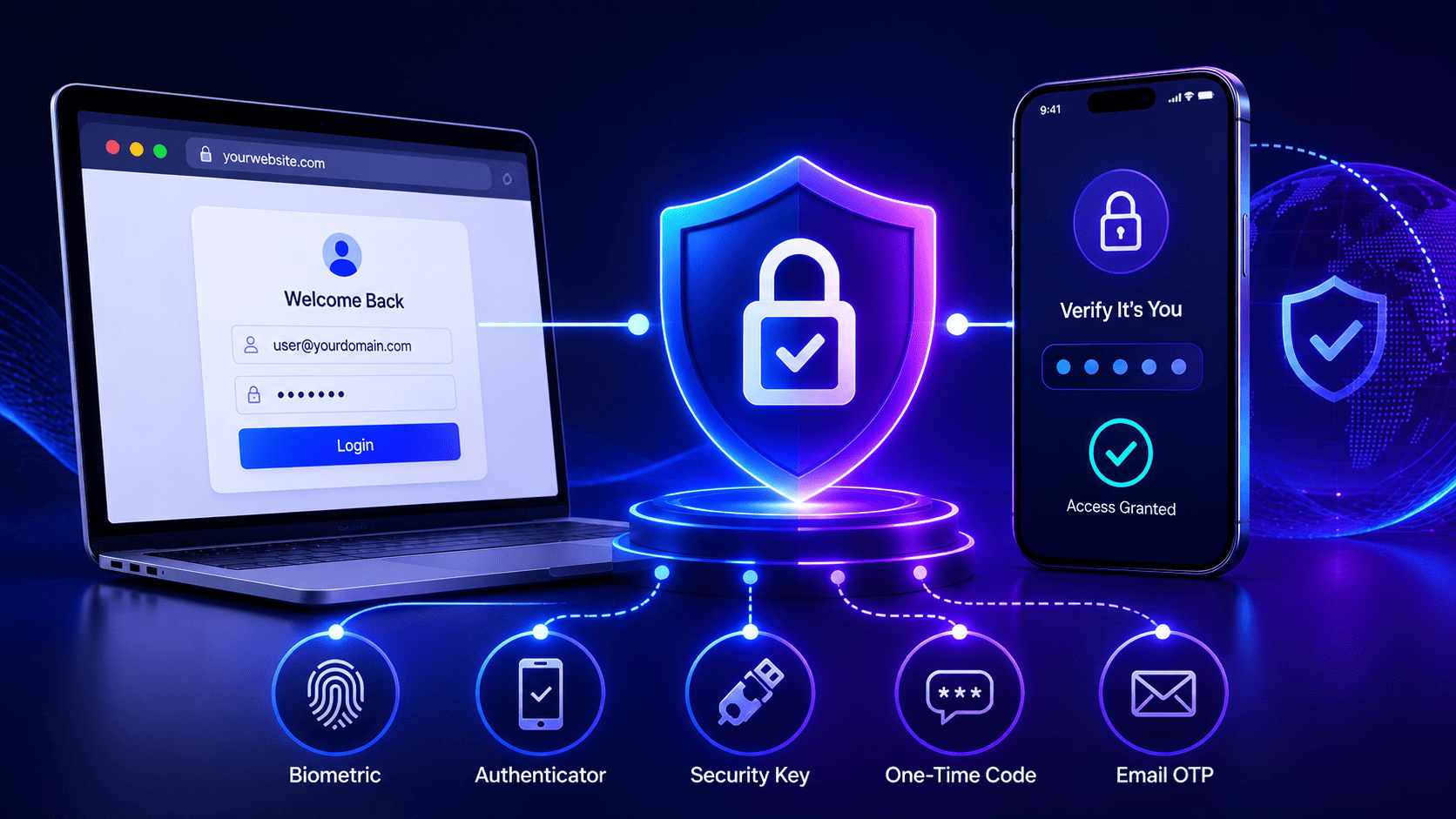

Locking down every single corner of a website with extra verification can feel overwhelming for most teams. Instead of rushing to protect every door at once, you should start with one simple spot like your admin dashboard.
Learning how to implement MFA on website safely means securing your background APIs and using modern passkeys so real users never deal with annoying delays. If you take things step by step and plan for lost devices early on, your whole system stays safe without driving your engineers crazy.
Why MFA Projects Stall After the First Login Screen
Multi-factor projects often fail right after the main login page is secured because applications use many different parts like APIs and background tools. Teams rush to lock the front door to meet rules but forget that other entry points stay open. This leaves wide gaps where malicious users can easily get in.
For developers looking at the best ways to implement MFA in web apps 2026, careful planning across every endpoint is crucial.
The Fragmented Architecture Problem
Modern websites are built using many separate services instead of one single block. Developers rush to protect the main dashboard and stop there. They miss APIs and recovery pages that still let people in with just a simple password.
Teams working with node js two factor authentication often face these exact integration hurdles across distributed codebases.
- Distributed Systems. Distributed microservices handle state differently across the entire application stack without uniform enforcement.
- Open Pathways. Secondary entry points such as webhook integrations and staging subdomains remain wide open.
- Early Completion. Teams check compliance boxes too early instead of verifying every single route in the system.
The Illusion of Front Door Security
Securing only the front entrance creates a false sense of safety while leaving other paths vulnerable. Attackers use automated tools to scan for weak spots that skip extra verification steps. Many projects building out two factor authentication node js modules realize too late that backend APIs remain unprotected.
- Automated Scans. Attackers quickly find unmonitored API endpoints using standard credential checks.
- Testing Environments. Internal developers leave testing tools and staging environments running with relaxed rules.
- False Confidence. False protection is often much more dangerous than having no security at all.
How to Fix Architectural Blind Spots
Stopping these delays means changing how engineers think about security across every single service. Every part of the system must check if the user completed the extra verification step before letting them pass. Even enterprise teams integrating external tools like how to implement MFA in salesforce must follow this strict end-to-end verification approach.
- Independent Checks. Every microservice handling user data must independently verify incoming claims.
- Zero Trust Backend. Backend systems must stop blindly trusting cookies passed from the frontend.
- Continuous Context. Continuous context evaluation helps spot and stop suspicious activity, lowering the risk of session hijacking or privilege escalation, but it works best when paired with strong session, token, and authorization controls.
Decide What MFA Has to Cover Before You Pick a Method
Jumping into buying security tools without checking your app first leaves big holes in your defense. You have to list every single type of user from regular buyers to staff members and automated programs. Every group faces different risks and needs its own security level.
Mapping User Tiers and Access Vectors
You cannot treat a normal website visitor the same way you treat a top system manager. Every single person needs the right security match for their specific job.
- Risk Profiles. Regular shoppers need smooth and easy login steps like passkeys so they do not leave your site.
- Privileged Roles. Main admins need super strong hardware keys because losing those accounts causes huge disasters.
- System Audits. Database setups and permission rules need full checks to match every user with correct safety checks.
Handling Non-Browser and Machine Access
Some background tools and mobile apps cannot click phone popups or tap security keys. You have to plan for these non-human parts so your core work keeps running smoothly without opening back doors.
- Programmatic Channels. Mobile apps and background sync tasks are unable to handle normal interactive security prompts.
- Service Accounts. Automated background programs should use dedicated machine identities and secure, non-interactive login methods like workload identities, certificates, or short-lived tokens instead of shared passwords.
- Operational Boundaries. Setting clear rules before choosing any software keeps your real daily work safe and smooth.
The MFA Methods That Hold Up in 2026 and the Ones That Do Not
Old ways of logging in that used to pass security checks are no longer safe against modern automated attacks. Text messages and email codes are easily hacked through fake login pages and carrier tricks like SIM swapping. Using these old codes for anything important creates a very fake sense of safety.
The Outdated Methods That Fail Today
Simple text messages offer almost zero real protection against smart attackers anymore. Fake login sites can grab your password and text code instantly while you type it and hand it straight to the bad guys.
- SMS Vulnerabilities. Text messages and email codes get easily beaten by automated phishing kits and SIM swapping tricks.
- Real Time Theft. Smart attacker setups copy your traffic live and steal your standard codes the exact second you type them.
- Regulatory Penalties. Insurance companies and rule makers now punish businesses that still rely only on text messages for sensitive work.
The Modern Standards That Actually Work
New security tools use modern technology to tie your login directly to the real website address. If you accidentally visit a fake copy of the site, your browser blocks the login because the address does not match at all.
- FIDO2 Passkeys. Passkeys and FIDO/WebAuthn security keys are strong choices for stopping phishing because their cryptographic credentials are tied to the real website instead of being entered as reusable secrets.
- Authenticator Apps. Authenticator apps like TOTP give extra protection against stolen passwords, but typing out codes by hand does not stop phishing. For sensitive or high level accounts, use phishing resistant methods like FIDO or WebAuthn wherever they are available.
- Domain Binding. Cryptographic keys bind directly to your website origin so fake clone sites cannot trick your browser into signing in.
The Implementation Problems Nobody Warns You About and How to Handle Each One
Writing the login code is easy but handling real everyday headaches breaks most projects. Account recovery is usually the biggest trap for engineers. When a person loses a phone or breaks a security key they need a safe way back in without destroying your security wall.
Fixing Account Recovery and Support Traps
Bad recovery steps ruin your safety wall completely. Bad guys often trick help desk workers into resetting security settings on valuable accounts using clever social tricks.
- Recovery Challenges. Users losing devices need safe backup methods without bypassing your core security checks.
- Social Engineering. Attackers might try to trick support staff into resetting MFA, so any manual recovery process needs strict identity checks and proper safety measures.
- Verified Backup. Strong recovery needs automated steps like backup codes or verified identity documents instead of simple phone calls.
Managing Token Revocation and Microservices
Distributed websites struggle to share login status across different parts and subdomains. If an access token does not show when a security check happened, backend tools cannot know if the user is truly safe.
- State Propagation. Short-lived access tokens limit how long a stolen token can be abused, while secure cookie settings keep browser sessions safe. Distributed systems also need a clear plan for session and token invalidation when instant revocation is needed.
- Explicit Claims Tokens. Auth tokens must clearly state how and when verification happened so consuming microservices can trust them.
- Downstream Protection. APIs must reject any request missing proper verification context before running any sensitive actions.
What the Rollout Actually Looks Like Step by Step
Rolling out security controls across a live website needs a careful step by step plan to stop major user lockouts and messy engineering problems. Starting slowly lets your team catch bugs early and fix them before your whole customer base gets affected.
- Phase One. Enforce strict controls on internal admin tools and developer portals first where a single stolen password gives total database access.
- Phase Two. Introduce optional setup for regular users so early adopters can link authenticator apps while you gather user feedback.
- Phase Three. Add smart risk triggers that force extra checks only when weird things happen like a strange location or a brand new device.
- Phase Four. Shift from optional to mandatory rules for everyone while turning off weak old backup methods like text message codes for important roles.
What to Check Before You Commit to an MFA Platform
keep everything running smoothly. You must see if the platform supports passkeys directly without pushing users through annoying page jumps that drop your signups.
- Native Support. Check if the tool handles modern passkeys directly without forcing weird page redirects that annoy real buyers.
- Developer Tools. Look at code kits and logs so your tech team can spot automated hacker attacks fast.
- Open Standards. Pick systems using open rules like OAuth and FIDO2 so you never get stuck with one vendor forever.
- Uptime Reliability. Look at past server crashes and backup plans because their downtime means your entire site goes offline.
Start With One Login Layer, Not Ten MFA Projects
Trying to secure every single part of your website all at once usually leads to total failure and stressed out developers. Pick one high risk entry spot like your admin panel and make that your starting test area to get everything working right.
- High Risk Focus. Start with your main admin dashboard or settings panel because a stolen password there causes the most damage.
- Modular Template. Use your first successful setup as a reusable blueprint to secure other parts of your site step by step.
- Gradual Rollout. Treat security like a slow and steady process instead of a massive sudden change to keep your team calm and systems stable.
Infisign UniFed helps engineering teams solve authentication gaps by securing every endpoint across modern distributed apps, not just the front door. Instead of leaving APIs, webhooks, or staging portals exposed, it enforces consistent verification across microservices and background workflows.
The platform supports modern standards like FIDO2 passkeys alongside traditional methods, making it easier to balance security with a smooth user experience. It also handles tricky edge cases like secure token propagation and automated account recovery, ensuring that your entire architecture stays locked down without creating massive operational bottlenecks for your developers.
- Unified Endpoint Protection. Infisign UniFed secures every entry point across distributed microservices, APIs, and background webhooks, ensuring that secondary routes never stay exposed behind the main login screen.
- FIDO2 Passkey Integration. The platform implements phishing-resistant cryptographic standards and hardware keys, replacing vulnerable legacy codes like SMS messages and email OTPs with secure domain-bound authentication.
- Automated Account Recovery. It provides robust recovery workflows and short-lived token propagation, helping teams handle lost devices and session revocations securely without creating massive support bottlenecks.
- Multi-Factor Enforcement. The platform applies flexible verification checks across all user tiers, letting you mix passkeys, authenticator apps, and adaptive rules to match the exact risk level of each route.
Locking down every corner of your app doesn't have to feel like an uphill battle. If you are tired of worrying about exposed APIs and risky fallback codes hiding behind your main dashboard, we can help.
Let's map out a clean, step by step security rollout that protects your users without driving your developers crazy. Grab a quick time on our calendar today, and let's chat about how to secure your entire architecture the right way.
FAQ
How does MFA impact cyber insurance premiums and compliance audits?
Implementing strong MFA helps organizations meet authentication rules across different regulations and contracts, but compliance depends on what those specific rules demand. Cyber insurance pricing and coverage also depend on the insurer, the policy, risk levels, and the security controls in place.
What is the financial and operational cost of employee account lockouts?
Frequent device losses create massive help desk bottlenecks, which drain internal IT resources. Setting up automated and verified backup recovery paths keeps workers productive without flooding support channels with expensive manual password resets.
How do we balance strict security with user conversion rates on customer portals?
Forcing heavy verification steps on everyday buyers can cause them to abandon purchases, leading to lost revenue. Deploying frictionless passkeys and adaptive risk checks protects income while keeping the signup path fast and smooth.
Why must privileged administrative accounts follow stricter verification rules?
Top managers and system admins often have access to important databases and infrastructure, making their accounts major targets. Organizations should require stronger login security for these accounts and use phishing resistant methods like FIDO or WebAuthn keys wherever possible.
How can businesses secure automated background tools that cannot handle normal login prompts?
Non-human scripts and API connections fail traditional interactive checks, requiring specialized protection methods. Organizations should use dedicated machine identities and secure non-interactive authentication methods, like workload identities, certificates, short-lived tokens, or other strong machine-authentication options based on their architecture and risk needs.


