


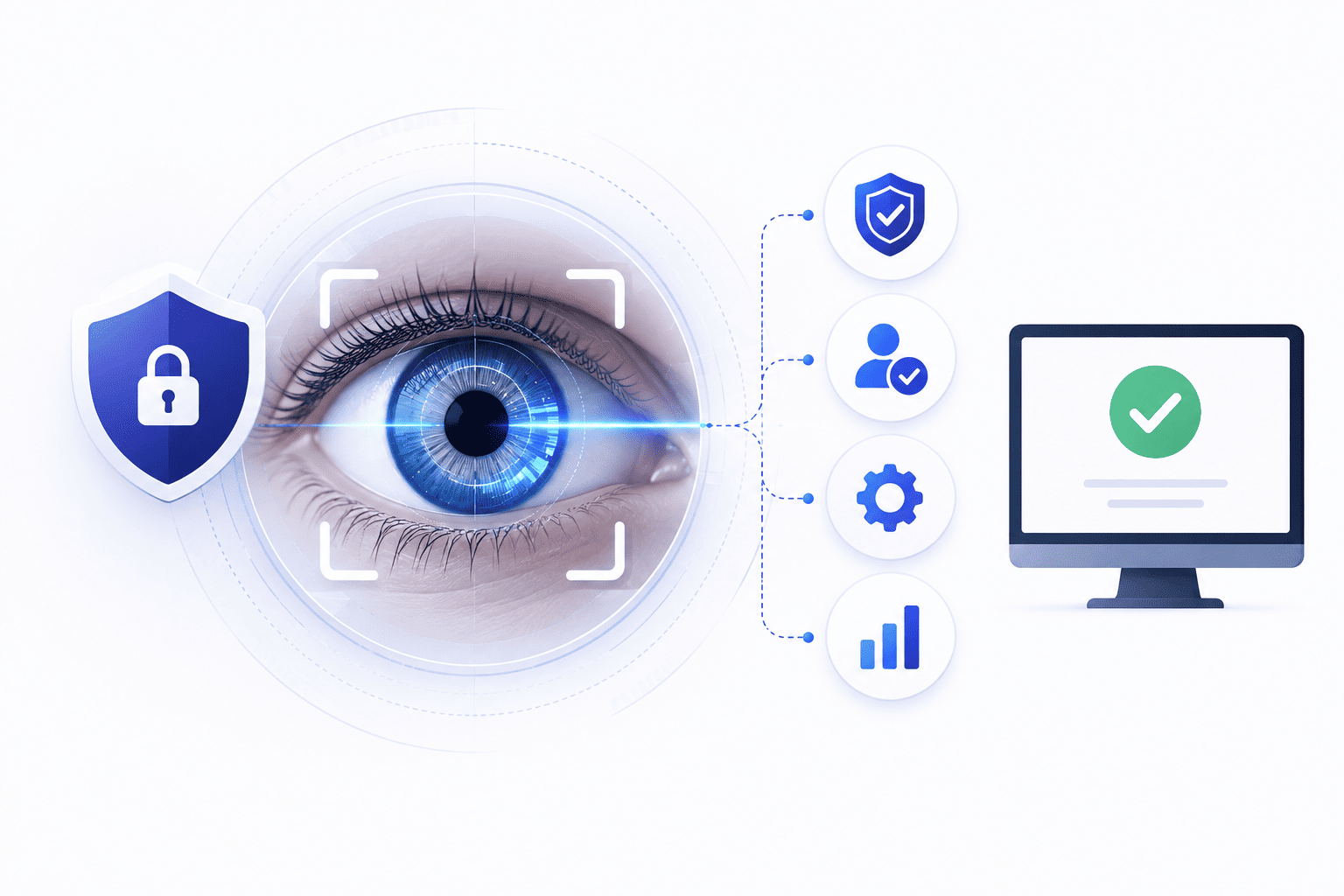

Setting up iris biometric authentication sounds simple until you run into strict physical rules and heavy hardware bills. Most teams assume these high tech units work just like basic office door cards or simple swipe pads.
Daily use proves much harder because image quality and acquisition conditions control how well the scanner reads each user. Eye position and occlusion along with blur and illumination dictate the final quality of the captured iris image. Knowing these practical limits early stops expensive setup failures and keeps your rollout on track.
Planning for real world obstacles ensures your investment actually pays off instead of creating a frustrating bottleneck at the front door every single morning.
Where Iris Authentication Actually Beats Fingerprint and Face
Eye scanners win against old methods because iris recognition has different failure modes from fingerprint and facial recognition. Performance can still be affected by image quality and occlusion along with positioning and environmental conditions. The advanced math behind iris recognition technology gives almost zero false matches because the tiny lines inside the iris offer far more spots to check than skin lines or face shapes.
- More unique details. More unique details exist because iris texture contains highly distinctive patterns that support accurate biometric matching. Recognition errors remain possible and should be evaluated using measured biometric performance metrics making wrong matches extremely rare.
- No physical wear. No physical wear happens because iris patterns are generally stable over many years. Reliable authentication still depends on image quality and sensor performance along with user positioning and system configuration giving steady access every single day.
- Zero face changes. Zero face changes occur because alterations such as beards or face coverings generally do not alter the iris pattern itself. Iris recognition can still be affected by occlusion and positioning along with image quality and ocular conditions. Your verification stays totally monitored by false acceptance rate biometrics.
Where It Falls Short in Practice
Putting eye readers into daily workflows brings heavy roadblocks that catch office leaders off guard. Buying heavy gear and dealing with user signup lines slows down rollout plans. You must grasp these physical walls before spending serious cash on biometric authentication enterprise tools.
Dedicated Hardware Isn't Optional
Dedicated iris hardware adds significant deployment costs compared with simpler access control readers. Total costs vary by hardware and software along with installation and deployment scale while needing careful wall mounting.
- High gear bills. Standard cameras lack the special infrared lights needed so offices must buy pricey standalone optical hardware for high assurance authentication. Building a full setup requires a serious capital commitment from day one.
- Hard mounting work. Putting these specific sensors up demands exact wall placement and fresh cable runs across every entry gate. Facilities teams often face unexpected construction delays during installation.
- Extra power needs. Power and connectivity requirements vary by iris device so organizations should verify the manufacturer infrastructure requirements before installation. Managing these electrical and network connections adds unexpected complexity to your site planning.
Enrollment Friction Nobody Budgets For
Iris enrollment may require users to position themselves correctly. The process may require additional capture attempts when image quality is insufficient so organizations should measure enrollment time during a pilot leading to long morning lines at the main entrance.
- Long signup queues. Registering a person takes much more time than pressing a finger on a small glass pad. This bottleneck can frustrate administrators during mass onboarding events.
- Initial user stress. Workers get confused about how close to stand causing repeated failures during their first few tries. Clear instructions help reduce this initial learning curve.
- Peak hour delays. Morning rushes slow down heavily when every person takes extra seconds to align their eyes correctly. Managing traffic flow becomes a real operational hurdle.
Stored Iris Templates Become a Compliance Question
Holding biometric math files creates heavy legal duties under strict privacy rules across different states. Security teams have to guard these encrypted records safely while dealing with workers who hate sharing body data.
- Heavy privacy laws. Saving body patterns brings strict legal duties that force teams to lock down encrypted iris template security files. Legal compliance officers must approve every storage method you choose.
- Worker pushback. Employees often fight back against eye tracking due to fear of corporate tracking and data leaks. Transparent communication helps ease these valid personal concerns.
- Extra security steps. IT groups must build extra protection layers around biometric storage to satisfy strict legal auditors. Neglecting these safeguards opens the company to massive penalties.
When Iris Authentication Actually Earns Its Cost
High risk environments may use biometric authentication as one layer of a broader physical and logical access control strategy. Buying costly optical scanners makes total sense when basic security fails to guard your most important rooms. Knowing exactly when to pay for eye readers ensures you get your money back in safety.
When You're Protecting Regulated or Life-Critical Systems
Money vaults and science labs need absolute proof that outsiders stay out of secure zones. Standard passwords or plastic badges fail in places where one single mistake threatens human safety or huge funds.
- Maximum asset guarding. Money vaults and science rooms demand absolute proof that unauthorized outsiders stay locked out. High stakes environments require this level of absolute certainty.
- Zero shared keys. Biometric verification can reduce reliance on shared credentials. It does not eliminate other attack surfaces such as sensors and endpoints along with enrollment processes and recovery mechanisms or backend systems ensuring you understand all security layers.
- Strict rule matching. Heavy government audits require top tier verification methods to keep sensitive areas fully compliant. Passing these inspections protects your organization from heavy fines.
When Existing MFA Has Already Been Spoofed or Bypassed
Adding biometric authentication can reduce some credential-based attack paths. Its security depends on the sensor and presentation attack detection along with the enrollment process and endpoint security plus overall authentication architecture.
Upgrading to adaptive multi-factor authentication with live eye checks closes security holes because attackers cannot fake a live physical scan from afar.
- Stopping social tricks. Presentation attack detection can help identify attempts to deceive biometric sensors. No biometric sensor should be described as impossible to spoof because physical requirements alone do not completely eliminate sophisticated bypass methods.
- Hard remote blocks. Iris readers can impose a physical presence requirement at the point of authentication. This does not eliminate other physical or technical attack paths because remote threats still need careful handling at every layer of the facility network.
- Killing credential theft. A biometric factor can reduce the usefulness of stolen passwords for systems that require that biometric factor. Overall protection still depends on fallback and recovery along with other authentication mechanisms making sure complete security covers every possible access route.
When You Need Contactless Authentication at Real Scale
Busy entry spots benefit greatly from touchless sensors that clear people without any physical contact. Keeping things clean matters hugely in drug factories or hospital wings where touching shared buttons spreads germs.
- Germ free entry. Contactless iris authentication can reduce the need to touch shared authentication surfaces. Clean spaces like medical labs need touchless readers to stop germs from spreading while hygiene standards remain high without slowing down operations.
- Fast crowd movement. Workers pass quickly without taking off heavy work gloves or dirty safety gear. This touchless convenience keeps productivity moving forward smoothly.
- High volume flow. For high-volume deployments organizations should benchmark acquisition time and matching performance. Evaluating failure rates and queue throughput under real operating conditions helps large office parks move people through gates fast without causing bottlenecks at the turnstiles.
What to Evaluate Before You Deploy It
Before signing any vendor deals you must test how these units handle normal office lighting and different worker heights. Make sure your team checks if people wearing glasses get clean reads without stopping the line. You also need to check your wall wiring to ensure power reaches every spot without tearing up drywall.
- Office light testing. Check how well the scanners read eyes under bright windows or dim hallway lights. Real world lighting variations can severely impact recognition accuracy.
- Eyeglass performance. Test if workers wearing thick glasses or prescription lenses pass through without delays. Reflection issues from lenses need careful calibration by your tech vendor.
- Cable path checks. Verify that power and network wires reach every door slot before buying heavy hardware units. Early infrastructure audits prevent costly construction surprises later.
Add Iris Authentication Without Building a Separate Identity Silo
Running a separate user database for eye scans creates a massive mess for your IT department over time. You should always link your optical readers right into your main company employee directory. This way when someone quits the firm you cut off their building and computer access everywhere at the exact same time.
- Main directory linking. Connect optical scanners directly to your company employee list to keep user lists united.
- Instant account killing. Ensure that firing a worker blocks both physical doors and computer logins instantly.
- Simple admin control. Let your tech team manage eye profiles inside the same dashboard they already use daily.
To tie these optical verification workflows together without creating administrative chaos companies leverage platforms like Infisign UniFed to unify digital and physical security policies. Infisign UniFed simplifies how security teams manage advanced biometric credentials by embedding them directly into existing enterprise directories and single sign-on frameworks.
- Infisign supports centralized identity and biometric authentication workflows. Physical door provisioning and deprovisioning should be described only where the specific access control integration has been verified so onboarding and offboarding happen smoothly across every connected system.
- The platform cuts down administrative overhead by providing automated directory sync and flexible single sign-on connections that work seamlessly with legacy and cloud tools.
- Advanced monitoring features and adaptive security policies track access events in real time while keeping your compliance and audit trails fully prepared for strict regulatory checks.
Want to stop messing with clunky badges and slow entry lines? Grab a spot on the Infisign demo page right now and let us show you how easy secure access feels.
FAQ
1. Is iris authentication more secure than fingerprint or face recognition?
Iris recognition can provide highly accurate biometric matching. Error rates should be compared with fingerprint or facial systems using comparable datasets and thresholds along with operating conditions and evaluation methodologies instead of assuming absolute superiority.
2. How much does it cost to deploy iris authentication?
Iris authentication deployment costs vary substantially depending on the biometric reader and controllers. Pricing also depends on software and installation alongside networking and the total number of doors.
3. Can iris authentication integrate with an existing SSO or IAM platform?
Some iris recognition systems can integrate with IAM and SSO or access control platforms. Available integration methods vary by vendor and deployment architecture so teams must verify compatibility with standard company login tools.
4. Is iris scanning safe to use regularly?
Iris recognition systems commonly use near infrared illumination. Compliant products should be designed and evaluated according to applicable optical radiation safety requirements and exposure limits during daily use.
5. What industries actually use iris biometric authentication today?
High security fields like airport border control military defense posts and secure data storage centers rely on eye scanning daily.


