



Identity and access management has changed a lot. People now work from home, use cloud apps, and access company data from many devices. But many businesses still use old identity tools that do not work well together.
This creates more work for IT teams. They have to manage different systems, check user access, and fix security gaps across many tools. That is why businesses are looking for a modern IGA alternative that can make identity management easier.
Converged identity brings these tasks closer together. It helps teams manage users, access, and security through a more connected approach. Instead of adding another tool to an already complex setup, businesses can work toward one clear identity strategy.
Your IGA Program Isn't Failing. Your Architecture Is
Many companies think their IGA tool is the main problem. They may look for a new product when access reviews take too long or user accounts are not updated on time.
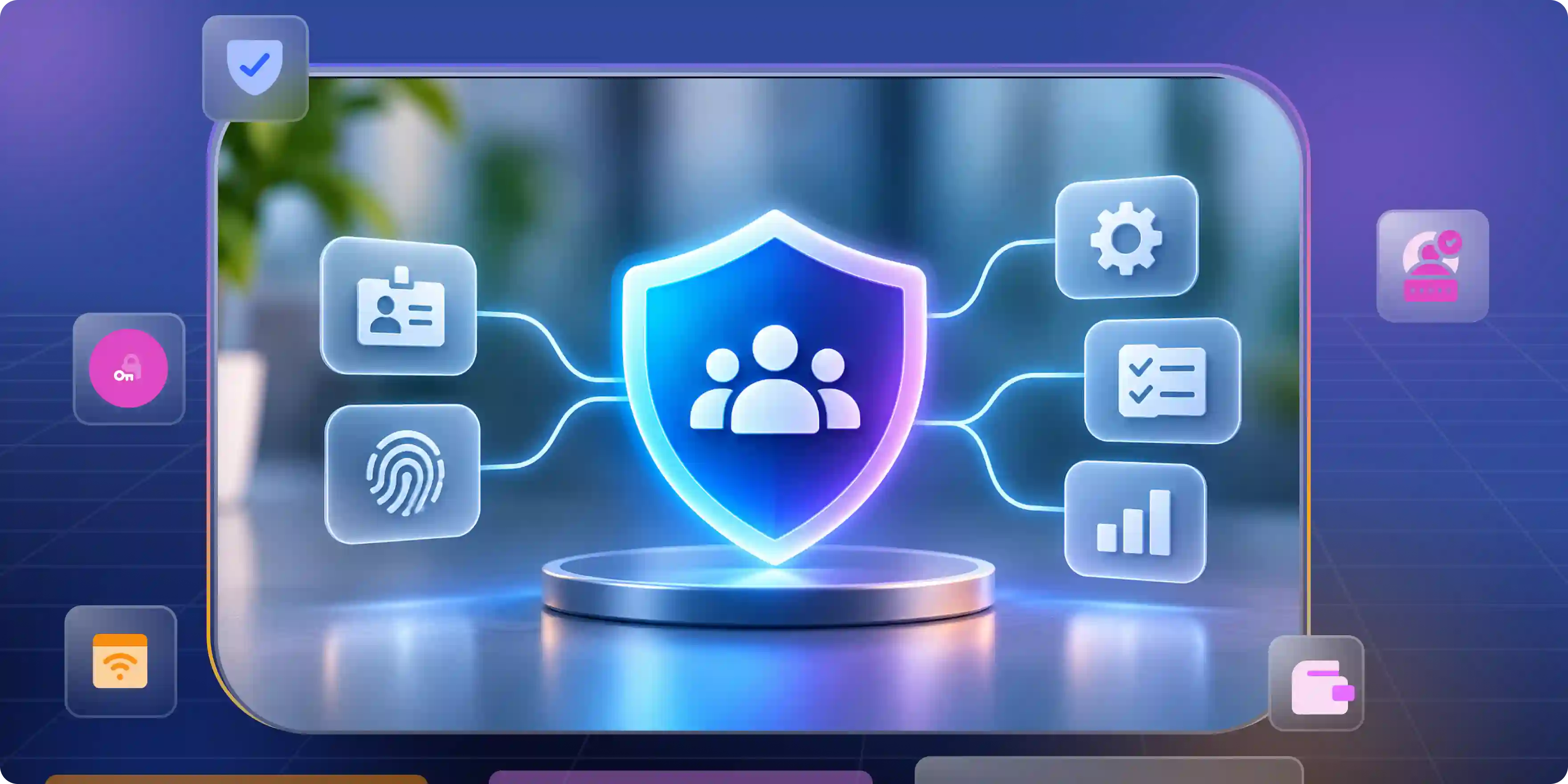
But the real issue can be the way their identity tools are set up. When each tool works alone, teams have to move between systems and join information by hand.
Separate Identity Tools Create Extra Work
Most businesses use different tools for different identity tasks. This may seem fine at first, but problems grow when these tools do not share the right data.
- Separate Identity Tools: IAM manages user identities and access across an organization. It includes features such as authentication and Single Sign-On (SSO). IGA focuses on identity governance, access reviews, and managing user permissions. PAM protects privileged accounts and controls access to sensitive systems. Organizations can use separate tools for these functions or manage them through a single integrated platform, depending on their architecture. You can understand how these systems work together through these identity and access management best practices.
- Missing Access Details: A manager may see a user's role in one tool but miss their access in another system. This makes it harder to know whether that person still needs every permission.
- Clear Identity Ownership: When teams use many tools, it can become hard to know who owns each access task. A connected setup gives teams a clearer view of users, roles, and access decisions.
- Fair Access Rules: Every user should get the access they need to do their job, but nothing extra. Clear rules help teams avoid giving too much access or blocking people from work they need to do.
What Converged Identity Actually Means
So, what is converged identity in IAM? It is an approach that brings identity tasks into a more connected system. It helps teams manage user identities, access, and security without relying on many separate tools.
The goal is not just to put different features under one product name. The goal is to make these features work together and share useful identity information.
One Connected View of Identity
A converged identity approach gives teams a clearer view of people and their access. It can connect identity lifecycle tasks, access rules, governance, and security controls.
- One Identity View: Teams can see user identities and their access across connected systems. This makes it easier to understand who has access and why they have it.
- Connected Identity Tasks: When a person joins, changes roles, or leaves, their access needs to change too. Linking these tasks helps reduce delays and manual work. This is also why identity governance and administration plays an important role in a connected identity plan.
- Better Access Decisions: Teams can use shared identity data to make better access choices. They can also find old accounts and permissions that no longer have a clear business reason.
Todd Thiemann, Principal Analyst at Omdia, discussed identity security tool sprawl in his October 2025 TechTarget article. He highlighted the pressure on identity teams to balance stability, speed, and better security. Omdia also surveyed 370 IT and cybersecurity decision-makers from organizations across the United States and Canada as part of its related identity security research. Omdia's identity security research looks at the challenges that come with managing identity security across modern businesses.
Traditional IAM vs. Converged Identity
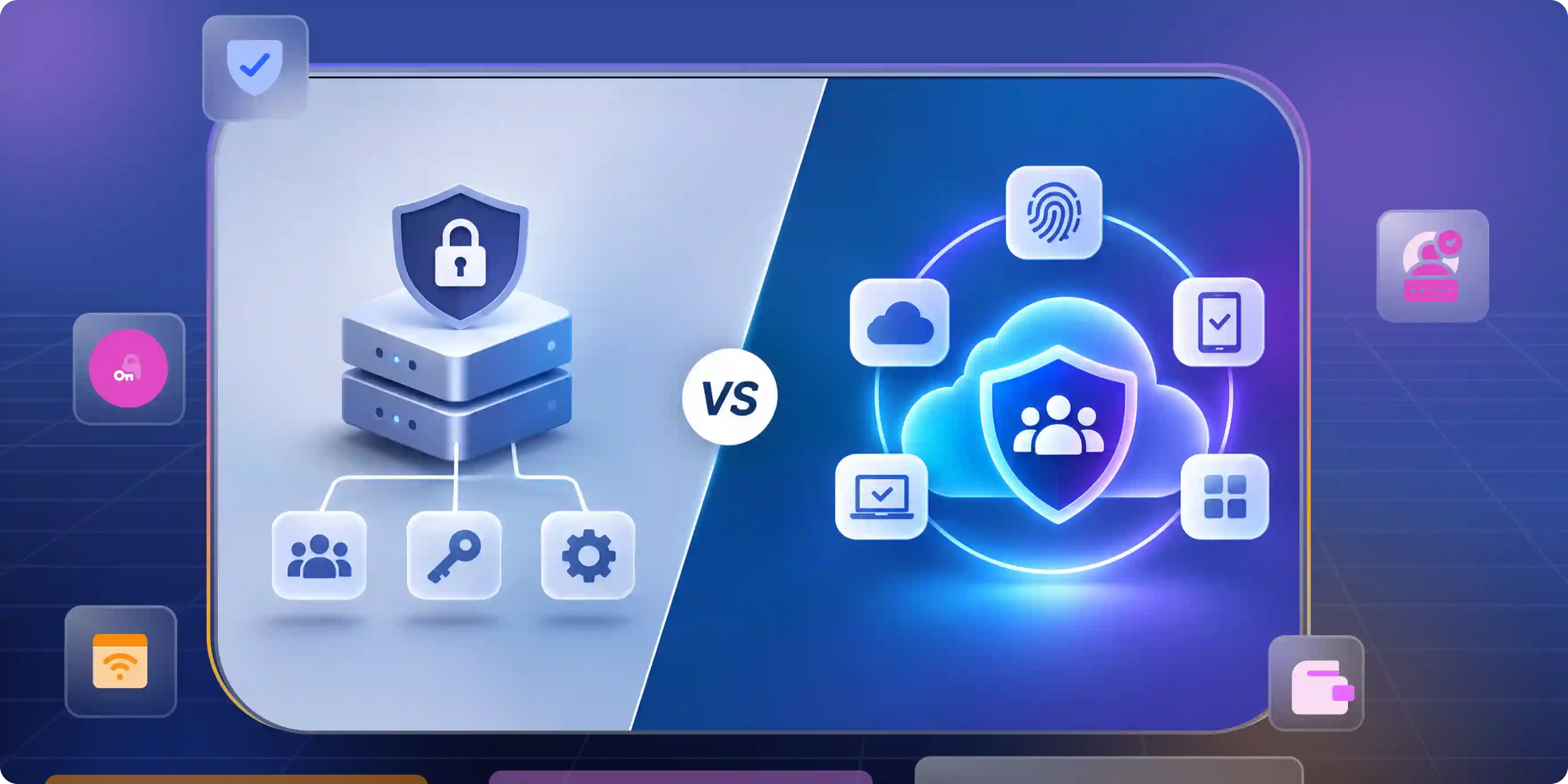
Traditional IAM and converged identity both help control who can access company systems. But they take different paths. Traditional IAM often depends on separate tools, while converged identity aims to connect more identity tasks.
Understanding the difference between traditional IAM and converged identity can help you decide what your business really needs.
How Traditional IAM Works
Traditional IAM often uses separate products for login, access management, governance, and privileged access. These products may work well on their own, but teams can face problems when they need to share data.
- Separate Systems: Each tool may have its own user records, rules, and reports. Teams may need extra steps to connect information across these systems.
- Manual Work: IT teams may need to update access in more than one place. This can lead to delays and mistakes when users change roles or leave the company.
How Converged Identity Works
Converged identity focuses on making identity tasks work as one connected process. It can help teams manage access from one clearer view.
- Shared Identity Data: Connected tools can use the same identity information. This helps teams make access decisions with better context.
- Linked Security Controls: Identity governance, authentication, and privileged access can work together. This gives teams a stronger way to manage access across users and systems.
- Less Tool Sprawl: Businesses may be able to reduce the number of separate tools they need to manage. This can make daily identity work easier for IT and security teams.
Light, Legacy or Converged: Which Replacement Fits You
Not every business needs the same type of identity platform. Some may only need basic access reviews, while others need to replace old systems across many teams.
Before choosing a new tool, look at the problems you want to fix. The right choice should fit your business size, security needs, and current setup.
Know What You Need to Replace
Start by checking which identity tasks cause the most trouble. This helps you avoid buying features that your business does not need.
- Light IGA: A light IGA tool may work for a small business with simple access needs. It can help with basic reviews and user access tasks without adding too much complexity.
- Legacy IGA Replacement: A business with old workflows may need a platform that can handle access reviews, policy rules, and user lifecycle tasks. It should also work with the systems the company already uses.
- Converged Identity Platform: A converged identity platform can be a better fit when identity tasks are spread across many tools. It aims to connect governance, access, and security in a more complete way.
Check the Security Features
A new platform should do more than make identity work easier. It should also help protect important accounts and company data.
- PAM and Cloud Controls: Check how the platform manages privileged users, administrative accounts, and elevated access. Also, review its cloud IAM or CIEM capabilities to understand how it discovers, assesses, and manages permissions across different cloud environments. You can also learn how privileged access works in this guide to privileged access management (PAM).
- Lifecycle Automation: User access should change when a person joins, moves to another role, or leaves. Identity lifecycle management automation can help reduce manual updates and lower the risk of old accounts staying active.
- Clear Reporting: Teams need reports that show who has access and what actions were taken. Good reporting helps support reviews, audits, and security checks.
Questions That Expose a Rebranded Suite
Some vendors may call their product a converged identity platform even when it is only a group of separate tools. A new name does not always mean the product has a connected design.
You should ask clear questions before making a decision. Look at how the product works in real situations, not just what its website says.
Check How the Platform Works
Ask the vendor to show how identity tasks connect. A real converged platform should make daily work easier, not add more steps.
- Shared Data: Ask whether different identity features use shared identity data. If teams must copy information between tools, the platform may still have separate parts.
- Connected Workflows: Ask the vendor to show what happens when a user joins, changes roles, or leaves. The process should update the right access across connected systems.
- One Clear View: Ask whether teams can see access across apps, cloud systems, and privileged accounts. A clear view helps them find risks without checking many separate dashboards.
Test Real Security Tasks
Do not depend only on a product demo with simple examples. Ask the vendor to show how the platform handles real business needs.
- Access Reviews: Ask how managers review user access and approve or remove permissions. The process should be clear and easy to track.
- Policy Changes: Ask how teams change access rules and apply them across systems. Good policy controls should help reduce mistakes and keep access consistent.
- Audit Records: Ask how the platform records access changes and user actions. These records help teams understand what happened and support future audits.
How to Leave Legacy IGA Without a Big Bang
Replacing an old IGA system does not mean you must change everything at once. A large move can create risk if teams do not plan it well.
A step-by-step move gives your business time to test the new platform. It also helps teams keep important access tasks running during the change.
Start With the Most Important Tasks
First, find the workflows that matter most to your business. Then move them in a planned order.
- Review Your Current Setup: List your identity tools, apps, user groups, and access rules. This helps you see what needs to move and what can stay.
- Choose a Starting Point: Begin with one user group or a small set of apps. This gives your team a chance to test the new process before using it across the company.
- Keep Important Workflows Running: Do not stop old access processes before the new ones are ready. Test user creation, role changes, access reviews, and account removal to make sure each task works.
Test Before Full Migration
Testing helps teams find problems before they affect everyone. It also gives users time to learn the new process.
- Test Important Workflows: Check how the new platform handles common user changes and access requests. Make sure the right permissions are added or removed at the right time.
- Check Connected Apps: Test the apps and systems that depend on identity data. This can help find connection issues before the full move.
- Train Your Teams: Show IT, security, and business managers how the new process works. Clear training helps people understand their roles and avoid confusion.
Replace the Sprawl, Not Just the Tool
A new identity product will not fix every problem if the business keeps the same broken processes. The real goal should be to make identity management simpler, safer, and easier to control.
Converged identity can help businesses move away from disconnected tools. But teams still need clear rules, good planning, and regular checks to make the change work.
Build a Better Identity Setup
Think about how people get access, how that access changes, and how it is removed. These basic steps should work together across the business.
- Set Clear Rules: Decide who can approve access and who is responsible for each system. Clear ownership helps stop confusion and reduces the chance of unwanted access.
- Review Access Often: People change roles, projects end, and business needs move on. Regular reviews help make sure users still have the right permissions.
- Keep Improving: Check your identity setup as your business grows. Remove old access, fix weak processes, and make changes when new risks appear.
FAQ
1. What is converged identity in cybersecurity or IAM?
Converged identity security definition: It connects identity management, governance, and security controls. This helps businesses manage users, access, and risks through a more connected approach across their systems.
2. Is converged IAM the same as an identity fabric?
Not necessarily. An identity fabric is an approach that connects and manages different identity services across an organization. Converged IAM focuses on bringing identity capabilities together into a more connected environment. Both approaches can overlap, depending on how the platform is designed and implemented.
3. Does a converged identity platform include PAM?
Some converged identity platforms include PAM features, while others connect with separate PAM tools. Always check how privileged accounts, admin sessions, and access policies are managed.
4. Can a converged platform replace SailPoint or Saviynt?
It can, depending on your needs and current setup. Check access reviews, lifecycle workflows, integrations, reporting, and migration support before replacing your existing IGA platform.
5. How long does it take to move from legacy IGA to a converged platform?
The time depends on your users, apps, workflows, and integrations. A small setup may move faster, while large businesses need more testing and planning.
How Infisign UniFed Fits Into Your Identity Setup
Infisign offers identity products for workforce and customer access. UniFed focuses on customer identity and federation, helping businesses manage secure sign-ins across customer apps. It supports flexible authentication, tenant access, and automated user management. It can support a wider identity setup, but it should not be treated as a complete IGA replacement.
- Social Login: Let customers sign in with supported social accounts. This can make registration easier and reduce the need for extra passwords.
- SSO and MFA: Add single sign-on with multi-factor authentication. This gives customers a simpler login while adding another security check.
- Tenant Access and SCIM: Manage customer groups with attribute-based access control. SCIM and automated provisioning can also reduce manual account work.
Ready to see how Infisign fits your identity setup? You can explore Infisign UniFed and book a product demo to speak with its team. Review your access needs and see which features can support your customer identity goals.


