


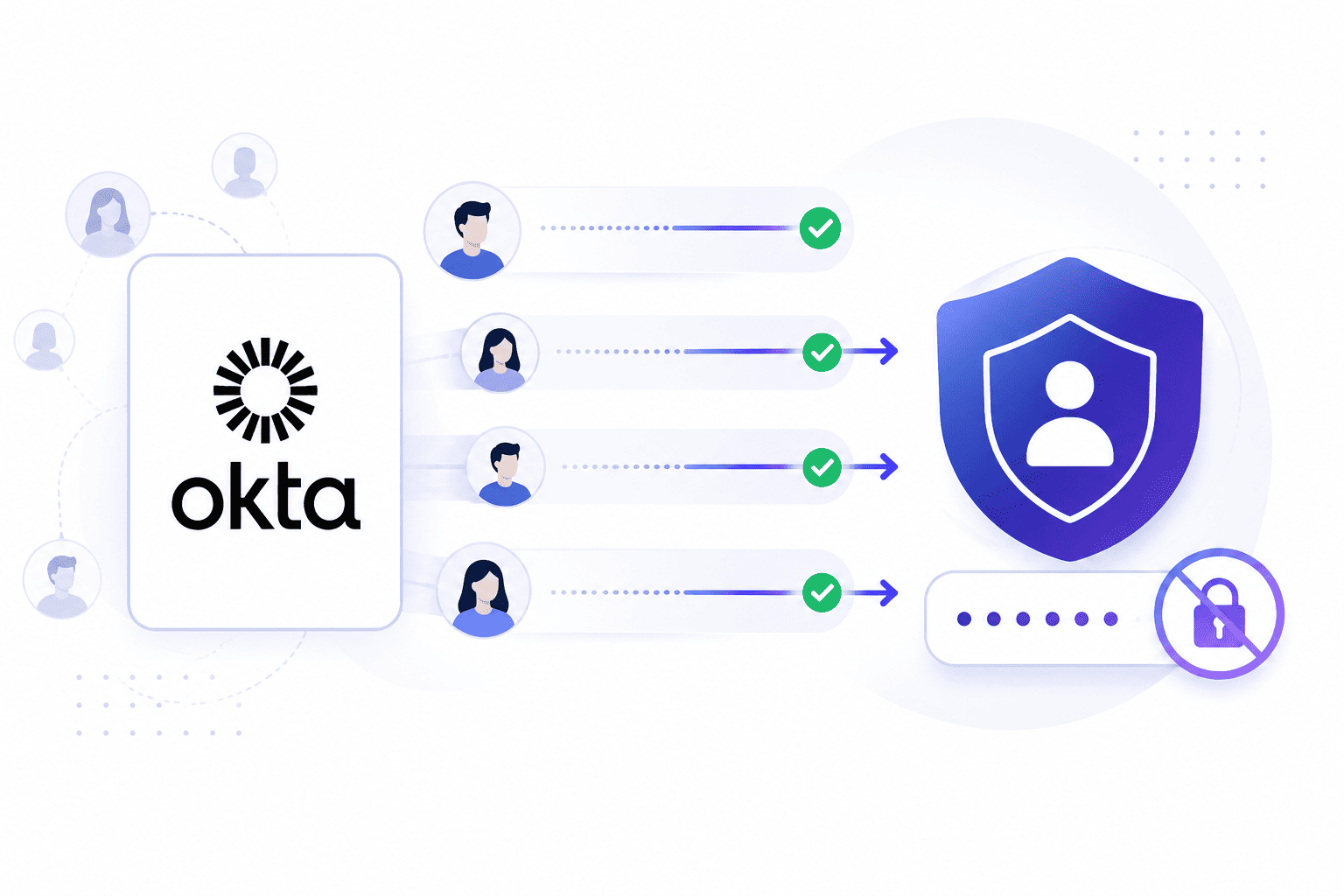

Most technology changes feel loud with breaking systems and buzzing phones while identity switches happen in absolute silence until morning arrives. When a company pulls out its foundational directory every single door in the building threatens to lock at once.
Building a smooth path requires more than moving basic lists of names because digital keys stay locked behind walls. This comprehensive Okta user migration guide breaks down the exact steps needed to switch platforms without causing total panic.
Why Moving Users Is the Hardest Part of Leaving Okta
Moving away from your main login system brings a big task for your tech team. User moving involves much more than simply copying names and email addresses into a simple file.
When you decide to migrate from Okta your main directory systems link straight to every single app your staff uses daily. Taking out that base needs careful steps to stop sudden login trouble.
- Session breaks. Existing user sessions actually continue running until the application or identity provider session naturally expires. New authentication requests start using the new platform right after the migration cutover unless the team explicitly revokes those active sessions.
- Permission mismatches. Different software tools use totally different rules to figure out who gets access to specific folders or projects. What your old system calls a group might map to a completely different level somewhere else.
- Legacy deadends. Older internal tools rely on fixed code built specifically for your old directory endpoints. Changing the system means someone has to track down every old script and secret token by hand.
The Data You Cannot Simply Export From Okta
Paying for tools does not mean all info belongs to you for fast downloads. Access systems use strong security rules to stop theft and bad entries. Simple profile parts move easily while main login keys stay locked. Knowing these rules helps your team plan good schedules for bosses while learning what is okta migration in daily work.
- Password hash walls. Scrambled text codes show people know their passwords without saving real words. Systems keep them safe and export tools block readable grabs. Without these codes your new home has no way to check old passwords.
- MFA secret blackouts. Two step checks use secret digital keys shared between phones and servers behind the scenes. Your old home holds these keys inside safe lockers and refuses to share them.
- Audit log separation. Historical security logs do not automatically transfer to another identity platform. If past audit data is required for compliance or tracking, the team must export it before the migration using the System Log API or an existing logging solution.
- Group mapping rules. Complex access policies and custom role assignments tied directly to directory structures do not translate automatically into flat export files.
- Active session tokens. Current user login sessions and active device authorization grants remain bound to the old provider and cannot be transferred over during a platform switch.
Your Three Real Options for Moving Passwords
When standard file exports fail you must use smart technical tricks to handle the password change process during an Okta migration. Each choice brings heavy trade-offs involving cost security risks and user ease. You must pick your path based on your team size and staff patience.
- Just-in-time lazy migration. This method lets users keep old passwords by checking login tries against the old system via a live link. If details match the new platform builds a fresh local password record right away.
- Bulk hash agreements. Certain identity platforms support importing compatible password hashes when the source system provides them in a supported format. Availability depends entirely on the source platform along with the supported hash algorithms and migration capabilities.
- Band-aid reset waves. When technical tricks prove too complex companies fall back on forcing everyone to click a reset link. You send clear instructions and schedule the switch for a calm weekend to manage incoming help requests.
What Happens to MFA When You Leave Okta
Many multi-factor methods require users to re-enroll after a platform switch because authentication factors usually tie directly to the provider, though the exact requirements depend on the migration strategy and supported authentication methods.
- Authenticator app resets. Users who rely on authenticator apps typically need to enroll a new authenticator with the destination identity provider, either during their initial sign-in or through an administrator-defined setup process.
- SMS and voice fallbacks. Organizations using text message authentication often need users to re-enroll or verify their phone numbers depending on the specific multi-factor enrollment policies of the destination platform.
- Hardware key re-registration. Hardware security keys typically need to be registered with the destination identity provider because WebAuthn credentials generally associate with a specific identity platform.
When One User Becomes Two Records
Growing businesses often deal with messy data where one person shows up as many separate files across apps. Someone might have an old purchase email alongside a contractor profile using a personal inbox.
When you leave Okta these duplicate identities crash together and cause huge headaches that need a reliable Okta migration tool to fix safely.
- Contractor and vendor overlap. Contractors often use outside email addresses while using team apps through special guest accounts. During a platform shift these guest accounts easily get lost between active staff and past workers.
- Mergers and acquisitions legacy. Companies growing through quick buyouts often inherit many messy user directories patched together under one roof. Trying to untangle these old domains shows broken naming rules and duplicate user IDs. Making your naming rules clean now saves your IT team from endless search errors later.
- Shared service account audits. Shared service accounts and API credentials require separate identification and review during a migration because SCIM primarily handles the automated provisioning and deprovisioning of standard user and group identities.
How to Sequence the Migration So Nothing Breaks
Moving an identity setup needs a smart rollout plan to stop system breaks. Trying to switch everything in one big weekend rush guarantees that something fails under pressure. Good moves rely on small steps starting with low risk groups first.
Starting Small With Pilot Teams and Non Critical Staff
Testing the waters with friendly internal groups helps catch early bugs before the broader company makes the jump.
- Tech team tests. Start your move with internal tech teams who can spot errors and fix broken setups themselves. Let them use the new platform for a full week while keeping old access as a backup safety net.
- Support group rollouts. Move support or operational teams next before touching software coders or money managers. These teams use simple tools that easily reconnect to new login providers with little downtime so the business still runs while IT fixes problems.
Finishing With Enterprise Cutovers
Bringing over the remaining heavy users during a controlled weekend window ensures high security departments transition smoothly.
- Final weekend switch. Save high risk engineering and boss teams for the final weekend window once all other small issues are gone. Your help team knows common answers by this stage and user guides are totally ready.
- Full launch support. Monitor the entire system closely as remaining departments join the platform. Keep communication open so any unexpected login hitches get fixed right away before regular work hours begin.
What to Demand From the Platform You Move To
Choosing your next login provider needs a look past sales talk into real tech features. Many sellers promise smooth moves while their actual import tools leave tech teams stuck with messy scripts.
You must ask future vendors how they handle tricky cases. Using professional Okta migration services can help fill these skill gaps safely.
- Strong API automation support. Your new platform must give clean tools letting engineers script bulk user setups easily. If the vendor dashboard relies totally on manual web forms your team drowns in repeat tasks.
- Flexible policy engines. Every business has unique security rules based on location and device health that your new platform must support. Make sure the new vendor copies your current access rules without forcing costly extra modules. If a tool makes you completely rewrite your security setup look elsewhere.
- Dedicated migration engineering. Ask future vendors if they give expert architects to help your internal team map data transfers. Sales staff always promise the world but you need written guarantees that tech engineers stay on call during launch weekends.
Decide How Your Users Move Before You Set a Deadline
Rushing an identity migration to meet a strict corporate deadline brings sudden system failures and burnt out teams. Reviewing a practical migrate from Okta example helps technical staff understand real timelines and avoid common traps.
Modern identity platforms provide tools that simplify many migration tasks, though careful planning and validation remain essential.
Infisign UniFed changes how companies handle this transition by removing the need for mass password resets and managing complex directory structures smoothly, while just in time provisioning creates user profiles instantly upon first login.
- Where supported, password migration mechanisms reduce the number of required password resets while maintaining uninterrupted access so people can sign in smoothly without creating new credentials.
- Permission mappings require careful review and validation during migration to ensure access policies remain entirely accurate after the final cutover.
- Organizations should plan for multi-factor re-enrollment where required, since authentication factors typically do not migrate automatically between identity providers, ensuring daily operations remain secure.
Explore the live demo page to see how Infisign handles directory synchronization.
FAQ
1. How do you migrate Okta users without forcing everyone to reset their password?
To reduce password resets, organizations commonly use Just-in-Time password migration with Password Import Inline Hooks where supported, or import compatible password hashes if they are available and supported by the destination platform.
2. Can you export password hashes and MFA secrets from Okta?
Okta does not allow standard export of stored password hashes or multi factor verification codes. Because of this limitation, password migration usually requires supported migration methods, while verification factors generally require users to re enroll.
3. Does MFA carry over when you move off Okta?
Verification settings do not transfer automatically because cryptographic secrets tie directly to vendor infrastructure. Every worker must re-register authenticator apps and physical security keys during their first login.
4. Which users and data should you migrate first?
Start migrations with internal tech teams who can troubleshoot errors independently. For a clear transition path, use professional support and move marketing departments before handling high-risk groups last.


