


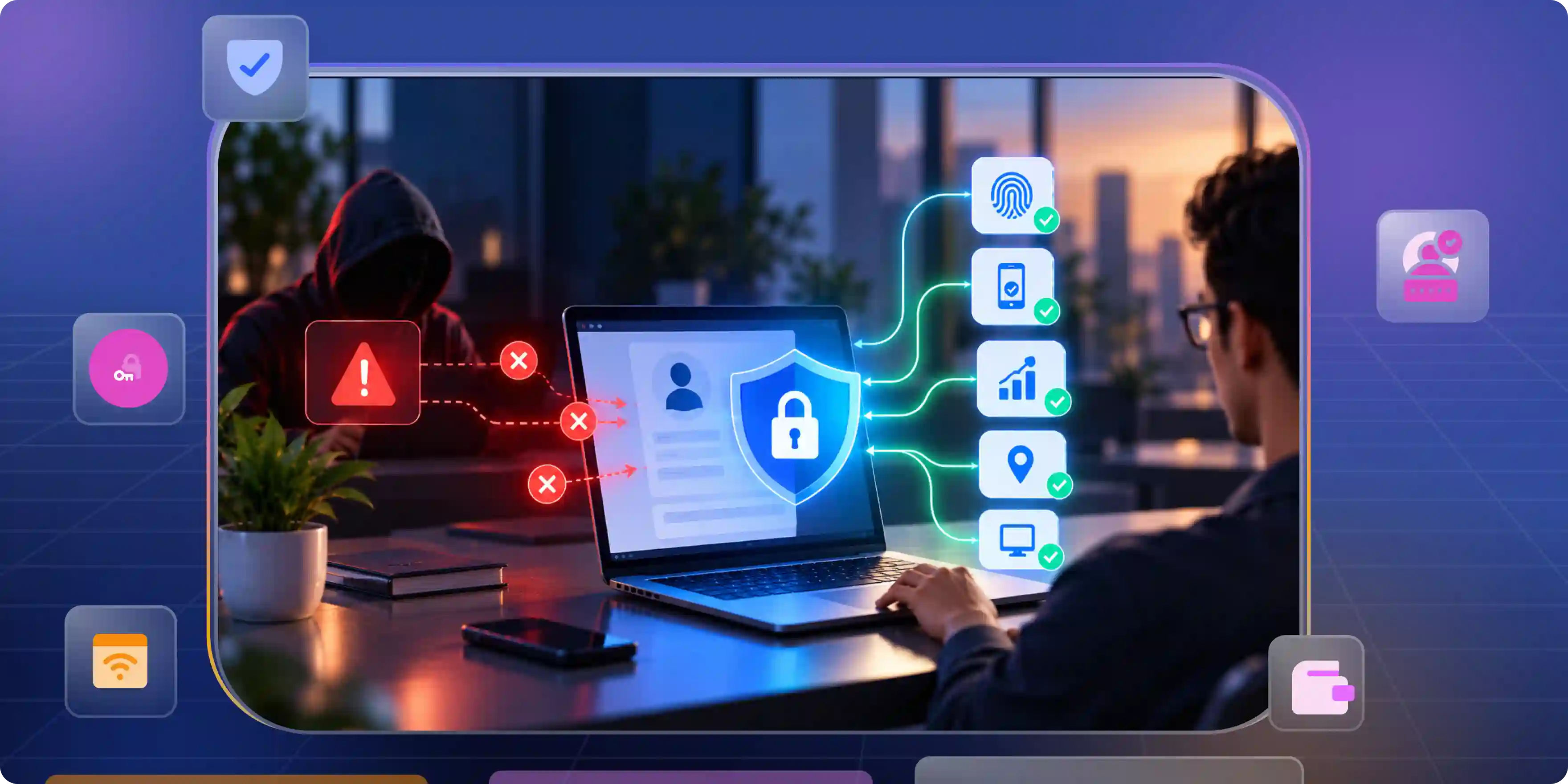

An online account may seem safe until someone else gets access to it. You might have personal photos and private messages stored there for years. If an attacker gets in, your information is no longer safe. This can also put business files and financial details at risk.
A password or a code can help stop attackers but it may not be en ough. Account takeover protection must also detect unusual activity while you use your account. We need to look beyond login to keep accounts safe.
Why Accounts Still Get Taken Over After MFA Is On
Multi-factor authentication (MFA) adds another layer of security to the login process. It makes it harder for attackers to enter an account with only a stolen password. However, MFA does not protect every part of an account. Attackers may steal active sessions, trick people into sharing codes, or exploit weak account recovery steps.
Stolen Passwords and Fake Login Pages
Passwords remain a common way for attackers to enter accounts. People often reuse passwords because remembering many different ones is difficult. Attackers can also create fake websites that look like real login pages.
- Stop password reuse: Encourage people to use a password manager or passkeys. Block passwords known to have been exposed in data breaches, and rate-limit repeated login attempts to make automated attacks harder.
- Block fake login pages: Use phishing-resistant authentication where possible. Teach users to check the website address and avoid sharing login codes through email, messages, or unexpected phone calls.
Stolen Sessions After Login
A successful login often creates a session that keeps the user signed in. This makes websites easier to use because people do not need to enter their password on every page. But a stolen session token may allow an attacker to act as the real user. In some cases, the attacker may not need to pass MFA again. This is why businesses need effective account takeover protection that goes beyond passwords and login verification.
- Protect session tokens: Use secure cookies, HTTPS, and suitable session controls. Never treat an active session as harmless simply because the original login passed security checks.
- End risky sessions: Set suitable session expiry rules and require users to verify themselves again before sensitive actions.
Weak Account Recovery
People sometimes lose access to their phones, passwords, or security keys. They need a safe way to return to their accounts. However, weak recovery steps can give attackers another path inside. If an attacker changes the recovery email or phone number, the real owner may struggle to regain control.
- Strengthen recovery checks: Do not rely on public facts, such as birthdays, as proof of identity. Use stronger checks before allowing important account changes.
- Protect recovery channels: Secure recovery email accounts and phone numbers. Alert users when recovery details change, and make it easy to report changes they did not approve.
Where Account Takeover Gets Through and How to Close Each Gap
An attacker rarely needs to defeat every security control. Finding one weak point may be enough to start an attack. That weakness might be a stolen password, an unprotected device, or an account with too many permissions.
A practical account takeover solution should protect each of these areas instead of focusing only on login security. The goal is to make every step harder to misuse while keeping normal work simple.
Strengthen Identity Checks
A system must have a reliable way to check who is trying to enter an account. Passwords can be stolen, and one-time codes can be shared with fake websites. Stronger methods reduce the chance that stolen information will lead to a successful attack. For example, businesses can implement passkey authentication to make sign-ins more resistant to phishing and reduce their dependence on traditional passwords.
- Use passkeys: Passkeys use cryptographic keys linked to the real website or app. They help prevent phishing because the sign-in process is tied to the correct website rather than a password that can be copied.
- Protect sensitive accounts: Use phishing-resistant MFA for administrators, finance teams, and other high-risk users. Require extra verification before sensitive actions, such as changing payment details or adding a new authentication method.
Monitor Changes in Account Behavior
A login may look normal even when an attacker is behind it. The attacker might use a new device, change account settings, or access information at an unusual time. Looking at these actions together can help a security team find signs of trouble.
Organizations can strengthen this process with identity threat detection, which helps security teams identify suspicious identity-related activity and respond before a small security issue becomes a larger incident.
- Watch important signals: Track new devices, unusual login patterns, repeated failures, and changes to recovery details.
- Ask for more proof: When an action appears risky, ask the user to verify their identity again. Limit Access and Permissions
An account should have access only to the information and tools its owner needs. If an attacker takes over an account with broad permissions, the damage may spread quickly. Limiting access helps reduce this risk.
- Follow least privilege: Give users only the permissions needed for their work. Remove old accounts and access rights when people change roles or leave an organization.
- Separate powerful accounts: Keep administrator accounts separate from everyday accounts where possible. Protect them with stronger authentication and review their activity more closely.
What an Account Takeover Protection Solution Must Cover
A strong account takeover protection solution must protect the full account journey, not just the moment a person signs in. It should help prevent attacks, detect unusual activity, limit damage, and support safe recovery.
Strong Authentication and Recovery
Authentication helps a system decide whether someone should be allowed to enter. Recovery controls help the real owner return when access is lost. Both need strong protection because attackers may target whichever path is easiest.
- Support modern authentication: Offer passkeys and phishing-resistant MFA for important accounts.
- Secure recovery changes: Verify requests to change recovery details and alert the account owner.
Session and Device Security
Accounts remain at risk after the login process ends. A stolen session token or an infected device may give an attacker access without another password check. Session security should therefore be part of the main protection plan. Users should also be able to see which devices have access to their accounts.
- Set safe session rules: Use secure session tokens, suitable expiry times, and re-authentication for sensitive actions.
- Give users device control: Let users review connected devices and remove ones they do not recognize.
Monitoring and Useful Alerts
Security teams need enough information to understand what is happening inside an account. However, collecting information is not enough if no one can act on it. Monitoring should highlight useful warning signs and help teams respond quickly.
- Connect security signals: Bring together login events, device changes, recovery requests, and sensitive account actions.
- Explain what happened: Tell users when a new device signs in or important details change. Provide a safe way to report activity they did not approve.
Access Control and Integration
Many accounts connect to other tools, apps, and services. An attacker may use one compromised account to reach other systems. A strong solution should understand these connections and help teams limit unnecessary access.
- Review connected services: Check which apps can access an account and remove permissions that are no longer needed. Pay special attention to services that can read private data or change account settings.
- Connect security tools: Where possible, link identity monitoring with existing security systems. This helps teams investigate suspicious activity and take action without relying on separate, disconnected alerts.
Account Takeover Mitigation When One Gets Through
Even a well-protected account can be compromised. A user may approve a fake request, a device may be infected, or an attacker may find a new weakness. When this happens, quick action matters. Account takeover mitigation focuses on stopping the attacker, limiting the damage, restoring safe access, and learning from the incident. A clear plan helps teams act with care instead of making rushed decisions.
Contain the Attack
The first goal is to stop the attacker from doing more harm. Waiting too long can give the attacker time to steal data, change settings, or reach connected services. Security teams should know which actions they can take immediately.
- Block suspicious access: Revoke active sessions and tokens, block harmful sign-ins, and disable access when needed. A password reset alone may not end every active session.
- Check linked accounts: Review email, cloud storage, payment tools, and connected applications. If the attacker may have reached them, secure those accounts as well.
Restore the Account Safely
Getting the account back is only part of the recovery process. Attackers may leave behind new recovery details, unknown devices, or connected apps that allow them to return. The security team must check these areas before treating the incident as resolved.
- Review account settings: Check recovery email addresses, phone numbers, connected apps, forwarding rules, and active devices.
- Reset access methods: Change compromised passwords and replace affected authentication methods.
Learn and Improve
Every incident can show where a security plan needs work. The purpose of a review is not to blame the person who was attacked. It is to understand how the attack happened and prevent a similar event.
- Find the entry point: Review login records, account changes, and security alerts. Preserve useful evidence and follow the organization's incident response process.
- Fix the weakness: Improve the control that failed and test the updated process. Share useful lessons with the right teams while protecting private information.
Close the Gaps Attackers Use After Login
Strong account security is not built around one tool. It comes from several controls working together, from authentication and session safety to monitoring and recovery. These controls should protect users without making everyday work harder than it needs to be.
Build Protection in Layers
Every security control has limits. MFA can block many password attacks, but it cannot stop every stolen session or weak recovery process. Monitoring can find warning signs, but teams still need a clear response plan.
- Prevent and detect: Combine strong authentication, safe sessions, limited permissions, and account monitoring. Do not rely on one security measure to stop every attack.
- Prepare and respond: Define who can block access, investigate incidents, and help users recover.
Make Security Easy to Use
Security works best when people can understand it and follow it. Confusing warnings and difficult recovery steps may cause users to ignore alerts or choose unsafe shortcuts.
- Keep steps clear: Offer understandable alerts, simple device reviews, and safe recovery instructions. Explain what users should do when they see something unusual.
- Encourage early reporting: Help users report suspicious activity without fear of blame. A quick report can give the security team time to stop a small problem from becoming a larger one.
Measure What Works
Security teams need more than a list of enabled features to understand whether their defenses are effective. They should know how quickly attacks are found, how long it takes to contain them, and whether recovery works as planned.
- Track response times: Measure how long it takes to detect, contain, and recover from a suspected takeover.
- Review weak points: Check accounts that still depend on weaker sign-in methods and review recovery controls.
A simple way to protect accounts is to combine strong authentication, secure sessions, and access controls. For businesses looking to bring these protections together, Infisign UniFed offers identity and access management features such as Single Sign-On (SSO), multi-factor authentication (MFA), and passwordless login.
- Single Sign-On (SSO) with MFA: Infisign UniFed combines single sign-on with multi-factor authentication to help prevent unauthorized access, even when passwords are compromised.
- Passwordless Authentication: Infisign UniFed supports passwordless sign-in through magic links, email or SMS OTPs, passkeys, and biometric verification. These methods reduce the need for passwords, but they do not all offer the same level of security. Passkeys use phishing-resistant technology, making them harder to steal through fake login pages than one-time codes or magic links.
- Conditional Access and Brute-Force Protection: UniFed supports IP whitelisting, location-based access policies, and brute-force protection to help block suspicious login attempts and strengthen account security.
One stolen session can undo the protection you worked so hard to build. So, what happens when MFA is no longer enough? Discover how Infisign UniFed can help close the gaps attackers exploit. See it in action with a personalized demo.
FAQ
Can account takeover happen if MFA is enabled?
Yes. Attackers may steal active sessions, trick users into sharing codes, or exploit weak recovery methods. MFA reduces risk but cannot prevent every attack.
How do passkeys prevent account takeover?
Passkeys use cryptographic keys linked to the real website or app. This makes phishing harder because fake websites cannot easily reuse passkey credentials.
What are the first signs of an account takeover?
Watch for unknown logins, unexpected password changes, unfamiliar devices, changed recovery details, missing messages, or strange messages sent from your account.
What is the difference between account takeover protection and fraud detection?
Account protection helps prevent unauthorized access. Fraud detection looks for suspicious actions, such as unusual payments. Together, they help prevent access and reduce financial harm.
What should an account takeover response plan include?
It should cover alerts, session blocking, account recovery, password resets, device reviews, evidence collection, user notices, damage checks, and fixes for the weakness that allowed


