


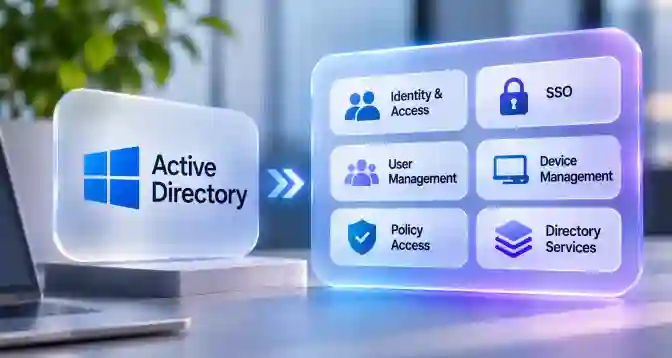

Active Directory has been around for years. But the way people work has changed. Employees now use cloud apps, remote devices, Linux systems, and services that do not sit inside one office network.
This is why many companies are looking at active directory alternatives. Some want less server work, while others need better support for cloud apps and different devices. A product may handle user sign-in but still leave Group Policy, LDAP, or domain services behind.
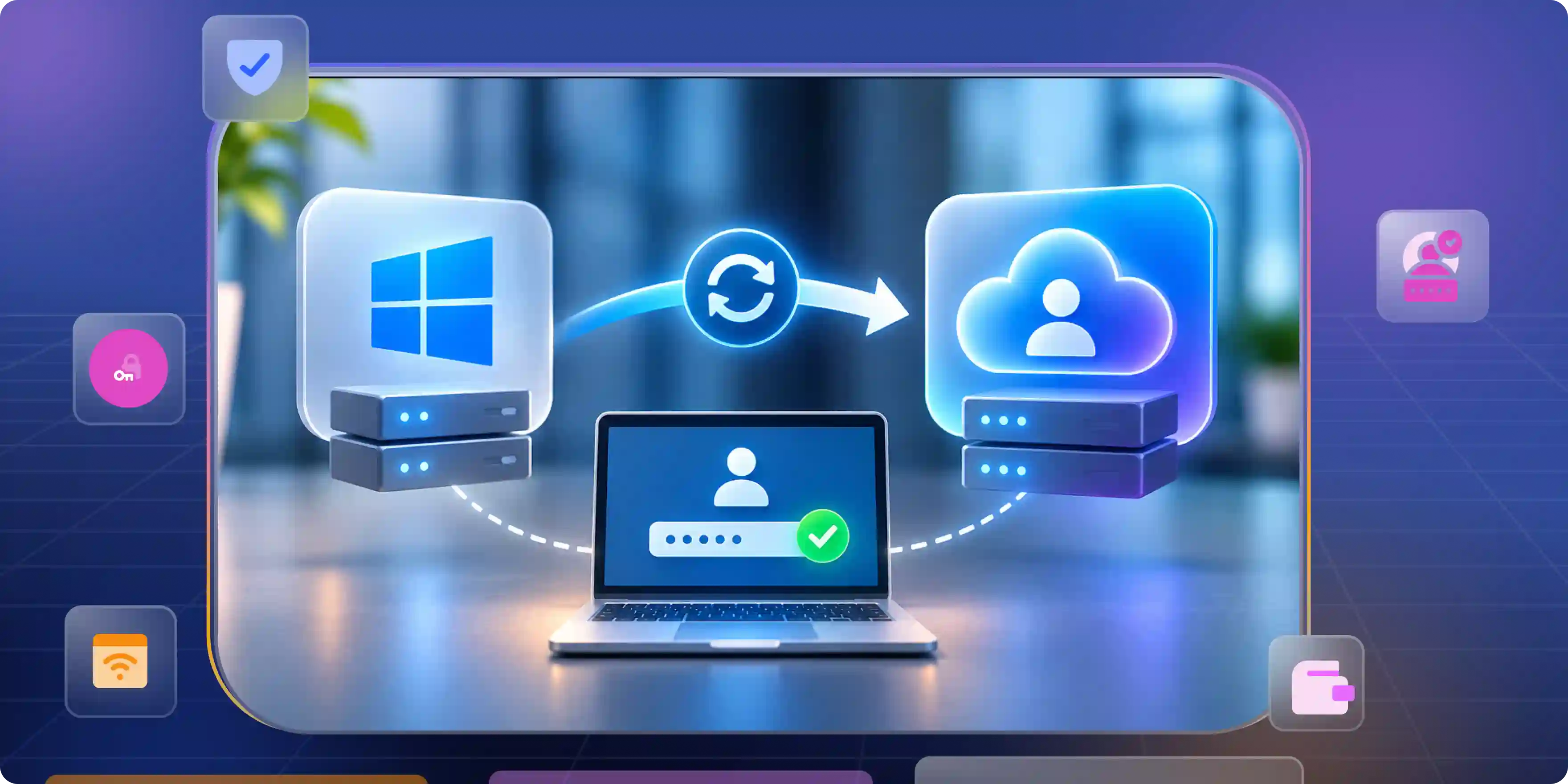
Why Teams Are Moving Off Active Directory Now
Active Directory is not a bad tool. It still works well in many Windows-based networks. The problem starts when a company needs more than a local Windows domain.
Cloud Work Changed Sign-In
Employees may sign in from home, travel, or access apps hosted by different cloud providers.
- Remote Access. Older domain setups often depend on a connection to the company network.
- Cloud Apps. Active Directory Domain Services does not provide every modern cloud identity feature by itself.
- Mixed Devices. A Windows domain does not give the same level of control over every Mac, Linux device, phone, or tablet.
Domain Servers Need Care
IT teams must patch servers, check backups, watch replication, and protect domain controllers.
- Server Work. Domain controllers need updates, monitoring, and recovery plans.
- Old App Links. Some apps still need LDAP, Kerberos, or NTLM. These connections can make it hard to move away from a domain in one step.
- Stronger Security. Modern access plans use MFA, device checks, and clear access rules.
Active Directory Combines Five Core Jobs, and Alternatives Cover Them Differently
It is not just a place to store user names and passwords. It brings several services together, and each alternative covers a different part.
Five Core Jobs
Active Directory Domain Services (AD DS) connects users, computers, and apps in a Windows network.
The 2026 Verizon Data Breach Investigations Report found that vulnerability exploitation was the first access path in 31% of breaches it reviewed. This shows why identity changes should go hand in hand with strong patching and access controls, not just a new sign-in screen.
- User Directory. AD stores users, groups, computers, and other objects. It gives admins one place to manage these records.
- Authentication. Kerberos and, in some cases, NTLM help users and devices prove who they are.
- Group Policy. Group Policy Objects let admins set rules for Windows users and computers. These rules can control settings, scripts, and security options.
- DNS Services. AD depends on DNS to help devices find domain controllers and services. It also supports domain join and the trust links used between domains.
A Real-World Admin View
A system administrator discussing FreeIPA and Samba on Reddit described using FreeIPA for Linux but said some Windows systems still needed AD-style support. The same discussion mentioned Samba as a useful middle ground for a mixed device lab.
The Best Active Directory Alternatives Compared
Some tools replace cloud sign-in, while others provide a domain service or manage Linux users. Here is what each option is designed to do. When comparing microsoft active directory alternatives, remember that Microsoft's cloud identity service and its managed domain service do not offer the same features.
Microsoft Entra ID and Entra Domain Services
Microsoft Entra ID and Entra Domain Services serve different purposes, so it is important to understand which one your business needs.
- Entra ID. It manages cloud identities, app sign-in, SSO, MFA, and Conditional Access. It is a strong choice for Microsoft 365 and cloud apps, but it is not a direct AD DS domain controller.
- Entra Domain Services. This managed service provides features such as domain join, LDAP, Kerberos, NTLM, DNS, and Group Policy support.
Samba Active Directory Domain Controller
Samba is an open-source option for teams that need an AD-style domain. For companies looking for an active directory alternative, Samba can be worth testing when Windows domain features are still important.
- Windows Domain Support. Samba can act as an Active Directory-compatible domain controller. Windows computers can join its domain, and it supports core services such as LDAP, Kerberos, and DNS.
- Policy Checks. Samba supports many Group Policy needs, but you should test the exact policies, trusts, and apps you use.
FreeIPA and OpenLDAP
These two open-source tools are often mentioned together, but they do different jobs. FreeIPA is aimed at Linux identity, while OpenLDAP is mainly a directory service. FreeIPA is often considered a linux equivalent to active directory for Linux-focused networks, but it does not provide the same Windows domain experience.
- FreeIPA. FreeIPA brings together LDAP, Kerberos, DNS, certificates, and Linux access rules. It is a strong fit for Linux and Unix systems, but it does not replace Windows Group Policy.
- OpenLDAP. OpenLDAP stores and shares directory information through LDAP. It can support apps that need a directory, but it does not provide the full Windows domain experience on its own.
If you still have older apps that do not support modern sign-in standards, you may need an extra access layer. Infisign explains how to enable SSO and MFA for legacy and on-prem apps without rewriting the original applications.
JumpCloud and Okta
They are also among the alternatives to active directory that companies consider when they want to manage cloud apps and different device types. Still, they are not the same as a traditional AD domain.
- JumpCloud. JumpCloud brings user management, SSO, MFA, and device management together in one cloud platform. It supports Windows, macOS, and Linux devices. It also provides Cloud LDAP for applications that need directory access. However, it cannot fully replace traditional Active Directory Domain Services (AD DS), especially when applications rely on Windows domain controllers, Kerberos, or traditional Group Policy.
- Okta. Okta Universal Directory helps manage identities and access to cloud apps through SSO and MFA. It is useful for app identity, but it is not a full AD DS replacement for domain join and classic Group Policy.
Where Every Alternative Leaves a Gap
A product can solve one part of AD and still leave other work for your team.
Compare the Main Features
Exact support can depend on the product plan, setup, and version. It can help you compare the best active directory alternatives based on the services your current network needs.
- Check Apps. List every app that uses LDAP, Kerberos, NTLM, or domain accounts. A tool that handles SSO may not support an older app that expects a domain controller.
- Check Device Rules. Group Policy may control settings that users depend on every day. You need a tested plan for moving those rules to tools such as Microsoft Intune or another endpoint manager.
Cloud Sign-In Is Not Domain Control
A company may still need a small AD setup for one old app while using cloud identity for most users. A cloud alternative to active directory may handle app sign-in and user access, but that does not mean it can replace every domain service.
- Know the Need. If you only need SSO and MFA, a cloud identity provider may be enough. If an app needs LDAP or Kerberos, you need a service that supports those protocols.
- Plan the Gaps. Some companies use more than one tool after migration. This can work well, but each tool needs a clear owner and a clear job.
Which Active Directory Alternative Fits Your Environment
Review the services your current Active Directory setup provides before choosing a replacement.
Compare Options by Need
Think about the biggest problem you want to solve. There is little point in paying for a full platform if you only need one service. These active directory competitors cover different needs, so compare them based on your current setup.
- Microsoft Cloud Apps. Entra ID is a natural choice when most work happens in Microsoft 365 and cloud apps. Add Entra Domain Services only when older apps still need managed domain features.
- Windows Domains. Samba may suit teams that want an open-source AD-style domain. Test Windows policies, trusts, backups, and app links before moving production users.
- Linux Systems. FreeIPA is a better fit when Linux and Unix systems are the main focus. OpenLDAP may fit a narrower need where apps only require directory data.
- SaaS and Mixed Devices. JumpCloud can help manage identities and devices across different systems. Okta is worth looking at when app sign-in and identity workflows are the main concern.
Pick the Right Fit
A small IT team may not want to run several servers. A large company may need more control over custom apps and local services.
- Small Teams. A cloud identity service can reduce server work and make user access easier to manage. Check device controls and app support before you remove the old domain.
- Large Teams. You may need a mix of cloud identity and managed domain services. Keep the design simple, document each connection, and avoid running two systems without a clear reason.
How to Replace Active Directory Without Breaking Sign In
The goal is to move users and apps in small steps, so people can keep working while IT checks each change.
Map Dependencies Before Migration
Start with a full list of the systems that depend on AD. Do not rely only on old notes, as some connections may be hidden in scripts or service accounts.
- List Everything. Record your users, groups, computers, domain controllers, DNS zones, and trusts. Also note which sites and teams use each service.
- Find App Links. Check which apps use LDAP, Kerberos, NTLM, or Windows integrated login. Include service accounts, scheduled tasks, certificates, and old scripts.
- Save GPOs. Export and review your Group Policy Objects. Mark which settings are still needed and which can be removed.
Move in Small Steps
Test the new setup with a small group of users before rolling it out across the company.
- Set Up Identity. Create users, groups, app links, and access rules in the new platform. Test MFA, password resets, and account recovery.
- Move in Stages. Start with a small group and check sign-in, Wi-Fi, VPN, file access, and app use. Fix problems before moving the next group.
- Keep a Rollback Plan. Keep the old domain available while key services are being tested. Do not remove domain controllers until you know that no important app or device still depends on them.
Retire the Domain Controller and Keep the Control
Retiring domain controllers means ensuring that every user, device, and app still has clear access rules.
Keep Access Clear
- Least Privilege. Give users only the access they need for their work. Review admin rights and remove access that is no longer required.
- MFA and Logs. Use strong MFA for important accounts and keep records of sign-in and access events. Review alerts so unusual activity does not go unnoticed.
- User Changes. Connect identity workflows to HR or other trusted user records where possible. New staff should get the right access, and departing staff should lose access on time.
For a stronger setup, teams can follow practical identity and access management best practices, such as reviewing permissions, protecting privileged accounts, and checking access throughout the user lifecycle.
Use Cloud Services With Clear Rules
If your business also runs customer apps or partner portals, customer identity needs its own plan. Infisign UniFed is built for customer identity and access management, rather than as a direct replacement for an AD domain controller.
It supports customer SSO, passwordless sign-in, adaptive MFA, and user lifecycle tools. These features can work alongside cloud directory services used to manage employee identities and access.
- MagicAuth. Offers passwordless sign-in through email magic links. This can make customer access simpler without relying only on passwords.
- InfiAuth and MFA. Supports adaptive MFA and other authentication choices. Teams can apply stronger checks when a login needs more protection.
- Customer Access. Features include social login, passkeys, SCIM provisioning, and audit logs. These can help manage customer accounts and access across apps.
Access rules also need to consider the login context. You can learn how conditional access works in identity and access management when setting rules around user risk, device health, and location.
If you want to see where UniFed fits into your customer login setup, book an Infisign demo. Bring your current app and sign-in needs, and ask the team to show how its features would work with your setup.
FAQ
Can you replace Active Directory with Entra ID?
Yes, for many cloud identity needs. But Entra ID does not provide every AD DS feature, such as classic LDAP, Kerberos domain services, and Group Policy.
Is there a free alternative to Active Directory?
Yes. Samba, FreeIPA, and OpenLDAP are open-source options. They need setup, maintenance, and testing, so free software does not mean zero cost.
Is Active Directory being discontinued?
No. AD DS is still used and supported. Many companies are modernizing their identity setup, but that does not mean AD has been discontinued.
What replaces Group Policy without Active Directory?
Tools such as Microsoft Intune can manage many Windows settings. Check each GPO and map it to a supported device policy before migration.
Do small businesses still need Active Directory?
Not always. A small business using cloud apps and managed devices may use cloud identity instead, but older apps can still require AD services. For many smaller teams, an active directory alternative for small business may be a cloud identity platform that supports their apps and devices without the need to maintain local domain controllers.


