




When an employee leaves, the process should be simple. HR records the departure, IT removes access, and the company moves on. But things do not always work that way. An employee may have accounts in dozens of apps, access to shared files, and sessions that remain active even after the main account is disabled.
This is where offboarding software makes a difference. It connects an employee's departure with the work IT needs to complete and helps track what has actually happened. But there is one thing worth keeping in mind: automating a task does not mean every access point has been closed.
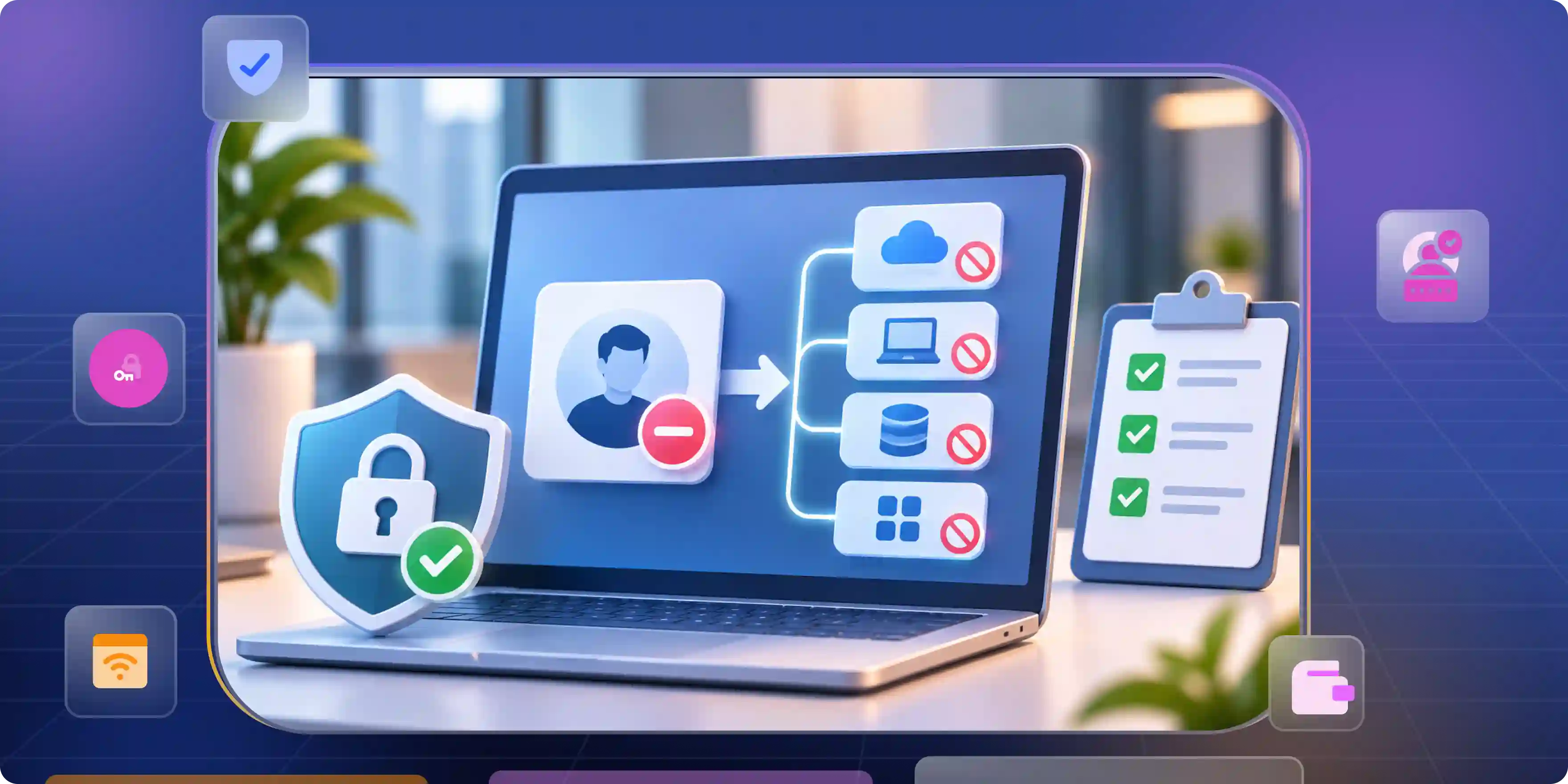
Why Your Offboarding Tool Closes the Ticket but Not the Access
An employee’s main account may be disabled on their last day, but that does not mean all access is gone. They could still be signed in to other apps, using a separate login, or have access through shared credentials. These gaps are easy to miss when IT relies only on a closed ticket.
- Other Accounts May Still Work: Many business apps use their own logins. Disabling the company account will not always shut them down. Open sessions and shared passwords can create the same problem.
- Some Requests Fail: An app might reject an access removal request or fail to respond. If the tool marks the task as complete anyway, IT may not realize that access is still available.
- IT May Not Know Every App: Teams sometimes sign up for software without involving IT. When those apps are missing from company records, their accounts can be overlooked during offboarding. Unclear ownership makes it harder to resolve failed requests.
- A Closed Ticket Proves Very Little: A “Completed” status does not show whether access was actually removed. IT needs a record of what happened, when it happened, and whether each action succeeded. Any failed step should remain visible until someone resolves it.
Where Offboarding Breaks and How to Handle Each Gap
Employee offboarding can get messy when records are outdated, app access goes unnoticed, or important tasks remain unfinished. The right offboarding tools help teams spot these gaps, keep track of pending work, and make sure company accounts and data are handled properly when someone leaves.
HR and IT Work From Different Records
HR may know an employee’s last working day, but IT does not always receive the right information on time. An outdated record, a last-minute departure, or confusion between employees with similar names can delay access removal. Both teams need accurate details and a clear way to communicate changes.
The Company Cannot See Every Account
Employees often use tools that IT never formally approved or recorded. Smaller apps can be easy to miss, especially when people take on new responsibilities and gain access to additional systems. Keeping an up-to-date list of applications and accounts helps prevent these gaps.
Access Removal Stops Too Early
Disabling an employee's main account does not always remove all their access permissions. Some applications require separate steps to remove user roles, group memberships, or account assignments. Refresh tokens and API credentials linked to the employee may also need to be revoked, if the application supports it. Shared passwords and any credentials the departing employee knows should also be changed or rotated.
Company Data Needs a Safe Handover
Before removing an employee’s access, teams should identify files, calendars, and records that colleagues may still need. Important business records may need to be retained under company policies. IT should also check whether company files have been shared with personal email addresses or external users.
Failed Actions Need Follow-Up
An access-removal request can fail because an app is unavailable or an integration stops working. The system should show whether each action succeeded, failed, or is still pending. Failed tasks need a clear owner and deadline, along with a way to retry them without restarting the entire offboarding process.
Questions That Separate a Useful Tool From a Checklist
Choosing the right IT offboarding software means looking beyond feature lists. The tool should work with your existing apps, help IT remove access properly, and make it easy to spot tasks that still need attention. Before choosing a product, focus on five things that matter in day-to-day use.
- Does It Cover the Apps Your Team Uses? A vendor may advertise hundreds of integrations, but what matters is whether your critical apps are supported. Ask how the software handles apps with separate logins and whether it can manage individual accounts or simply list them in reports.
- Can It Confirm That Access Is Removed? Disabling an account is not the same as deleting it. Check whether the tool can revoke active sessions and tokens, remove app permissions, and clearly report actions that fail.
- Are the Audit Records Detailed Enough? Records should show which system received a request, what action took place, and when. Exportable reports and a history of workflow changes also help security teams review decisions and investigate problems.
- Will It Fit Your Budget and Setup? Some integrations and advanced features may cost extra or require additional configuration. Check the pricing carefully and make sure the features you need are included in your plan.
- Can Your Team Test and Maintain It? Test the workflow before using it for real departures. Include failed connections and incorrect employee records in your tests. As new apps and permissions are added, review the workflow regularly to make sure it still works as expected.
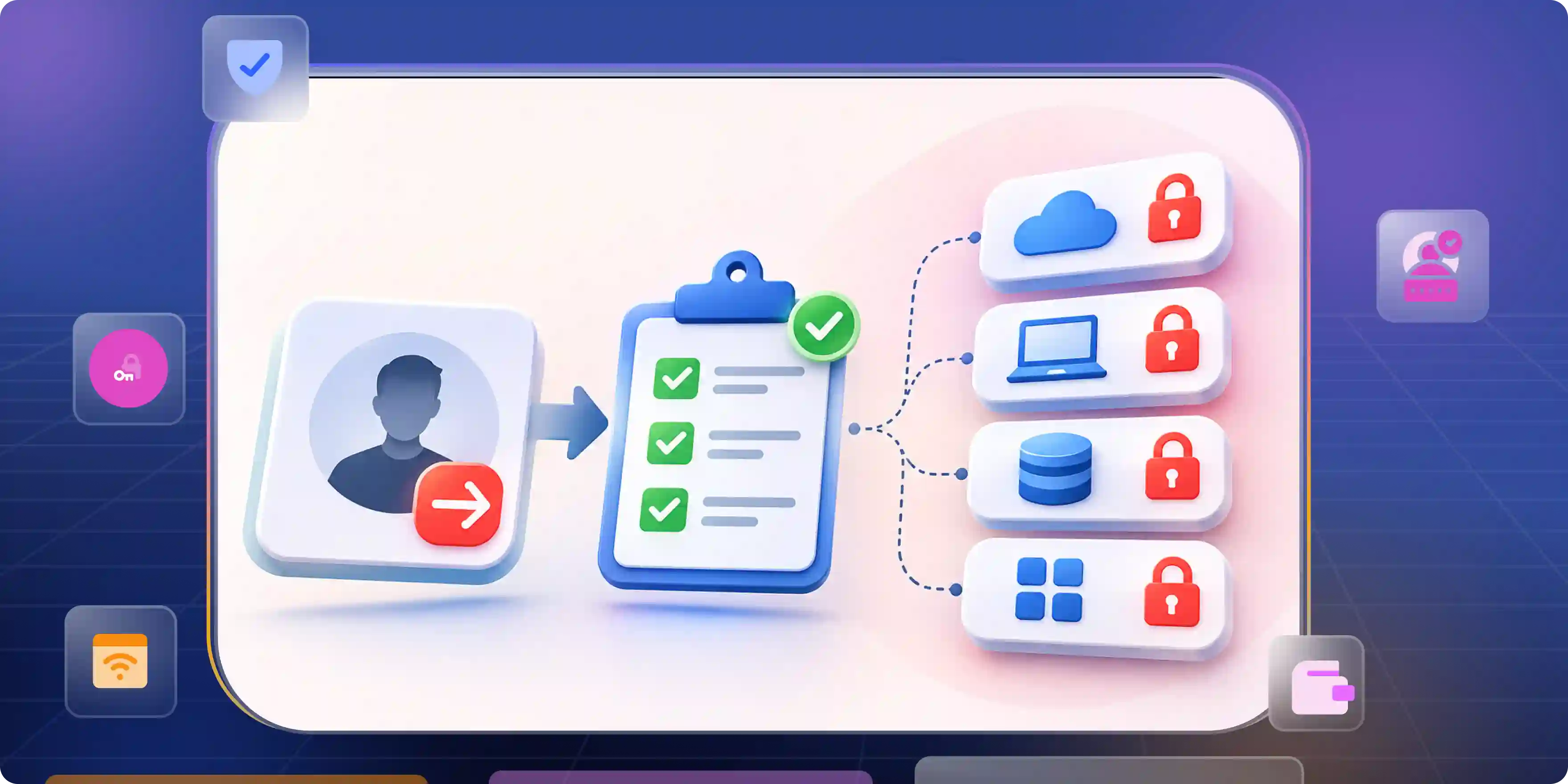
What Automated Offboarding Looks Like in the First Hour
The following steps show how an automated employee offboarding workflow typically works. The actual time required depends on the organization's systems, available application integrations, and the tasks that need manual attention.
Step 1: IT Receives the Departure Notice
- Check the employee details: HR sends the departure date and employee information. If any details are missing or do not match, the team needs to resolve them before proceeding.
- Work out what needs to go: The employee's role and account records help IT identify the systems and permissions that need to be reviewed.
Step 2: Disable the Main Account
- Block the primary login: IT disables the employee's main identity account at the agreed time. Active sessions and tokens may need separate revocation, depending on the system.
- Deal with sensitive access first: Remote access, administrator accounts, and critical business systems deserve early attention, particularly when the departure is urgent.
Step 3: Remove Access to Other Apps
- Check connected applications: The workflow sends removal requests to supported apps and removes assigned roles or group memberships where possible.
- Follow up on anything outside the workflow: If an app cannot be managed automatically, its owner receives a task to complete the removal manually.
Step 4: Check for Anything Left Behind
- Review failed requests: IT checks which actions failed or are still pending. Safe retries can resolve temporary errors, while other cases may need manual work.
- Sort out files and records: The team transfers necessary business data, reviews outstanding access, and records the results. Any required removal that remains incomplete should stay open until it is resolved.
The Best Employee Offboarding Software for Each Kind of Gap
Best employee offboarding software depends on how your company handles employee accounts today. Some businesses can manage most departures through their existing identity provider. Others need a way to track access across dozens of apps, devices, and separate systems. Here are the main differences worth considering before making a choice.
Microsoft Entra ID Governance
- Automating Employee Departures: Companies already using Microsoft 365 and Microsoft Entra ID can explore its lifecycle workflows to automate account disabling and group membership changes.
- Checking App Coverage: Review the licensing requirements and test how it handles apps outside the Microsoft environment before relying on it for every departure.
Okta Lifecycle Management
- Managing Connected Accounts: If your company already uses Okta to manage employee identities, its lifecycle features can help coordinate access changes across connected applications.
- Testing Access Removal: Test the apps your team depends on most. An integration may support account deactivation without handling every permission or active session.
BetterCloud
- Handling SaaS Applications: Businesses with a large collection of SaaS apps may find BetterCloud useful for managing access-related tasks and coordinating work such as file transfers.
- Checking Automation Limits: Confirm which applications it supports and which offboarding actions still require someone to step in.
Workato
- Connecting Business Systems: Workato is worth exploring when an employee's departure affects several systems across HR, IT, and other business teams. Its workflows can connect tasks that would otherwise be handled separately.
- Planning Setup and Maintenance: Consider the effort involved in maintaining those workflows, including connector availability and access permissions.
JumpCloud
- Managing Identities and Devices: Companies that need to manage user identities alongside devices may want to consider JumpCloud, particularly when offboarding involves both account access and company equipment.
- Reviewing Supported Features: Confirm that the platform supports your existing systems and the specific tasks your IT team needs to complete.
Zluri and Lumos
- Finding Untracked Apps: If employees use SaaS applications that IT struggles to track, Zluri and Lumos are worth comparing for their application visibility and access-management capabilities.
- Verifying Account Removal: Ask each vendor to demonstrate how it discovers apps, matches accounts to employees, and handles access removal in your environment.
Which Option Makes Sense for Your Company?
- Matching the Tool to Your Setup: Microsoft Entra ID Governance and Okta are natural options to assess if your company already relies on those identity platforms. BetterCloud, Zluri, and Lumos may deserve closer attention when SaaS visibility is the bigger problem.
- Focusing on Remaining Gaps: JumpCloud may suit teams managing identities and devices together, while Workato can connect processes across different systems. In every case, check whether the tool confirms successful access removal and makes unfinished tasks visible.
Make Offboarding an Identity Decision Before the Next Exit
Start With What You Have
- Map Access and Responsibilities: List the apps employees use and clarify who handles each step across HR, IT, security, and app owners.
- Set Clear Deadlines: Decide when access must be revoked and which systems need attention first.
Track the Results
- Measure Completion: Track how long it takes to block critical access and how many systems confirm its removal.
- Review Failures: Repeated errors and manual tasks can point to missing integrations or gaps in app coverage.
Keep It Current
- Update Access Records: New apps and changing employee roles can leave old records incomplete, so review them regularly.
- Test the Workflow: Run periodic checks to catch problems before the next employee leaves.
The goal isn't to automate every task. It's to know which accounts an employee can access and confirm that those permissions have been removed when they leave.
A closed ticket means the task was marked complete. It doesn't prove the access is gone.
How Infisign Helps With Employee Offboarding
When an employee leaves, IT needs to make sure their access is removed from the systems they used. This gets harder when accounts are spread across different apps. Infisign's lifecycle management solution helps manage access as employees join, move to new roles, or leave the company.
- Removing App Access: IT teams often have to deal with several accounts during offboarding. Infisign supports user provisioning and deprovisioning to manage these changes. Its guide to provisioning and deprovisioning explains the process in more detail.
- Reviewing User Permissions: Removing an account does not always cover every permission an employee has. Infisign's identity governance solution helps businesses manage user access and review permissions.
- Managing Access Across Apps: Employees may have access to tools that IT does not check every day. Understanding access provisioning can help teams keep track of how users get access to these systems.
Want to know if Infisign fits your company's setup? Book a demo to discuss your current process and the features your team needs.
FAQ
What Is Employee Offboarding Software?
Offboarding software helps companies manage employee departures by disabling accounts, removing app access, transferring files, and tracking completion across connected systems.
What Is the Difference Between HR Offboarding and IT Offboarding Software?
HR manages departure records and exit procedures, while IT removes accounts, permissions, and sessions through automated offboarding workflows.
How Do You Automate Employee Offboarding?
Connect HR systems with identity providers and supported apps, trigger automated offboarding workflows, revoke access, and track results to identify unfinished tasks.
How Quickly Should You Revoke Access When an Employee Leaves?
Revoke access at the approved departure time, or immediately for urgent exits, and verify that sessions, tokens, and critical accounts are disabled.
Does Turning Off SSO Remove Access to Every App?
No, disabling SSO may not revoke separate accounts, active sessions, or tokens. Additional actions may be required to remove all access


