




The most dangerous authentication failure may not come from a broken token. It may come from a perfectly readable token that an application trusts without checking its origin.
A JWT decoder helps developers look inside a token and understand the information it carries. But readable data is not proof of authenticity. A token can display a valid user ID, access role, and expiry time while still failing security checks.
Developers must verify its signature, confirm its source, and validate its claims before granting access. One unchecked assumption can turn an identity check into an entry point for unauthorized access.
What Is a JWT Decoder and Why Does It Matter for Enterprises?
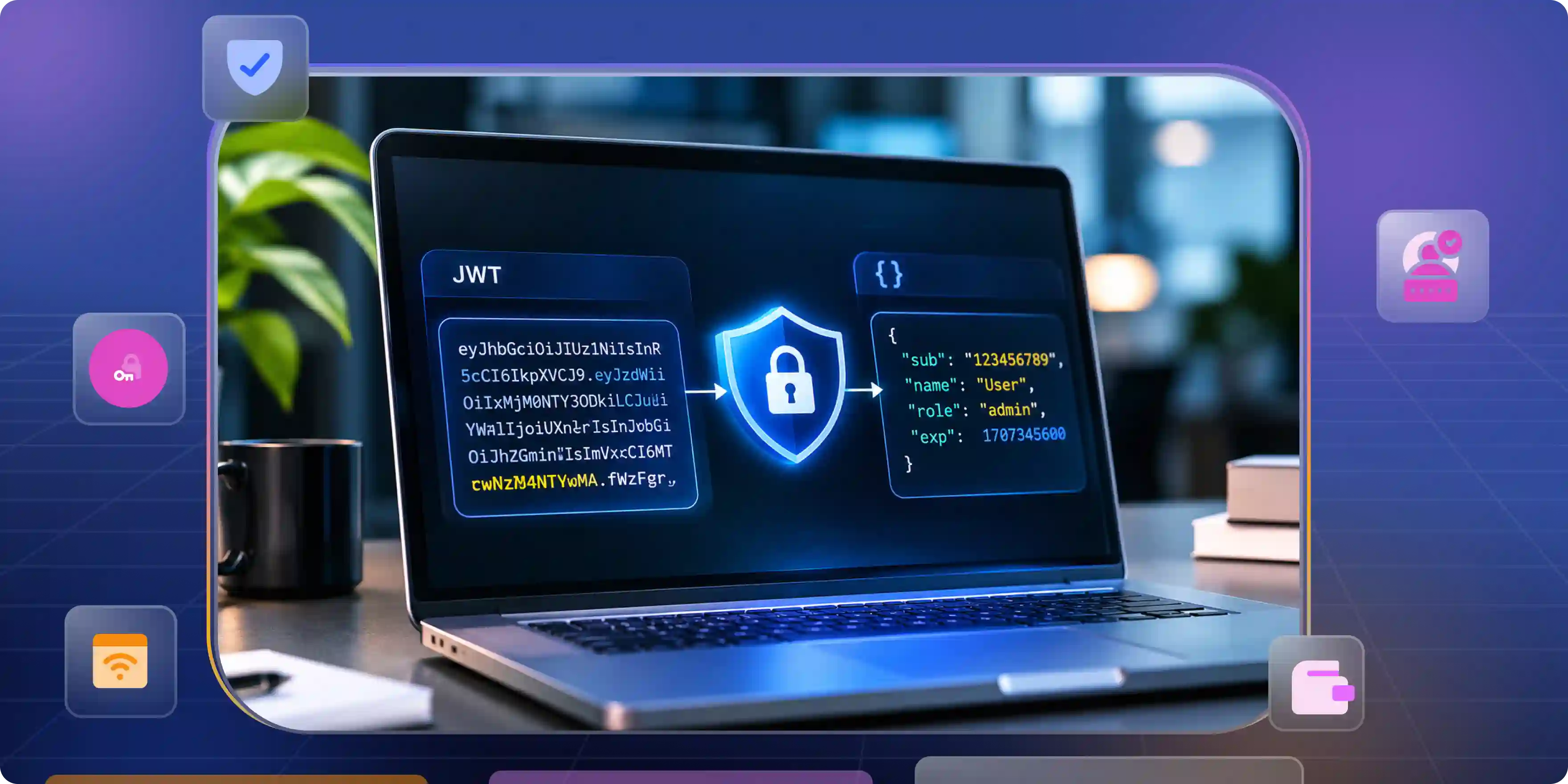
A JWT decoder turns encoded token data into readable text. Developers can see what a token contains, but the tool does not change the token. This is useful when a login fails or an API rejects a request. The decoder shows the token data, but it cannot confirm that the token is valid or safe.
How a JWT Decoder Works
A JWT parser reads a token and shows its contents in a readable format. For a signed JWT that uses JWS Compact Serialization, it uses Base64URL decoding to make the header and payload readable. For an encrypted JWT that uses JWE, the payload stays encrypted. You need the correct decryption key to read its contents.
For a signed JWT, the tool shows the header and payload. Developers can check the algorithm, issuer, subject, and expiry time. For an encrypted JWT, the parser can show the protected header and encrypted parts. However, you need to decrypt the token with the correct key to read the original payload.
- Token Input: A developer can paste a JWT into a JWT online decoder or use a local tool. A signed JWT usually has three parts, separated by dots.
- Data Reading: The tool displays the header and payload. Developers can check the algorithm, issuer, subject, and expiry time.
- Signature Display: The tool may show the signature as encoded text too. Seeing it does not prove that the signature is valid.
Why Enterprises Need JWT Decoding
Large companies use many apps and services. These systems often share identity data through tokens. A JWT decoder online tool helps developers inspect tokens as they test these connections. JWTs are also part of token-based authentication, where apps use tokens to share identity and access.
- Find Login Errors: Developers can use JWT decode online tools to spot missing claims, the wrong audience, and expired tokens during testing.
- Check User Data: Security teams can review user IDs, roles, and token times. This helps them see what data an app receives.
- Safe Testing: Teams should use test tokens while developing. Real user tokens should never be pasted into public tools.
Understanding the Three Components of a JWT Token
A signed JWT has three parts: a header, a payload, and a signature. Each one has a different role. The header and payload use Base64URL encoding, so anyone who has a normal signed JWT can read them. The signature helps the system check whether anyone has changed the signed data.
JWT Header and Payload: What the Token Contains
A JSON web token decode process makes the header and payload readable. The header gives details about the token, while the payload carries information about the user or service.
- Header Details: The alg field names the signing method. The typ field may show the token type. The optional kid field helps the app find the right key in a trusted key set.
- Identity Claims: The payload may include iss for issuer, sub for subject, and aud for audience. These fields tell you who made the token, who it refers to, and which app should use it.
- Time Claims: The iat, nbf, and exp fields show when the token was made, when it becomes valid, and when it expires. Apps must check these times.
Example header:
{  "typ": "JWT",
  "alg": "RS256",
  "kid": "key-2026"}
Example payload:{  "iss": "https://identity.example.com",
  "sub": "user-1042",
  "aud": "enterprise-api",
  "iat": 1795000000,
  "exp": 1795003600,
  "role": "employee"}
JWT Signature: How Token Integrity Works
The signature is created from the encoded header and payload. A JWT token viewer can display it, but the app must check it with the correct key.
- Spot Changes: If someone changes the signed header or payload, the signature check should fail.
- Check the Key: The app checks the signature with a trusted public key or shared secret. Which key it needs depends on the signing method.
- Check Access: A valid signature does not give a user full access. The app must also check the issuer, audience, expiry, and access rules.
What Can Enterprises Learn from Decoding a JWT Token?
A decoded JWT shows the data sent with a login or API request. Developers can use it to understand why an app accepts or rejects a request.
Understanding Important JWT Token Properties
The JWT token properties in a payload tell you who made the token, who it refers to, and which app should use it.
- Issuer (iss): This field names the system that created the token. The app must check that the issuer is trusted.
- Subject (sub): This field identifies the user or service named in the token. The app must check that it belongs to the trusted issuer.
- Audience (aud): This field names the app or service meant to use the token. It helps stop another app from using it.
Using Token Data for Enterprise Security
A JWT decode check lets security teams review the data inside a token. It also helps teams understand API authentication, where apps check who is making a request and what that person can do.
- Check Roles: Teams can read role and permission claims in a token. The app must still check these permissions on the server.
- Review Sessions: The iat and exp fields show when a token was issued and when it expires. The optional nbf claim shows when the token becomes valid. Teams can use these timestamps to check the token's age, validity, and session-related issues.
- Track Activity: The optional jti field gives each token a unique ID. Teams can add it to logs to follow activity.
JWT Decode vs JWT Verify vs JWT Decrypt
JWT decoding, verification, and decryption do different jobs. Decoding lets people read token data. Verification checks the signature. Decryption opens data protected with encryption.
JWT Decode vs Verify: Understanding the Difference
The difference between JWT decode vs verify is important when an application decides whether to accept a token. OAuth 2.0 is a framework that allows client applications to get limited access to protected resources. Its access tokens can be opaque strings or JWTs. When an access token is a signed JWT, the receiving application must check its signature and validate the required claims before accepting it.
- Decode: A jwt decode online tool can show the header and payload without a secret key. But this does not prove the token is valid.
- Verify: Verification checks the signature with the right key and an approved method. This helps confirm that the signed data has not been changed.
- Check Claims: The app checks the issuer, audience, expiry, and other required claims. If a token fails a check, the app should reject it.
JWT Decryption: Protecting Private Token Data
A normal signed JWT does not hide its header or payload. Anyone who has the token can read these parts. A JWT decoder online cannot read encrypted data without the correct key.
- Encrypted Content: A JWE uses encryption to protect its payload. In JWE Compact Serialization, the token has five parts separated by four periods. A signed JWT that uses JWS Compact Serialization has three parts separated by two periods. Both JWS and JWE also support JSON Serialization formats.
- Decryption Key: The app needs the correct private or shared key to open the data.
- Extra Protection: An app can place a signed JWT inside an encrypted JWT. When set up correctly, this helps protect the data and keep it private.
Security Risks and Best Practices for JWT Token Management
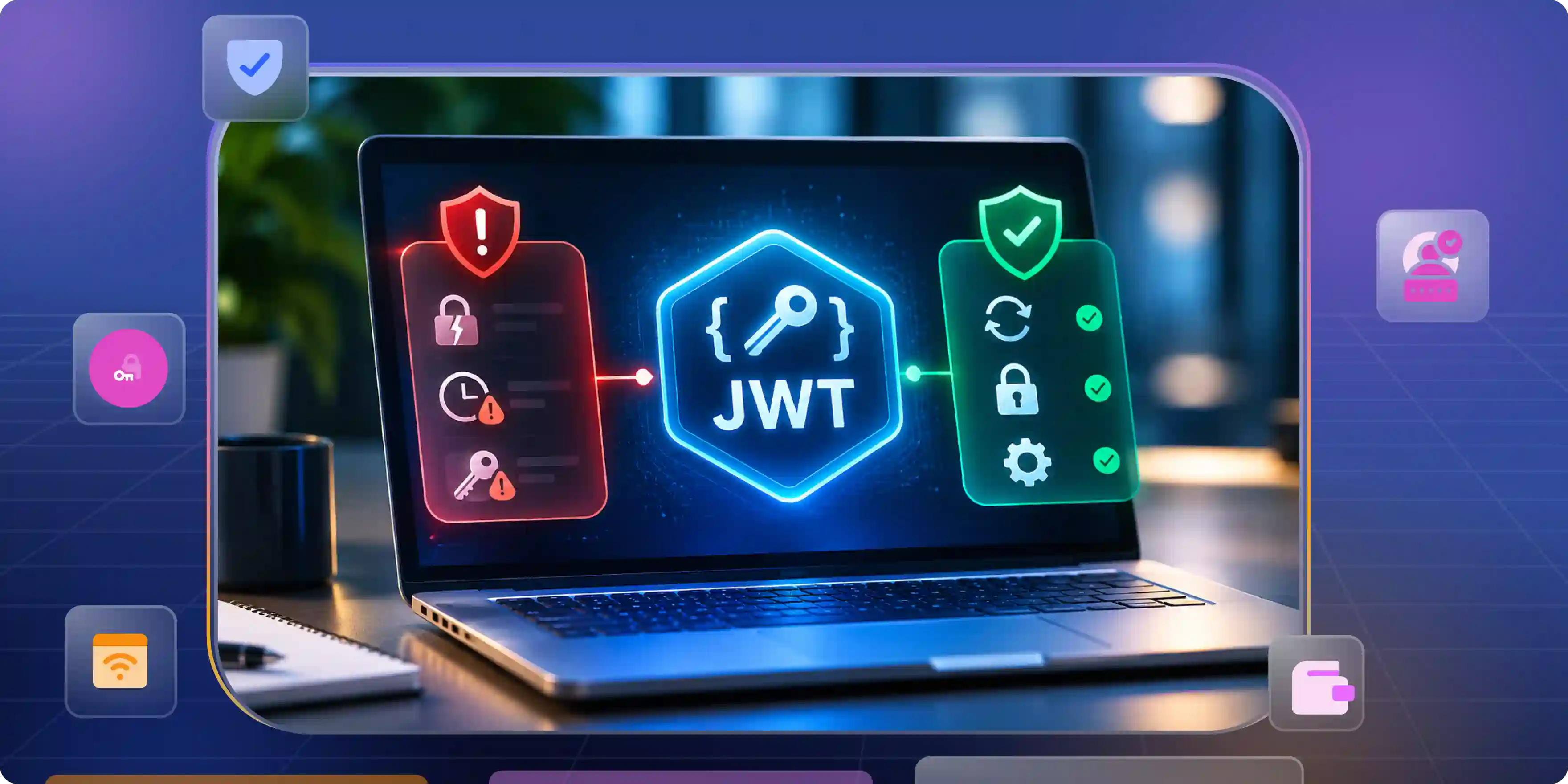
JWTs help apps share identity data, but weak token security can put users and business systems at risk. If an attacker steals a token, they may act as that user until the token expires or gets blocked.
Common JWT Security Risks
A JWT parser can show what a token contains. It cannot prevent attacks caused by unsafe storage or weak security checks.
- Token Theft: Attackers may steal tokens from unsafe browser storage, logs, URLs, or infected devices. They may then use the token for as long as it remains valid. A developer discussion about JWTs also explains why token contents can be read by anyone who has the token.
- Weak Algorithm Checks: Poor checks can let attackers misuse the signing method. Apps should allow only trusted methods and use the correct keys.
- Claim Tampering: An attacker may change data in a decoded payload and try to use the token. Signature checks help detect these changes.
Best Practices for Secure JWT Management
A jwt decode process helps teams read token data. Teams also need clear rules to protect tokens from the moment they are created until they expire or are blocked.
- Set Token Expiry: Keep access tokens short-lived. Clear refresh-token rules can limit the damage if someone steals an access token.
- Protect Token Storage: Keep tokens out of public logs and unsafe URLs. Use HTTPS and secure storage for the app and browser.
- Check Every Token: Check the signature, algorithm, issuer, audience, expiry, and required claims. Reject any token that fails a required check.
How Infisign Strengthens Identity and Access Security
Infisign offers identity and access tools to help with these needs. Its products help companies manage sign-ins, user access, and identity data across apps.
Centralized Identity and Access Control
A central identity system gives teams one place to manage users and app access. A jwt token viewer lets developers read token data, while access rules decide who can use connected apps.
- Single Sign-On: SSO lets users open connected apps with one sign-in. They do not have to log in to each app separately.
- Multi-Factor Authentication: MFA adds another check during sign-in. Infisign supports options such as email OTP and biometrics.
- Access Governance: Access rules help teams grant and review permissions across business apps. This helps remove access when a user no longer needs it.
Stronger Authentication Across Enterprise Applications
Companies use many apps, and each one may have different users and access needs. A jwt decoder online helps developers read tokens, while an identity platform manages sign-ins and access across the apps.
- Passwordless Access: Passwordless sign-in means users do not need a normal password. Depending on the setup, they can use passkeys, biometrics, or magic links.
- Privileged Access: Admin accounts need extra care. Just-in-time access and activity checks can limit how long high-level access remains active.
- Identity Lifecycle: User access must change when workers join, move to a new role, or leave. Automated provisioning helps make these changes on time.
Infisign UniFed for Customer Identity and Access
UniFed supports conditional access rules such as IP allowlists and location-based checks, plus reCAPTCHA and brute-force protection. It can use zero-knowledge proofs to verify user attributes without revealing underlying data.
Infisign UniFed lets companies manage customer sign-ins, identities, and app access from one place. It supports social logins, email OTP, passkeys, biometrics, SSO, and MFA.
See Infisign UniFed to learn how it works.
Frequently Asked Questions
1. What is a JWT decoder used for?
A JWT decoder reads encoded token data and shows the header and payload in JSON format. Developers use it to check claims and find authentication issues during testing.
2. Can a JWT token be decoded without a secret key?
Yes. Normal signed JWTs use Base64URL encoding for the header and payload. Anyone with the token can read these parts without the signing secret or private key.
3. Does decoding a JWT mean the token is valid?
No. Decoding only shows the token data. Before granting access, a system must check the signature, issuer, audience, expiry, and required claims.
4. What is the difference between JWT decoding and verification?
Decoding shows the token information. Verification checks its signature with a trusted key. Apps must also check the required claims and token rules before giving access.
5. How can enterprises secure JWT tokens?
Enterprises should use approved algorithms, strong keys, short token lifetimes, secure storage, HTTPS, strict claim checks, and monitoring. Regular security reviews can also help limit token misuse and access risks.


