


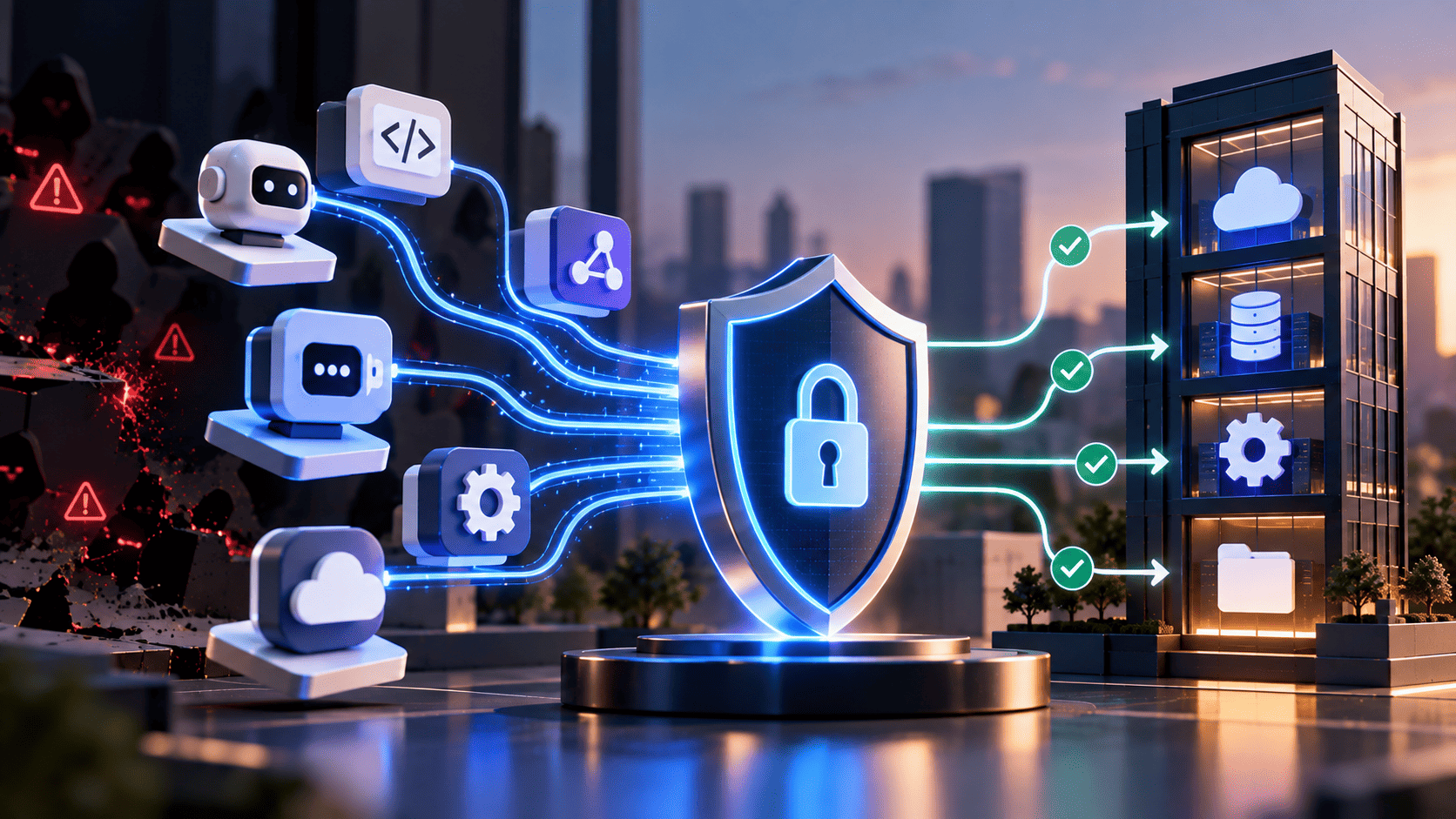

Connecting AI-powered tools to internal databases through the Model Context Protocol (MCP) enables faster, more efficient workflows across the organization. But this new setup also creates safety risks that regular firewalls cannot stop.
When you start using the Model Context Protocol (MCP), traditional safety boundaries may no longer be enough. MCP servers can perform actions automatically, allowing software to act without waiting for a person to approve each step or click a button.
Following MCP security best practices helps protect your private data and keeps your company safe as your AI tools grow big.
Why MCP Broke Your Security Model Before You Approved It
Traditional cybersecurity relies on protecting the network perimeter. You set up firewalls, ask for passwords, and monitor browser-based web traffic. This model works because human actions are generally predictable. A worker logs in, clicks a few buttons on a website, and logs out at the end of the day.
Model Context Protocol changes how software talks to each other. Instead of a human clicking buttons, an AI agent sends direct messages to local or outside tool servers. The AI reads a tool's capabilities, decides which action to execute, and sends commands behind the scenes. This creates communication paths that may bypass traditional network controls.
Servers Nobody Registered
Developers often test new MCP servers to improve productivity. When a developer wants an AI assistant to read local files or query a database, they start a small MCP server on their laptop. These MCP servers can often be launched with a single terminal command.
- Shadow Local Tools: Developers may install lightweight MCP servers on their workstations without formal approval from central IT or security teams. These servers can run in the background and connect directly to internal data sources.
- Unchecked Text Instructions: AI systems determine which actions to perform based on the capability descriptions provided by MCP servers. If an unapproved local server modifies its capability descriptions, it can mislead the AI into exposing sensitive data.
- Hidden Network Ports: Local MCP servers can communicate through local processes or network connections, depending on how they are configured. As a result, it can be more challenging for organizations to centrally monitor, manage, or enforce policies on servers installed by individual developers.
Credentials With No Owner
Tool servers need passwords to open databases and talk to online services. To make things work quickly during testing, coders often save main master keys directly inside local setup files. Following proper IAM best practices prevents these credential exposures and keeps your core system architecture secure.
- Shared Master Passwords: Teams often store administrative credentials in local configuration files to simplify development workflows. This leaves sensitive credentials stored on devices where malware may access them.
- Lost User Identity: When an MCP server uses one shared key for every job, history logs look identical. Security teams cannot determine which user initiated the action. Managing agent credentials correctly helps fix this problem so every action links to a real person.
- Uncontrolled Password Spread: As more coders build custom tools, static passwords spread across hundreds of files. Finding and rotating these credentials after a security incident can be time-consuming.
Access Nobody Can Revoke
Regular computer logins end when a worker logs off or closes the browser. Connections used by AI systems do not turn off on their own. They remain active so AI systems can respond immediately to requests.
- Always Open Channels: Background tools keep active lines open to remote services all day and night. Leaving these lines open lets outside programs talk to internal systems at any hour.
- Missing Central Switches: Security managers cannot turn off a local MCP server running on a worker laptop from a distance. Organizations should have remote controls in place to disable unauthorized MCP servers, revoke credentials, terminate active sessions, and isolate compromised endpoints when needed. These measures can help reduce risk and limit the impact of security incidents.
- No Expiration Rules: Many custom MCP servers lack built in timers that turn off old sessions. MCP connection and session lifetimes can vary depending on the implementation. Organizations should configure suitable controls for session expiration, credential expiration, and connection termination whenever those features are available.
The MCP Security Practices That Matter and How to Enforce Each One
Protecting a big company network means setting up real boundaries that do not rely on human memory. You cannot expect workers to remember every safety rule every single day. Following MCP server best practices reliability security helps build these safe boundaries so smart tools can work fast without breaking things.
Using Security Proxies for All Outside Traffic
Smart AI systems should never talk directly to outside websites without passing through a security guard first. Putting a dedicated proxy server between your AI agents and the internet gives you full control over outgoing data.
- Outbound Security Proxies: Send all traffic from MCP servers through a central proxy guard. Use a dedicated credential or identity service to issue and verify scoped credentials instead of storing long-lived secrets directly in MCP servers or proxy configurations. This approach helps improve security and reduces the risk of credential exposure.
- Strict Address Lists: Block outgoing messages to unknown web addresses by default. Only allow connections to safe domain addresses that your safety team explicitly approves.
- Message Checking Points: Inspect data leaving your network to catch accidental leaks of private customer details. The proxy stops the message before data reaches outside servers if it spots sensitive numbers or private codes.
Giving Temporary Passwords That Expire Fast
Long-lasting credentials create significant risk in automated environments. Switching to short lived keys keeps your systems safe even if a password leaks out. Establishing a robust machine identity federation ensures these dynamic credentials are automatically verified and safely issued across all connected tool servers.
- Short Lived Task Tokens: Issue short-lived tokens that expire automatically after a few minutes. If a key leaks from memory, it becomes useless before an attacker can use it.
- Task Specific Power Rules: Give permissions tailored only to the single job happening right now. A key created to read one file can never edit database tables or look at user lists. Restricting key power keeps damage small if something goes wrong.
- Automatic Password Cleanup: Systems must destroy temporary keys as soon as the active MCP task finishes. Eliminating unused credentials reduces the risk of post-job credential theft.
Keeping Human Supervisors in Control
Implementing manual approval workflows helps prevent high-impact actions on production systems.
- Mandatory Action Sign Offs: Require explicit manual approval from a human worker before running high risk steps. The AI agent must pause and wait when it tries to delete files or move money.
- Action Context Reviews: Present complete execution details before requesting approval.
- Safety Pause Rules: Program your systems to pause automatically whenever an AI agent tries to run steps outside its normal routine.
Where Your Existing Identity Stack Stops Covering MCP
Most company safety software was built for humans using web browsers. These systems check who you are when you log in, but they fail to enforce model context protocol security best practices when an automated AI agent acts ten steps later.
- Identity Loss Across Layers: Traditional security systems often lose visibility into user identity once an AI system takes over execution. The main database only sees incoming traffic from the AI server. Learning how to govern AI agent identities helps bridge this gap so security teams maintain complete control over automated actions across all system layers.
- No Sub Task Control: Authentication only verifies an identity; it does not define what an AI agent is allowed to do. Organizations should enforce authorization policies and apply least-privilege access controls at both the tool and resource levels to limit actions to only what is necessary.
- Unseen Text Instructions: Regular firewalls check web addresses but cannot read human language instructions inside AI prompts. They miss malicious instructions hidden inside files that trick AI agents into ignoring rules.
- Rigid Permission Setup: Legacy access systems give permissions to fixed user roles instead of matching real-time job needs. This forces teams to choose between giving AI agents excessive access or breaking functionality completely.
What to Make a Team Prove Before You Approve an MCP Server
Before any new tool server connects to your network, the team building it must show clear proof of safety. When securing MCP servers, setting strict test rules keeps risky software out of your company setup.
Proof of Protected Passwords
Require developers to demonstrate that credentials never appear in AI context windows, logs, or memory stores. Teams must prove that raw passwords never show up in chat logs or memory windows.
- Key Hiding Tests: Developers must show that MCP servers use placeholder names during execution instead of real secret keys.
- Log Inspection Checks: Verify that system logs contain no plaintext credentials.
Proof of Limited Power
Check that the server lets you restrict permissions down to specific folders and simple read actions. Reject any MCP server that demands administrative access just to perform basic daily checks.
- Path Restriction Rules: Confirm that the server blocks MCP servers from opening root folders or private system areas.
- Action Blockers: Verify that edit and delete options turn off easily when an AI agent only needs to read data.
Proof of Clear Activity Logs
Confirm that the server records every request time, tool choice, and outcome in safe log files. Managing non-human identities effectively ensures every automated server and background service maintains an explicit, traceable audit trail for all network events.
- Detailed Step Records: Every MCP server action must save a timestamp, user ID, and final result in central logs.
- Fast Log Exporting: Ensure logs can be exported in formats compatible with your security monitoring tools.
Proof of Automatic Disconnects
Ensure the tool server closes background connections automatically when idle. Connections should not remain open indefinitely on employee devices.
- Idle Timeouts: Configure appropriate idle timeouts for MCP sessions and connections based on the deployment’s risk level, workflow needs, and the transport methods being used. This helps reduce unnecessary exposure while still supporting normal operations.
- Session Cleanup: Verify that closing the main app destroys all linked tool background processes instantly.
Secure Your MCP Environment Before It Scales
Fixing safety problems after growing your AI tools across thousands of employee computers causes massive headaches and system downtime.
- List Active Tool Servers: Scan employee devices and network logs to identify all active MCP servers. Turn off unapproved local servers and move valid tools into safe test areas.
- Use Shared User Access: Use delegated or agent-specific authorization to give each AI workflow only the permissions needed for its current task. At the same time, maintain the appropriate user and agent identity context to support security, accountability, and access control.
- Set Up Central Monitoring: Connect all MCP server log files to your main security team dashboard.
- Create Simple Approval Rules: Build a clear review process for teams that want to add new tool servers.
Building a scalable Model Context Protocol environment requires a dedicated security framework to manage dynamic tools and non-human identities. Shifting away from static keys toward zero-trust architectures helps protect sensitive internal resources while maintaining automated workflows.
Platforms like Infisign UniFed manage workforce, customer, and agentic identities to keep system connections verified and compliant.
UniFed delivers complete non-human identity governance:
- Passwordless Single Sign On and Universal Federation connect agentic workflows across local and cloud environments.
- Short-lived Just-In-Time Tokens eliminate long-standing privileges, granting access only during active job execution.
- Zero Trust Verification enforces continuous biometric checks and risk-based access boundaries for every request.
Schedule a personalized walkthrough with Infisign UniFed today. See how zero-trust identity management secures your AI tools and MCP endpoints without interrupting developer velocity.
FAQ
Q. Is MCP secure enough for enterprise use?
A. MCP is a protocol specification, so its security depends on how hosts, clients, servers, tools, authentication, authorization, monitoring, and the surrounding infrastructure are implemented. Organizations should apply security controls that match their specific threat model, risk profile, and operational requirements.
Q. Who should own MCP security in an enterprise?
A. Central security and IT teams must own MCP security. They set company safety rules, while software development leaders make sure local tool servers follow all required security guidelines.
Q. How do you authenticate an MCP server?
A. You authenticate an MCP server using standard OAuth protocols, short lived identity tokens, and secure proxy layers. This setup checks server identity without exposing master passwords to tools.
Q. What is tool poisoning and how do you prevent it?
A. Tool poisoning happens when bad text tricks an AI into running harmful commands. Prevent it by checking tool descriptions, limiting folder access, and requiring human sign offs for actions.
Q. Can Infisign UniFed manage identities for AI agents and MCP servers?
A. Yes, Infisign UniFed manages non-human identities. It gives secure identities to AI agents and MCP servers, providing temporary tokens, limited access permissions, and central activity monitoring across systems


