


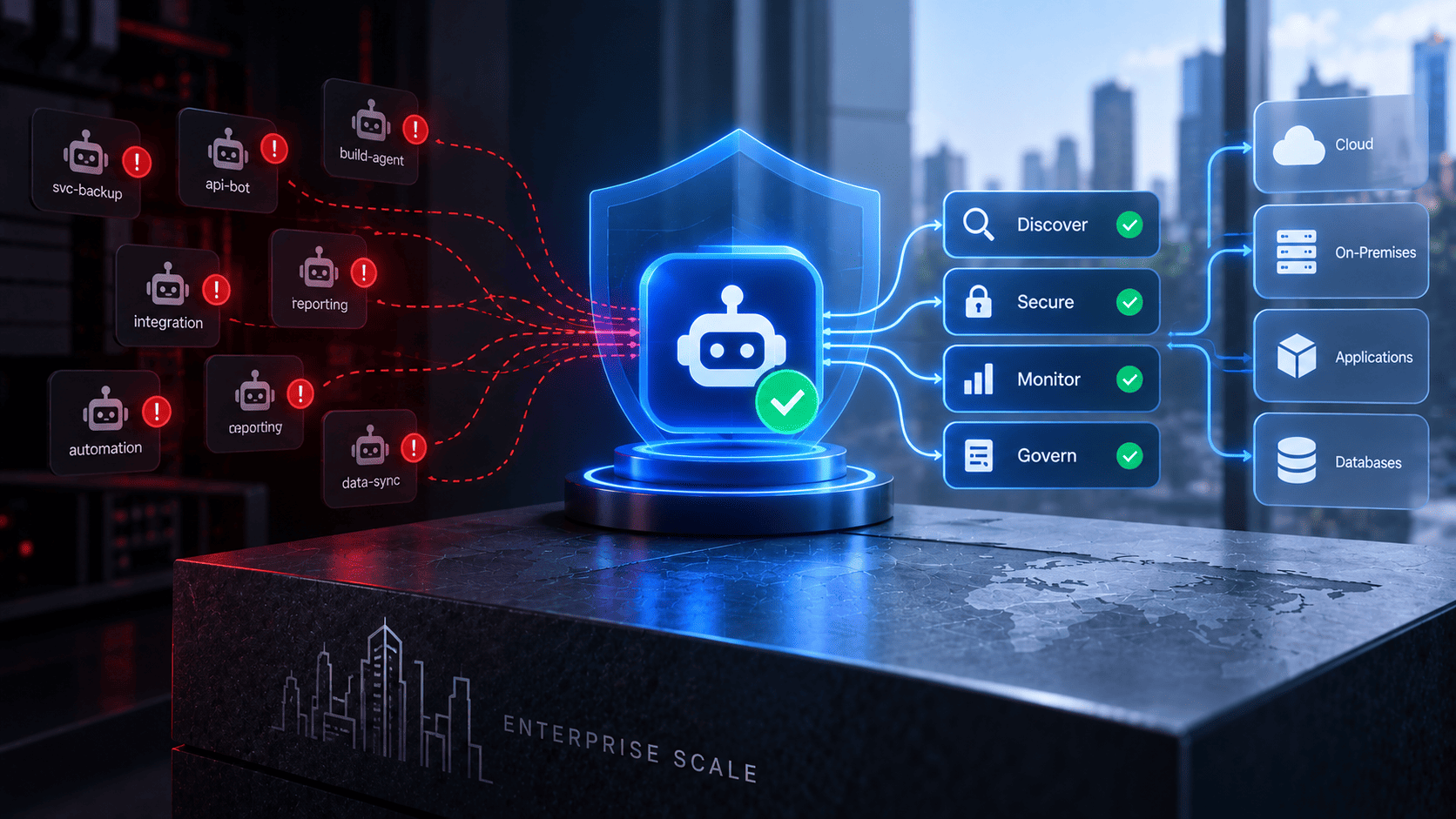

Modern cyber threats target enterprise systems through advanced phishing and active session theft. Attackers use proxy tools to bypass multi factor authentication and capture valid tokens, while MFA bypass attacks happen when attackers exploit weak contractor devices or trusted vendor connections to enter business networks and steal sensitive files. Organizations must deploy phishing resistant security keys, shorten session timeouts, and audit connected apps to defend against these risks.
1. The Mirage2FA Campaign on Microsoft 365
Mirage2FA is a newer phishing threat aimed at Microsoft 365 users. It does more than steal passwords. It can also steal an active login session. This may let attackers enter business accounts even after the user has completed MFA. Such tools contribute directly to recent phishing attacks in enterprise environments.
- Fake HR and Benefits Messages: Attackers send fake emails that look like HR notices or employee benefits documents. A link in the message takes the user to a fake login page.
- Real-Time Login Theft: The fake page works between the user and the real Microsoft login page which has led to credential theft attacks while capturing the username password and MFA code during the login. The request is then sent to Microsoft so the login looks normal.
- Session Token Theft: After a successful login attackers can capture the user's session token. They can use this token to access the account without going through the full login process again. Changing a password revokes refresh tokens, but active access tokens may still work until they expire. To stop them immediately, administrators need to manually revoke all active sessions or use Continuous Access Evaluation (CAE).
- How to Stay Safe: Security teams should treat stolen sessions as a serious identity threat. They should monitor active sessions and check tokens often. Organizations should use phishing resistant FIDO2/WebAuthn-compliant passwordless methods or hardware security keys. These methods use cryptographic origin binding to help prevent Adversary-in-the-Middle (AiTM) proxy pages from stealing and relaying user credentials.
2. Tycoon 2FA as Phishing Infrastructure
Tycoon 2FA turned phishing into a large-scale service for cybercriminals and drove recent cyber security incidents by sending huge numbers of fake emails and targeting many organizations around the world. The service made it easy for attackers to steal login details and active sessions even when MFA was in place.
- Large Scale Phishing: Large Scale Phishing: Tycoon 2FA helped attackers send millions of fake emails each month. It targeted thousands of organizations across many industries before law enforcement disrupted its network, adding to the growing list of cyber attack statistics.
- Ready-Made Phishing Tools: The platform gave criminals ready-made fake login pages and tools for live session theft. This meant attackers did not need strong technical skills to run phishing campaigns.
- MFA and Session Theft: The service acted as a live link between the victim and the real login page. It could capture usernames, passwords and one-time codes. It could also collect the valid session token after the real service approved the login.
- Stronger Protection: Standard MFA codes may not stop proxy based phishing attacks. Organizations should also consider hardware security keys, passkeys, and continuous authentication security. These methods are much harder for attackers to steal through a fake login page.
3. The Snowflake Customer Campaign
The Snowflake customer campaign showed how weak access controls can put enterprise environments at risk and fueled major cyber attacks 2026 after attackers got account details from third party devices that had infostealer malware and used accounts with weak security to access large amounts of business data.
- Stolen Credentials: Attackers got login details from contractor devices infected with infostealer malware. These credentials were then used to target customer accounts in recent hacks.
- Weak Legacy Accounts: Some older service accounts and admin accounts did not have strong MFA or network limits. This gave attackers a way into systems that had weaker protection.
- Large Data Theft: Once inside these accounts attackers were able to access and take large amounts of business data stored in cloud databases. The incident showed that one weak account can put valuable data at risk.
- Secure Every Access Point: Companies should protect every database connection and connected device. Admin accounts should use strong access rules and hardware security keys. Old accounts and unused connections should also be reviewed often.
4. The Claude Session Cookie Theft Campaign
As AI tools became common at work, attackers started targeting AI account sessions. The Claude session cookie theft campaign used infostealer malware to steal active browser data. This gave attackers a way to enter accounts without needing the user's password or MFA code, contributing to biggest cyber attacks 2026.
- Stealing Browser Data: The malware searched the device for active session cookies stored by the browser. These cookies can show that a user is already signed in.
- Bypassing Login Checks: Attackers imported the stolen session cookies into another browser to hijack the session. This allowed them to bypass the normal password and MFA checks by reusing an already authenticated session.
- Access to Private Data: Once inside an account attackers could view private chats and work files. They could also access code projects and other sensitive workspace data.
- Better Session Protection: Companies should use endpoint security tools that can detect unusual access to browser data. They should also keep session times short so stolen cookies become useless sooner.
5. The Instructure Canvas Breach
Educational platforms hold a lot of important data. This includes student records and school documents. The Instructure Canvas breach showed how attackers can use one weak account to reach other systems. They used stolen login details and social tricks to target school staff, adding to the list of companies hacked 2026.
- Stolen Login Details: Attackers used credential stuffing to try stolen usernames and passwords. They also used social engineering to trick help desk staff into giving access.
- Access to School Data: After entering the platform attackers could view school rosters and communication channels. They could use this information to plan more phishing attacks.
- Risk From Single Sign-On: Because Canvas connects with enterprise Single Sign-On (SSO) systems, compromising an account can expose weak trust settings or give attackers a way to target the central Identity Provider. This could allow them to access connected systems, such as finance tools and student databases.
- Stronger Access Control: Schools and organizations should limit what each account can access. They should monitor platform connections and remove inactive admin accounts quickly.
6. Kali365 and Microsoft Device Code Abuse
Kali365 is a phishing platform that abuses a normal Microsoft login feature. This feature was made for devices like smart TVs and meeting room screens. Attackers found a way to misuse it and trick users into giving access to their accounts.
- How Device Codes Work: Microsoft can use a short code to let a device sign in. The user enters this code on a real Microsoft page and completes the normal login steps.
- How Attackers Misuse It: Attackers send a fake request that contains a device code. The victim enters the code on the real Microsoft site and signs in. This makes the action look like a normal login.
- Access Without the Password: Once the user approves the request Microsoft gives the attacker valid access tokens. The attacker can then reach emails, calendars and cloud files without knowing the user's password.
- How to Stay Safe: Companies should turn off device code sign-in for normal users when it is not needed. Security teams should also watch for unusual device login requests and remove access that looks suspicious.
7. The Salesloft Drift OAuth Supply Chain Breach
The Salesloft Drift breach showed how trusted software connections can create a serious security risk. The software used OAuth tokens to connect with many customer Salesforce accounts. Some of these tokens stayed active long after the first setup. Attackers used this access to reach customer data.
- Trusted Software Access: Drift had connections with many customer Salesforce accounts. These connections used OAuth tokens that allowed the software to access customer data.
- Stolen Active Tokens: Attackers broke into the vendor system and took active OAuth tokens. They then used these tokens to send requests to customer databases.
- Why It Went Unnoticed: The requests came from a trusted software partner. This made the activity look normal to many security systems. The attackers also did not need to pass another login check.
- Better Token Control: Companies should review all third party app access on a regular basis. They should limit what each app can access and remove old OAuth tokens when they are no longer needed.
8. ShinyHunters Salesforce OAuth Abuse
The ShinyHunters campaign showed how attackers can misuse trusted access to Salesforce systems. They used social tricks and stolen login details to get into business accounts. Once inside they were able to collect large amounts of customer and company data.
- Gaining Account Access: Attackers used social engineering and stolen login details to enter business Salesforce accounts. This gave them access to valuable customer data.
- Stealing Business Data: The attackers collected customer lists, contact details and private business notes. They used trusted API tools and export features to move the data out.
- Using Trusted Connections: The data was taken through approved API connections. This made the activity harder for normal security tools to spot.
- Better Data Controls: Companies should review connected apps on a regular basis. Data export should be limited to trusted accounts. Security teams should also watch for large or unusual data downloads.
9. Mutant Spider Against Financial Services
Mutant Spider used phone based phishing to target financial companies. The attackers acted like IT support staff and tried to gain the trust of bank employees. Attackers used this trust to carry out OTP relay attacks by tricking employees into sharing verification codes. They also used MFA fatigue attacks, repeatedly sending unwanted push notifications until users were pressured into approving one.
- Fake IT Support Calls: Attackers called employees and pretended to be IT staff. They tried to convince workers to share temporary codes or approve login requests.
- Getting Into the Network: After gaining access the attackers used real account details to move through the network. This helped them avoid some normal security checks.
- The Human Risk: Strong security tools may not be enough when an employee is tricked. A fake support call can give attackers the access they need.
- Better Staff Protection: Banks should use strict checks before making account changes. Important requests should also be confirmed through another trusted method. Regular training can help staff spot fake support calls.
10. The Scattered Spider Retail Wave
Scattered Spider targeted major retail companies with social engineering attacks. The group focused on IT help desks and used fake stories to gain the trust of support staff. This helped them get past normal login checks and enter company systems.
- Targeting Help Desks: Attackers pretended to be real employees and contacted IT support teams. They tried to convince staff to reset security devices or create new temporary passwords.
- Bypassing Security Checks: Once the help desk made the requested changes the attackers could enter company accounts. This gave them a way around normal identity checks.
- Ransomware and Data Theft: After gaining access the group moved through company systems. They deployed ransomware and stole sensitive business data which caused major work and money losses.
- Stronger Help Desk Security: Retail companies should use strict identity checks for all help desk requests. Staff should confirm sensitive changes through trusted methods. Extra care is needed when dealing with store workers and outside contractors.
11. The Scattered Spider Insurance and Aviation Wave
Scattered Spider later targeted insurance and aviation companies. The group used simple human tricks and weak points in cloud systems to get past security checks. After gaining access they moved through company networks and worked to keep access for a long time.
- Breaking Through MFA: Attackers used SIM swaps, fake login alerts and help desk tricks to get past multi factor authentication. They used these methods to fool users and support staff.
- Taking Admin Access: After getting higher access the attackers could move through internal systems without being noticed. This gave them more control over company resources.
- Keeping Long Term Access: The group used remote access tools to create ways back into the network. This allowed them to return even after some security steps were taken.
- Stronger Cloud Security: Insurance and aviation companies should follow zero trust rules. Admin sessions should be kept short and all cloud account changes should be watched in real time.
12. The ShinyHunters Vishing Wave
ShinyHunters used phone based phishing to target company employees. The attackers mixed phone calls with fake emails to gain trust. They tried to make users approve fake login requests and then used that access to enter company cloud systems.
- Fake Calls and Login Alerts: Attackers called employees and acted like trusted staff. They also sent matching emails to make fake login requests look real. Their goal was to get login details or make users approve requests they did not start.
- Access to Company Data: After gaining access the attackers could enter cloud accounts and connected services. They could then steal business data and use it for extortion.
- Stronger Login Protection: Companies should use hardware security keys where possible. Employees should never approve login requests they did not start. Strange calls and login alerts should be reported right away.
What Your Identity Layer Needs to Close These Flaws
Modern attacks show that passwords and basic MFA are not always enough. Companies need stronger identity controls that can stop fake logins and limit the damage if a session is stolen.
- Use Phishing Resistant Login: Move away from SMS codes and push alerts where possible. Use phishing resistant FIDO2 security keys and passkeys instead. These methods make it much harder for attackers to trick users into giving access.
- Protect Active Sessions: Keep login sessions short and use continuous authentication security to check them often. If a session cookie is stolen it should expire quickly. This can reduce the time an attacker has to use it.
- Review Cloud Access: Check all OAuth 2.0 apps and external connections on a regular basis. Remove access that is no longer needed and turn off old login methods across cloud accounts.
Close These Routes Before Your Company Becomes Item 13
Waiting for a security incident before fixing identity gaps can put a company at serious risk. Weak OAuth access and old accounts may already exist in your network. Taking action early can help stop attackers before they get in.
- Find Weak Access: Check for unusual token activity and old service accounts. Remove access that is no longer needed and use strict access rules for every user and service.
- Treat Session Theft as a Breach: A stolen session should never be treated as a small issue. Security teams should act fast to block the session and check what the attacker may have accessed.
Modern identity threats show that traditional multi-factor authentication can be bypassed by advanced proxy phishing and active session theft. Attackers exploit weak credential layers, third party app connections, and legacy tools to infiltrate cloud environments. To counter these persistent attacks, modern security architectures integrate unified identity platforms like Infisign to enforce strict validation controls, eliminate static credentials, and protect enterprise networks against unauthorized access.
Passwordless Authentication (FIDO2 + WebAuthn)
Passwordless authentication removes the need for traditional passwords. Instead, users can sign in with security keys, device passkeys, or biometrics such as a fingerprint or face scan. Since there is no password to steal, fake login pages become much less useful to attackers.
Universal Single Sign-On (SSO)
Single Sign-On (SSO) gives users one secure way to access different cloud and hybrid apps. IT teams can manage access from one place, quickly remove access when needed, and disable unused or risky app permissions.
Adaptive Multi-Factor Authentication (MFA)
Adaptive MFA adds extra security when something looks unusual. It can check things like the user's location, device, and level of risk before allowing access. If a login seems suspicious, the system can ask for additional verification or block the attempt.
Looking to strengthen your enterprise identity security against session theft and evolving threats? See how Infisign’s passwordless approach can help protect access and reduce identity risks. Book a demo today to explore a smarter way to secure your enterprise.
FAQs
What makes modern MFA bypass attacks dangerous for enterprise networks?
Modern attacks utilize proxy phishing tools and infostealers to capture active session tokens directly, allowing malicious actors to bypass standard multi-factor checkpoints and access internal systems undetected.
How do attackers steal active login sessions without triggering alerts?
Threat actors deploy adversary-in-the-middle phishing pages and browser infostealers to intercept cookies and session tokens after legitimate multi-factor authentication has already been completed.
Why are traditional passwords and basic multi-factor methods failing?
Standard security codes and static passwords cannot defend against real-time phishing proxies or stolen session tokens that let intruders access accounts as if they were the authorized user.
How can organizations stop unauthorized access via third party apps?
Security teams should regularly audit connected OAuth applications, revoke inactive vendor permissions, limit API data exports, and enforce strict zero-trust principles across all connected services.
What steps should teams take immediately following a session breach?
Administrators must instantly terminate active sessions, block compromised tokens, review audit logs to determine what data was accessed, and force immediate credential resets across affected accounts.


