



Authentication lets workers log in easily with one password every morning. However signing in is only one part of keeping company data safe. Without proper account management old logins stay active when employees change jobs or leave the company.
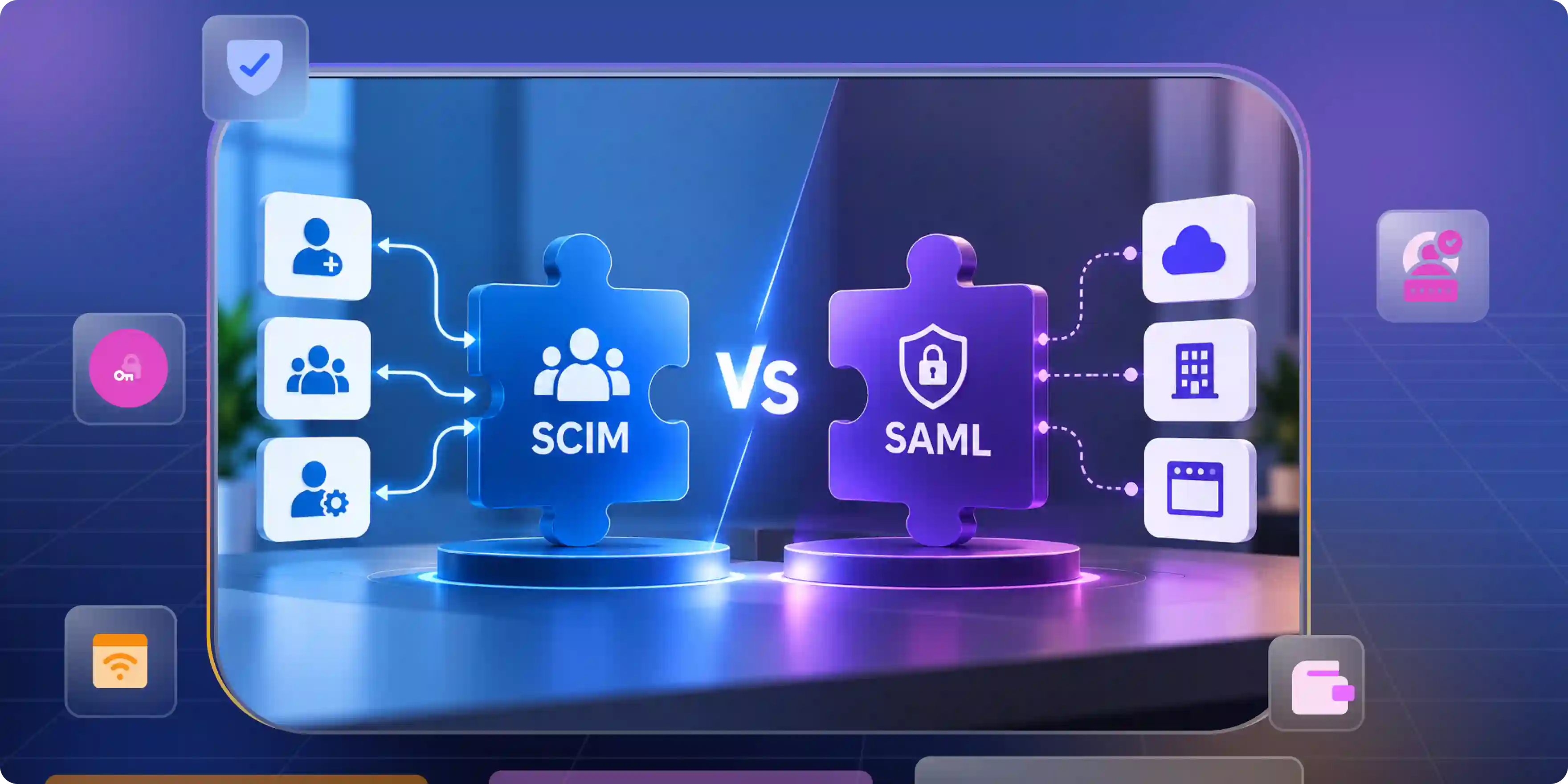
When looking at system standards, understanding discussions like SCIM vs SAML helps clarify how authentication and automated account tools work together to build a safe system for everyone.
SAML Opens the Door. SCIM Decides Who Still Has a Key
Simple security relies on two distinct jobs to keep company files safe from outside visitors. Identity verification checks who is at the front door during login time. User account management updates worker profiles and permissions in the background all day long.
While one tool gives workers the main key to enter the building, the other makes sure people only keep keys they actually need for their daily job through proper automate identity lifecycle management.
What SAML Controls
Identity protocols manage safety checks across different websites and online work apps. When a worker tries to log in the system talks directly to the main company list to confirm their identity.
- Centralized Authentication. Users log in just once through a main company page instead of remembering dozens of passwords for every tool. This saves a lot of time every morning and keeps workers from writing passwords on sticky notes.
- Secure Token Exchange. SAML assertions allow systems to exchange authentication and identity information without exposing the user's password to the application. To prevent misuse, these assertions must be protected through proper validation and security controls.
- Standardized Access Rules. SAML enables an identity provider to share authentication and identity information with connected applications. Authentication and access policies are applied based on the configuration and capabilities of both the identity provider and the service providers.
What SCIM Controls
Identity systems can use SCIM to automate the provisioning and management of user accounts across connected applications. SCIM standardizes these operations, while synchronization timing varies based on the provisioning implementation.
- Automated User Onboarding. New worker accounts can be automatically provisioned in connected applications when the identity system triggers the required SCIM operations. This helps new team members start working on their very first day without waiting for help.
- Real-Time Attribute Syncing. Updates to supported attributes, such as job titles, manager details, or work email addresses, can be automatically synchronized across connected applications through SCIM.
- Instant Account Removal. Removing or deactivating a worker in the source identity system can initiate SCIM operations that disable or remove the corresponding account from connected applications.
Where SSO Fits
Single sign-on lets workers log in once to open all their daily tools. Authentication rules make single sign-on work smoothly using SAML 2.0 protocol while account tools handle background updates behind the scenes.
- Authentication Protocol. Locked safety rules create a clear path that lets single sign-on systems work across different software tools. This keeps all company apps connected to one main identity system.
- Frictionless Daily Access. Single sign-on makes daily tasks much easier for workers by removing annoying login screens throughout the day. People can focus on their actual work instead of typing passwords repeatedly.
- Operational Foundation. Login systems set up the main entry door while SCIM/SSO connections keep user details correct behind the scenes. This gives security teams a simple way to watch over company files.
Feature
Why Most Teams Stop at SAML and Assume They Are Covered
Understanding the debate behind SAML VS SCIM shows that login tools give quick wins to workers and tech helpers. However smooth sign-ins often hide the extra manual work happening behind the scenes. Relying on spreadsheets and temporary tricks creates hidden safety risks as companies grow.
- Login Convenience Disguises Access Gaps. Easy single sign-on masks the manual typing needed to build and maintain user accounts behind the scenes. People assume everything is automatic because the login screen looks modern and fast.
- Manual Workaround Creep. Tech helpers end up using spreadsheets and email notes to track app accounts and permissions across different teams. These lists quickly become messy and out of date as workers change roles.
- False Sense of Complete Control. Verifying worker identity at login does not mean old accounts or former workers are erased from apps automatically. Unused accounts stay hidden in apps until someone deletes them by hand.
Where SAML Only Setups Leak Access and How to Close Each Gap
Looking closely at SCIM VS SSO reveals that building accounts stays completely separate from logging in when you only use authentication tools. Blocking a worker stops sign-ins but leaves behind forgotten accounts, unused software seats, and extra permissions. Automated account tools fix these safety holes by updating user lists continuously.
- Orphan Accounts Stay Active. Blocking a worker at the main page stops logins but local passwords might leave apps wide open. Automated account tools fix this by deleting or freezing the account completely across all software.
- Software Licenses Go to Waste. Unused accounts keep using paid software seats because nobody removed the old worker from the app list. Background tools reclaim these paid seats automatically so other people can use them.
- Permissions Drift Over Time. Internal job changes can result in outdated access when permissions are not updated. Automated provisioning tools can synchronize supported user attributes and group memberships across connected applications, while access rights remain governed by each application's authorization model.
When SCIM Stops Being Optional
Managing accounts by hand works fine for small teams with just a few software tools. However fast hiring internal job moves and strict security checkups make automated account tools necessary. Instant account removal stops delays and keeps companies safe during official audits through just-in-time (jit) provisioning.
- Rapid Team Scaling. Adding many new workers across multiple apps creates huge delays without automatic account creation. New team members end up sitting around waiting for their software accounts to be ready.
- Strict Regulatory Compliance. Official security rules demand clear proof that worker access ends immediately when someone leaves the company. Missing even one old account can cause a company to fail important safety tests.
- Growing App Ecosystems. Managing user profiles by hand becomes nearly impossible once a company uses dozens of different cloud tools. Tech helpers spend all day typing names into app settings instead of fixing real problems.
What to Look for in a Platform That Runs SAML and SCIM Together
Real company readiness requires native support for login screens and account updates working side by side. A strong software platform provides instant user updates, team groupings and clear safety logs in one main settings dashboard.
- Native Protocol Support. Look for tools with built-in support for both safety standards without needing custom code or extra plug-in tools. Built-in features work much better and do not break during normal software updates.
- Granular Group and Role Mapping. Make sure the software connects main identity groups directly to detailed app permissions and file access. This lets you give workers the exact access they need without giving away too much control.
- Detailed Operational Logs. Pick tools that write down clean notes for both logins and profile updates so you have full proof for safety checks. Clear records make it easy to show who opened files and when permissions were changed.
Login Is Not Lifecycle. Close the Gap SAML Leaves Open.
Login tools get workers into apps safely every morning but account tools manage their access for as long as they stay with the company. Relying on single sign-on alone leaves behind forgotten accounts, wasted software seats and hidden safety gaps across your business. Combining both strategies creates a complete system that secures daily sign-ins while keeping full control over every user account from start to finish.
Real company readiness requires native support for login screens and account updates working side by side. A strong software platform like Infisign UniFed provides instant user updates, team groupings and clear safety logs in one main settings dashboard.
- Passwordless SSO and Authentication: Secure single sign-on backed by biometric verification and adaptive security controls, removing the risks of stolen passwords and credential-stuffing attacks.
- Full Lifecycle Automation: Automated provisioning and deprovisioning workflows that sync directory attributes instantly and remove stale accounts the moment employees exit.
- Granular Role and Policy Governance: Advanced role-based and attribute-based access controls that enforce least-privilege policies and maintain audit-ready compliance logs.
Simple logins and automated accounts keep your business safe without slowing down your team. See how everything works together firsthand.
Book your Infisign demo to see our platform in action and talk with our team.
FAQ
Q1. Do you need both SCIM and SAML?
Login tools verify who you are when you sign in while account tools build, update and erase user profiles in the background. Using both gives workers a fast single sign-on experience while keeping company apps completely safe from old accounts.
Q2. Can SCIM be used without SSO?
Account tools can build user profiles and update worker details without using single sign-on screens. However, most companies use a SSO SCIM combination to handle both morning logins and background account updates in one single place.
Q3. Does SAML handle user provisioning or deprovisioning?
SAML can transmit authentication and identity information to applications, but it does not provide the provisioning and identity lifecycle capabilities defined by SCIM. Functions such as provisioning, attribute synchronization, and account deprovisioning typically rely on a separate identity management solution.
Q4. What is the difference between SCIM and SSO?
The difference between single sign-on and automated account tools is very simple to understand. Single sign-on lets workers use one password to open multiple apps every morning. Account tools run quietly in the background to build user profiles, change team access and delete old accounts automatically across those same apps.
Q5. Why do some vendors offer SCIM only on higher-tier plans?
SCIM support and feature availability vary by vendor. Some providers offer provisioning capabilities only in higher-tier plans, while others include them in lower-tier offerings.


