


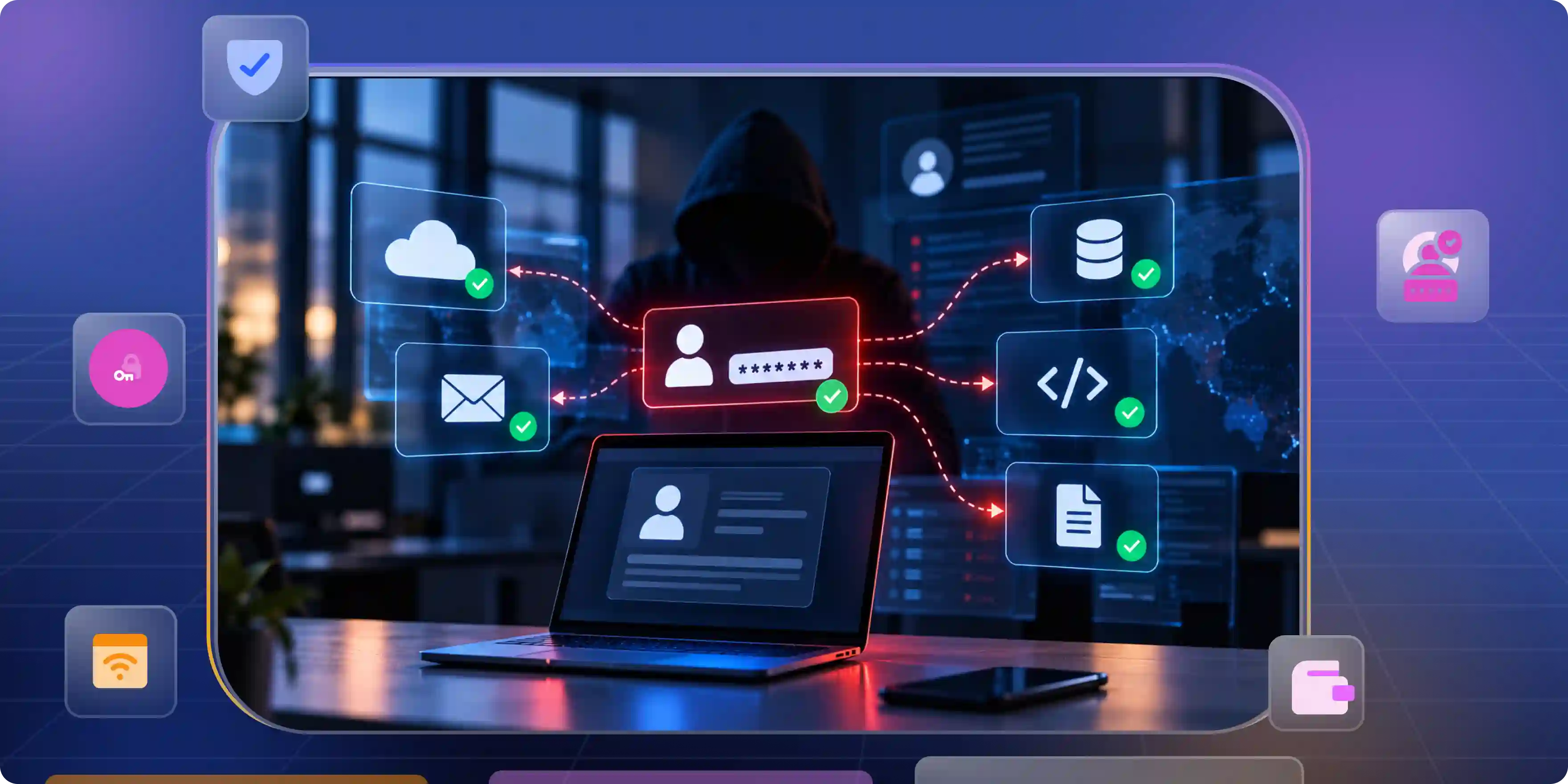

SOC tools help security teams find threats, review alerts, and protect company systems. But many attacks start with stolen passwords, hacked accounts, or stolen login sessions rather than malware.
Traditional security products often focus on devices and network traffic. They may miss attackers who use real accounts to access cloud apps and business systems. Teams need tools that show who acted, what they accessed, and whether the activity was safe.
Your SOC Was Built to Watch Endpoints. Attackers Are Logging In
Endpoint and network monitoring remain important, but they do not catch every threat. Attackers using valid accounts can look like normal users. Teams must check activity after login, not just whether authentication succeeds.
Why Identity Attacks Are Harder to Detect
Identity attacks use access that already exists. Stolen passwords, session tokens, and API keys can help attackers avoid common malware alerts.
- Stolen passwords: Attackers may log in using real credentials. Check unusual login times, devices, and locations.
- Stolen sessions: Attackers may take over an active session. Monitor session activity and changes in device or location.
- Excessive access: A hacked account can cause more harm when it has broad permissions. Review access and remove permissions users no longer need.
Why Login Success Does Not Mean an Account Is Safe
Authentication checks whether a login meets the system's rules. It does not prove that every action afterward is safe. Connect login records with cloud, device, and app logs to understand what happened during a session.
The SOC Tools Most Teams Run and What Each One Misses
Most companies use several security products. Each collects different data, and gaps can appear when the products do not connect events to the identities behind them.
SIEM: Collect Logs and Connect Events
A Security Information and Event Management (SIEM) system collects logs from many sources. It helps analysts search for patterns and link events across systems.
- Strength: A SIEM brings logs together and helps analysts investigate related events.
- Gap: Missing logs or weak detection rules can hide suspicious activity.
- What to check: Confirm that logs include user IDs, app accounts, session details, and timestamps.
EDR and XDR: Watch Devices and Systems
Endpoint Detection and Response (EDR) watches device activity. Extended Detection and Response (XDR) can combine data from several security systems.
- Strength: These tools can detect harmful processes and connect related alerts.
- Gap: Attackers may use cloud apps or web sessions without leaving clear signs on a device.
- What to check: Test how well the product links device activity with identity and cloud records.
Find the Gaps in Your Monitoring
Different security monitoring tools collect different types of evidence. One may record a login while another records a file download. If these events remain separate, analysts may struggle to understand an attack. Applying identity audit best practices helps teams connect account activity, review access permissions, and identify gaps in their security monitoring.
- Map data sources: List systems that record logins, access changes, and important actions. Find missing or incomplete records.
- Review accounts: Look for unused accounts, extra permissions, and accounts without clear owners. Assign someone to fix each issue.
- Test event links: Follow a test login through later activity. Check whether analysts can build a clear timeline.
Where SOC Platforms Go Blind on Identity and How to Handle Each Gap
Identity data can be spread across several systems. One may record a login while another records what the account accessed. Teams need to connect these events to investigate suspicious activity.
Connect Identity Events Across Systems
Link identity events with the apps, devices, and resources involved. This helps analysts follow activity from login to later actions.
- Use clear IDs: Keep user and application identity details consistent across systems. This makes related events easier to match.
- Record session details: Save session IDs, device details, and timestamps where possible. These fields help investigators connect events.
- Collect cloud logs: Record file access, permission changes, and token use. These events show what happened after login.
Check Risk After Login
A successful login does not guarantee that later activity is safe. Teams should watch for unusual access, large data transfers, and changes in account behavior. Continuous authentication explains ways to check identity and session risk beyond the initial login.
- Watch for changes: Look for unusual access or sudden changes in activity. Check several signals before deciding an attack is underway.
- Set response rules: Decide which events need alerts or immediate action. Base decisions on the risk to the business.
- Review sessions: Recheck access when device or behavior signals change. Apply extra checks where supported.
Secure Accounts That Run in the Background
Apps, scripts, and automated tasks use machine accounts to access systems. These accounts can be overlooked and may hold broad permissions, making proper management essential. Following service account security practices helps teams manage these accounts, limit unnecessary access, and reduce security risks.
- Find accounts: Check cloud systems, code, apps, and automation tools. Add active accounts to a central list.
- Set owners: Assign a person or team to each account. Owners should confirm that accounts are still needed.
- Limit access: Give each account only the permissions required for its task. Remove access that is no longer needed.
- Review activity: Investigate unusual use and remove old credentials. Keep records that help explain account behavior.
AI Agents Are Hard to Attribute Without Clear Identity Controls
AI agents can use apps, call APIs, and perform tasks with limited human input. These non human identities need clear identities and activity records so security teams can track their actions and determine which agent performed each operation.
Give Every AI Agent a Clear Identity
Each agent needs a distinct identity or another reliable way to track its actions. Shared accounts make investigations harder and weaken accountability.
- Record ownership: Name the team responsible for each agent. Document its purpose and who should review its activity.
- Limit access: Give the agent access only to the apps and data it needs. Avoid broad permissions that increase risk.
- Protect credentials: Store tokens and secrets safely. Replace exposed credentials and use short-lived credentials where possible.
- Review changes: Recheck access when an agent gets new tools or tasks. New connections may introduce extra permissions.
Keep Agent Activity Traceable
Audit records should show which agent acted, when it acted, and what it accessed. They should also record important permission changes and approvals.
When comparing top ai agent security tools with audit trails 2026, check whether records show actual actions, not just whether an agent ran.
- Track identity: Link each action to a specific agent. This helps teams identify the source of an issue.
- Record actions: Save tool calls, access attempts, and results. These details help explain what the agent did.
- Protect records: Control who can change audit logs and how long they are kept. Make records available for investigations.
- Require approval: Set human approval for high-risk actions. Keep a record of each decision.
How to Evaluate a SOC Platform Before You Sign
Do not choose a product based only on its dashboard or alert count. Test it with scenarios that match your systems and risks.
Compare Coverage and Cost
A soc platform should cover the systems, identities, and threats that matter to your team. Check what its integrations collect and what the full service costs.
- Data coverage: Confirm that it collects useful logs from identity systems, cloud apps, and devices. Test your most important integrations.
- Identity details: Check whether it can distinguish people, service accounts, and AI agents. Analysts need to know which identity acted.
- Detection quality: Test how it handles suspicious activity involving valid credentials. Ask what evidence supports each alert.
- Full cost: Include storage, usage limits, integration fees, and extra modules. Consider the staff time needed to run the product.
Test With Real Attack Scenarios
Use approved tests instead of relying only on vendor demonstrations. Measure whether the product finds suspicious activity and gives analysts enough information to respond.
- Stolen account: Use a test account to check how the product handles suspicious access. Review the details included in its alert.
- Unusual data access: Test whether it flags sudden changes in file or app use. Confirm that the alert identifies the account and resource.
- Agent misuse: Check whether the system records an agent trying to perform an action outside its permissions. Confirm that the action can be traced to that agent.
Check Automation and Human Review
Automation can sort alerts and perform approved tasks. But incorrect actions can interrupt business work, so teams need clear limits and recovery steps.
- Set limits: Decide which tasks can run automatically and which need approval. Start with low-risk actions.
- Keep records: Log what the system did and why. Analysts should be able to review actions afterward.
- Plan recovery: Learn how to reverse a mistaken action. Test recovery steps before relying on automation.
Fix the Identity Layer Before You Buy Another SOC Tool
Another product will not fix missing logs or weak access rules by itself. Teams should know which identities exist, what they can access, and how their actions appear in logs.
Connect Identity Security With SOC Workflows
Teams evaluating security operations center tools should make sure identity events connect with cloud, device, and app data.
Infisign UniFed brings access from different identity providers into one central place. SSO and adaptive MFA help apply consistent access rules across connected apps. By connecting identity events and audit logs to existing security monitoring tools, SOC teams can spot suspicious login attempts, investigate unusual access activity, and respond faster to possible identity-based threats.
- List identity sources: Record identity systems, cloud apps, and automation tools. Note what each system logs.
- Find missing details: Check whether records show owners, permissions, sessions, and key actions. Fix gaps that block investigations.
- Set response steps: Decide who receives each alert and what action to take. Set clear escalation rules for serious incidents.
Keep Improving Your Security Process
Identity risks change as employees move roles, apps are added, and agents gain new tasks. Regular reviews help teams keep access and detection rules up to date.
- Review access: Remove unused accounts and permissions. Set review dates based on system risk.
- Track new identities: Add service accounts, API keys, and AI agents to the central list. Give each identity an owner.
- Measure results: Track investigation time, false alerts, and response outcomes. Use the results to find weak spots.
- Update rules: Use lessons from incidents to improve alerts. Test changes to avoid creating too many false positives.
See How Infisign Fits Your Identity Security Strategy
Infisign UniFed, SSO, adaptive MFA, identity governance, and privileged access features can help teams strengthen identity controls. Request an Infisign demo to discuss your requirements.
FAQ
What tools do SOC analysts use?
Analysts use SIEM, EDR, XDR, identity security, threat intelligence, and incident response tools to detect threats and investigate suspicious activity.
What is the difference between a SOC platform and a SIEM?
A SIEM collects and connects security logs. A broader SOC platform may also include investigation workflows, alert handling, and response automation.
Which AI SOC tools can triage alerts without human intervention?
Some products group alerts, collect evidence, and run approved actions automatically. Teams should test accuracy and set clear limits before enabling automation.
Which AI agent security tools keep audit trails?
Look for tools that record agent identity, actions, access attempts, permission changes, and approvals, with protected logs available for investigations.
How do SOC tools detect compromised credentials?
They check unusual logins, devices, locations, access patterns, and account actions. Combining several signals helps analysts investigate possible credential theft


