


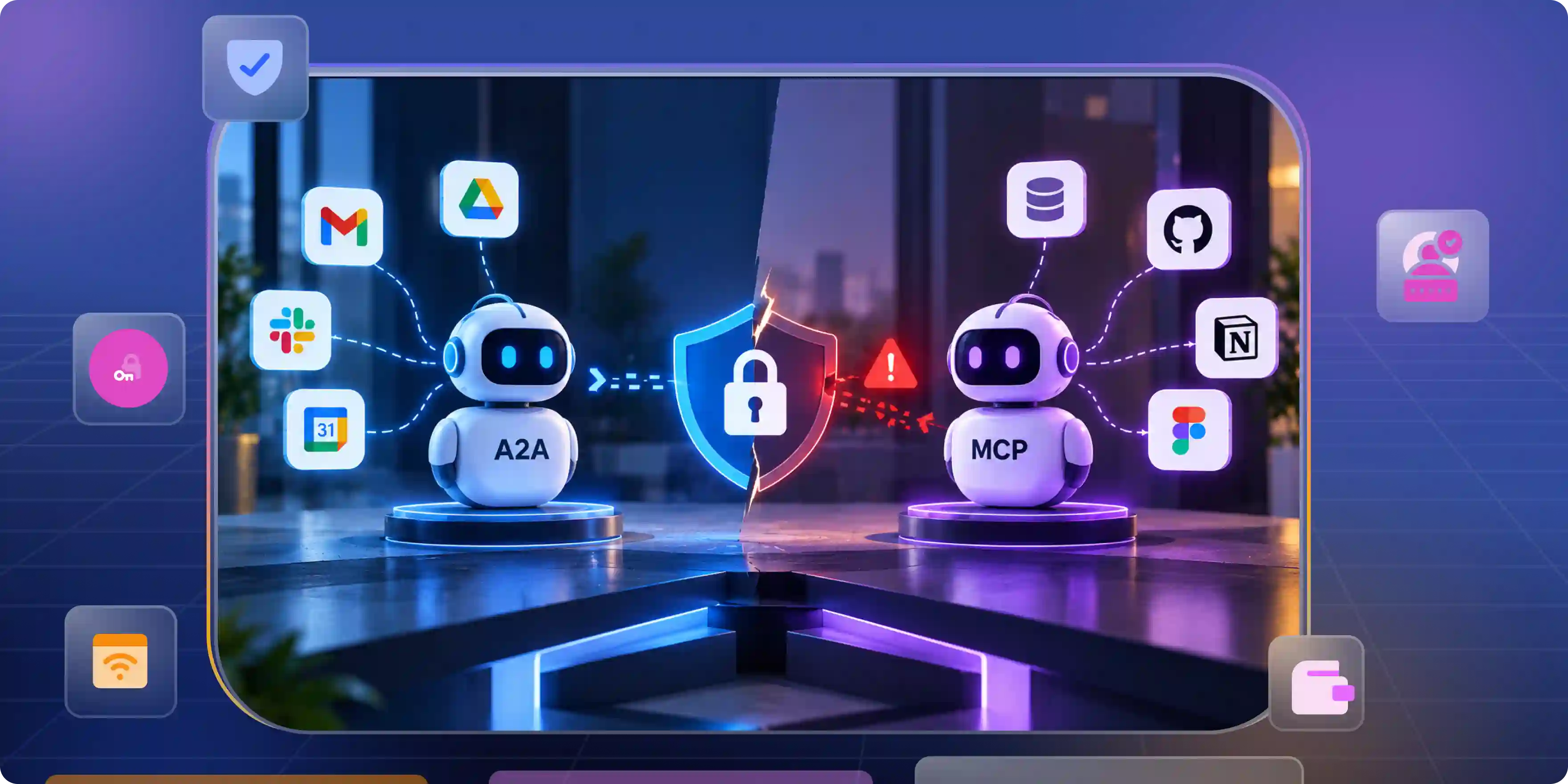

AI agents can now do more than answer questions. They can read files, use tools and work with other agents and business systems.
But one key question remains: who gave an agent the right to act?
The A2A VS MCP debate often looks at features and how tools work together.
But security matters just as much. An agent may have valid login details but still try to do something it should not. A server may accept a task without knowing who started it. The main goal is to keep identity access and responsibility clear at every step.
A2A and MCP Solve Different Trust Problems
A2A and MCP often appear in the same architecture, but they do different jobs. Understanding that difference makes it easier to decide where authentication and access checks belong.
The A2A protocol vs MCP question is not simply about choosing the better protocol. It is about understanding what each connection allows an agent to do.
A2A Connects Agents
A2A, or Agent2Agent, lets one AI agent discover and communicate with another. One agent can send a task, receive updates, and collect a result without needing to understand the other AI agent's internal design.
Imagine a support agent asking a billing agent to check a refund. The request may be valid, but the billing agent still needs to know whether the caller can request that refund.
- Agent discovery: An Agent Card describes an agent's endpoint, skills, and security requirements. It helps clients understand how to connect, but it does not prove that the agent is trustworthy.
- Access control: The receiving agent must verify the request and apply its own permissions. A successful connection should never grant automatic approval for every action.
MCP Connects Agents to Tools
MCP, or Model Context Protocol, gives AI applications a common way to connect to tools, resources, and data. An MCP client can discover available tools and ask an MCP server to use them.
For example, an agent may need to search company files. Access to a search tool should not automatically give it access to every file in the company.
- Tool access: MCP standardizes how clients and servers exchange information about tools and resources. The server still needs rules that decide which data each caller can access.
- Business rules: A tool may allow someone to read a record but not change or delete it. The system protecting that record must enforce these limits.
The agent to agent protocol vs MCP comparison is not a contest with one winner. A2A supports communication between agents, while MCP supports access to tools and data. A system may need both.
How Authentication Differs Between A2A and MCP
Authentication answers one question: who are you? Authorization answers another: what are you allowed to do?
A system that checks only the first question may give an agent more power than intended, which makes agent authorization an important part of controlling what each agent can actually do.
Good MCP authenticaion design depends on more than accepting a token. The identity must be valid, and the requested action must fit the permissions attached to it.
A2A Checks the Calling Agent
A2A allows agents to declare their security requirements so clients can determine how to connect. The client obtains suitable credentials, and the receiving agent verifies the request.
- Secure connections: Credentials should travel over secure transport, such as HTTPS. This helps protect them while they move between systems.
- Request checks: The receiving agent must verify the caller and its permissions before performing sensitive work. A familiar agent name is not enough to approve a request.
MCP Protects Tools and Resources
For remote MCP servers using HTTP-based transport, the authorization specification defines an OAuth-based approach. Local servers using standard input and output (stdio) may use a different credential model.
Does every MCP server need OAuth? No. The answer depends on the transport and deployment, so teams should follow the security requirements that apply to their setup.
- Token validation: A protected server must validate access tokens according to the applicable authorization rules. A token meant for one service should not automatically grant access to another.
- Secret handling: Credentials must stay out of source code, tool descriptions, and exposed logs. Even a sound authentication flow can fail when secrets are handled carelessly.
Model context protocol authentication works only when credentials are issued, checked, and limited correctly. Having a token is not the same as having permission to use every available tool.
The Identity Gaps That Show Up in Production
A demo may involve one agent and one tool. A production system can include users, service accounts, several agents, and many servers. As requests move between them, the identity behind an action can become difficult to track.
Strong MCP server authentication is important, but it cannot answer every question about the original caller. A server may authenticate the service that contacted it without knowing which user started the task.
One Token Can Hide the Real Caller
Imagine a support agent asking another agent to issue a refund. The second agent calls an MCP server using a shared service token. The server accepts the token but cannot tell whether the original user was allowed to request the refund.
Nothing may have failed at the technical level. The security design may still be wrong.
- Shared credentials: One broad token used across several agents can hide who initiated an action. Separate identities and limited credentials make access easier to control.
- Identity context: The system may need to preserve the original user's identity alongside the service identity. Without that context, a downstream service may approve a request that should have been denied.
Trusted Agents Can Still Cross Boundaries
An agent may have permission to read a report but not delete it. Another may prepare a payment but lack authority to approve it. Trusting an agent does not mean giving it every permission.
This is where agent to agent vs mcp becomes a practical security issue. A2A may carry a task between agents, while MCP may provide the tool that completes it. Neither should silently expand the caller's rights.
- Action checks: Permissions should be checked when a sensitive request reaches the service that performs the action. A previous successful login cannot approve every later request.
- High-risk tasks: Deleting records, transferring money, or exposing private data may need stronger checks or human approval. The right safeguard depends on the possible harm.
Why an MCP Gateway Becomes Your Policy Point
An MCP gateway sits between clients and MCP servers. It can provide one place to apply shared policies, monitor requests, and manage access across several servers.
One Place for Shared Rules
When every MCP server handles security differently, gaps can appear. One server may check permissions carefully, while another relies on a broad internal credential.
Well-designed MCP gateways can help teams apply consistent MCP security rules and understand how AI agents use their tools.
- Central policy: A gateway can apply common authentication, authorization, and logging rules. It can also limit which tools are available to particular clients.
- Clear records: Logs can show which identity called a tool, which server received the request, and what happened next. These records help teams investigate suspicious activity without guessing.
Prevent the Confused Deputy Problem
A confused deputy is a service that uses its own authority to perform an action for a caller who lacks that authority. An MCP gateway can create this problem if it holds powerful credentials and accepts requests without checking the caller's rights.
- Limited delegation: The gateway must not use broad service privileges to satisfy every request. It should check what the caller may do before using its own credentials.
- Resource protection: Tokens should be checked for their intended audience and purpose. The protected server should also enforce the permissions required for the requested action.
Good mcp authentication & authorization design keeps identity separate from permission. A gateway can help enforce rules, but it cannot make an unsafe permission model safe by itself.
What to Check Before You Standardize on Either Protocol
The right protocol depends on what your agents need to do. Before choosing A2A, MCP, or both, follow a real request from the user to the final tool or service.
Map Identity Across the System
Start with a normal business task. Follow it from the user to the first agent, through any other agents, and into the tools or data sources involved.
At each step, ask what the next service knows about the caller.
- Identity mapping: Record the user, agent, and service identities involved in each step. Decide when the original user's permissions must apply and when a service identity is enough.
- Failure handling: Plan for expired tokens, revoked access, and failed authentication. A secure system must respond safely when something goes wrong, not only when every connection works.
Test What the System Must Reject
A successful connection proves that systems can communicate. It does not prove that they can stop an unauthorized action.
Test the boundaries, especially when agents use powerful tools or handle private data.
- Negative tests: Try accessing another user's data or calling a tool without permission. The system should reject the request even when the agent has a valid identity.
- Audit checks: Review whether logs show who initiated an action and which service performed it. Make sure the logs do not expose access tokens or other secrets.
If you use an MCP gateway, test both the gateway and the server behind it. Security must hold across the entire request path, not just at the first connection.
Settle Agent Identity Before You Pick a Protocol
Teams can spend weeks comparing protocol features and still miss the central question: whose permission is an agent using?
A2A and MCP make it easier to connect systems, but they do not remove the need for clear identity, limited access, and accountability. These rules matter even more as an agent system grows.
Give Every Agent a Clear Identity
An agent needs an identity that can be checked and reviewed. If it acts for a user, the system must also know when that user's permissions should apply.
Different agents may need different identity models. What matters is that each identity has a clear purpose and a defined level of access.
- Separate identities: Give agents and services their own identities instead of sharing one broad account. This makes it easier to limit access and trace actions.
- Regular reviews: Review permissions when tools or responsibilities change. Keep records showing which identity started an action and which service carried it out.
Build Trust Around Clear Limits
The safest agent is not one that promises to behave. It is one that cannot quietly cross a boundary it was never meant to cross.
Least privilege, short-lived credentials, and useful audit logs help turn those boundaries into real controls.
- Choose by purpose: Use A2A when agents need to discover and work with other agents. Use MCP when agents need access to tools and data.
- Protect every step: Use both when your system needs both types of connection. Keep identity and permission checks wherever sensitive actions occur.
How Infisign UniFed Helps Secure Access
Companies need a simple way to manage identities and protect access without changing their existing systems. Infisign UniFed helps bring identity management and access control together in one place. This can help teams manage access, improve security, and make daily work easier while keeping their current identity tools in use.
- Single Sign-On (SSO): Users can log in once and access the apps they are allowed to use.
- Multi-Factor Authentication (MFA): Users must pass an extra security check to help keep accounts safe.
- Access Rules and Audit Logs: Teams can set who gets access and track login activity to spot problems.
AI agents are only as safe as the access they hold. Give your business stronger control over digital identities with Infisign UniFed. See how it works—book your demo today.
FAQ
The right answer depends on your architecture, transport, and security needs. These are the main points to understand before making a decision.
Is A2A Replacing MCP?
No. A2A supports communication between agents, while MCP connects AI applications to tools and data. They solve different problems and can work together.
Do I Need Both A2A and MCP?
Not always. Use MCP when an agent needs tools or data. Add A2A when agents must discover one another, exchange tasks, or work across systems.
Does MCP Require OAuth?
No, not in every setup. MCP defines an OAuth-based approach for protected HTTP servers, while local servers using stdio may use other credential methods.
How Does A2A Authentication Work?
An A2A client follows the receiving agent's declared security requirements and sends suitable credentials. The receiving agent verifies the request and checks whether the action is allowed.
What Is an MCP Gateway, and Do I Need One?
An MCP gateway sits between clients and MCP servers to manage shared policies and monitor requests. It helps larger deployments but does not replace server-side authorization.


