


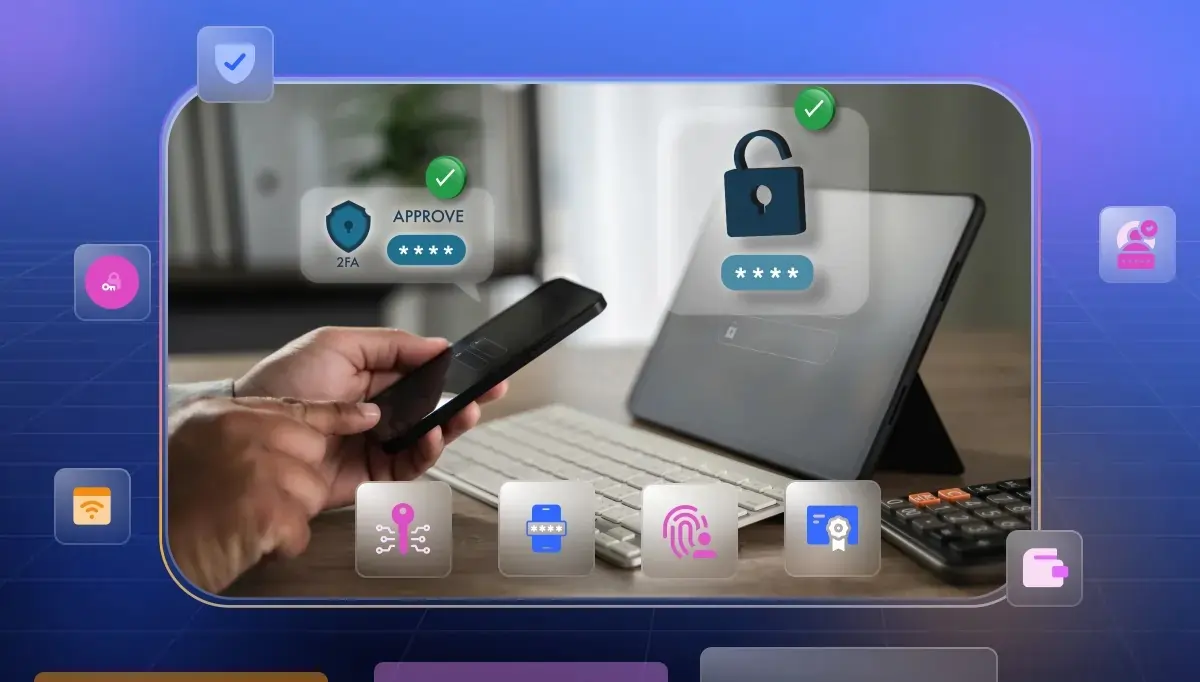

Passwords are widely considered a weak point in modern identity systems and you can see that when security controls fail under scale and user behavior pressure. The shift toward passwordless authentication solutions is not about convenience.
It is about redesigning trust, using device bound cryptography, risk signals, and continuous verification. In this guide you explore not just tools but the hidden execution layers that decide whether your passwordless strategy will actually hold in production environments.
Best Passwordless Authentication Software: Comparison
How We Evaluated These Passwordless Authentication Solutions
Most lists talk about features. But real problems start after you try to implement passwordless in a live system. That is where things break or become slow. So this list is built by looking at those hidden layers that many blogs ignore.
- First we looked at ease of use but not just UI. Real ease means how much effort your team needs during setup migration and daily management. Many tools look simple but need deep planning and training before they work properly.
- Next we focused on support for multiple passwordless methods. Not every system works the same across users, devices and environments. A good solution must handle passkeys biometrics OTP and device based login together. Without that flexibility your system breaks at scale.
- Cost was evaluated beyond pricing pages. Real cost includes hardware setup, migration effort, and long term maintenance. Many companies struggle here because passwordless is not just a feature. It is a full system shift.
- Setup speed was also critical. Not just how fast you start but how smoothly you move from passwords to passwordless. Legacy systems often slow this down because they are not built for modern authentication.
- Finally we focused on how strong each solution is in real passwordless execution. That includes phishing resistance, user adoption, and how well it removes dependency on passwords. Because in reality many systems still fall back to passwords in edge cases.
10+ Best Passwordless Authentication Solutions
Passwords are slowly disappearing because they create risk and friction for users. Modern systems now rely on biometrics passkeys and secure tokens instead of passwords. These passwordless authentication methods reduce phishing attacks and improve login speed while keeping user experience simple.
Now let us explore the best passwordless authentication solutions that help you implement this securely and efficiently.
1. Microsoft Entra ID
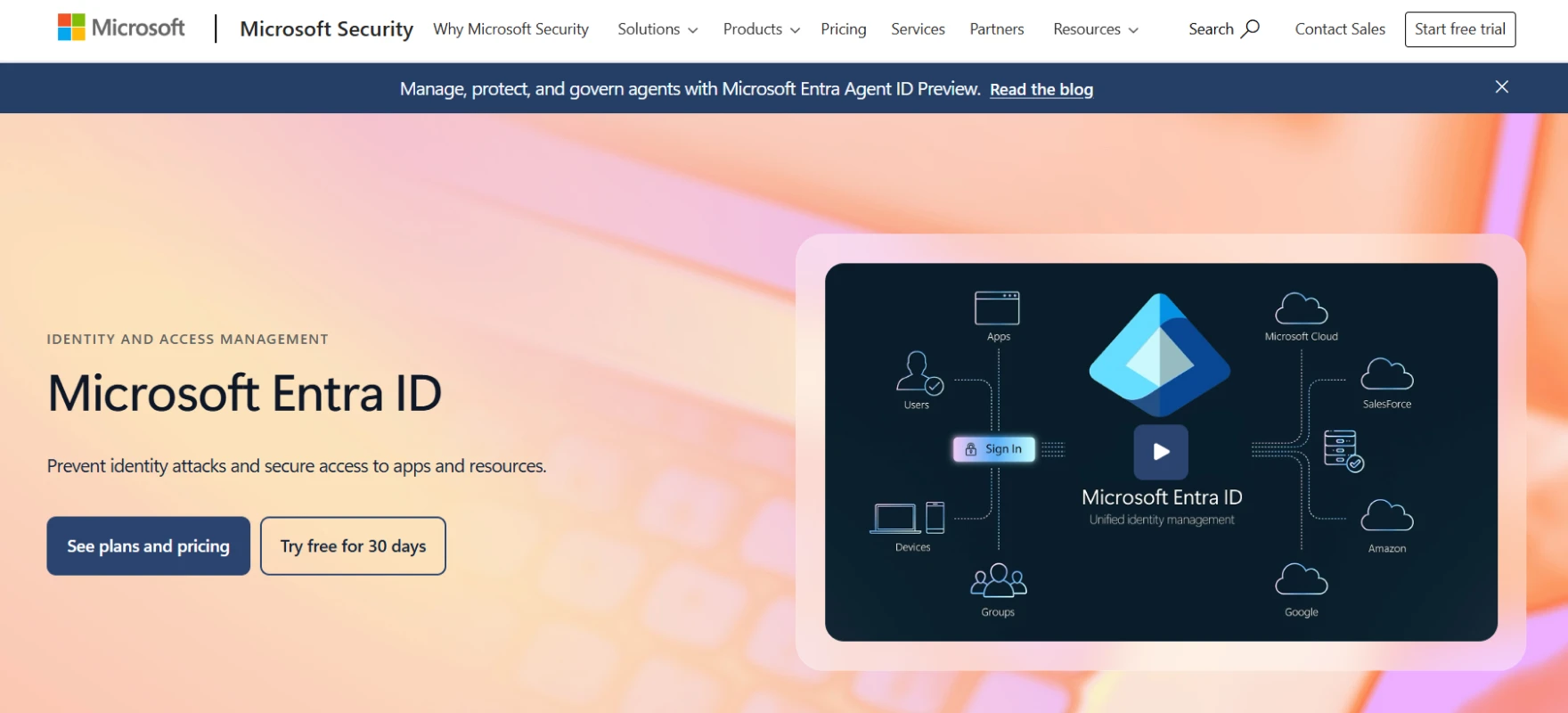
Microsoft Entra ID is a cloud identity platform from Microsoft built for secure passwordless access. It helps you replace passwords with passkeys, biometrics and device based login. Users can sign in without remembering anything which reduces risk and improves speed.
It fits well in enterprise setups where many apps and users need control. It also supports FIDO passwordless authentication which keeps login safe from phishing attacks.
Key features:
- Passwordless Authentication Methods. Users sign in using biometrics passkeys or Microsoft Authenticator instead of passwords. Login becomes faster and more secure for daily use.
- FIDO2 Passkey Support. Passkeys stay on the user device and protect accounts from phishing attempts. Users get a smooth and secure login experience.
- Conditional Access Control. Access rules work based on device location and risk level. Security stays active without blocking normal user flow.
- Phishing Resistant Security. Advanced checks stop fake login attempts and stolen credentials from being used. Accounts stay protected in real time.
- Temporary Access Pass. Admins can give short term access for onboarding or recovery. Users can quickly move to passwordless login.
Pros
- Strong passwordless security helps reduce phishing attacks and improves overall account protection
- Works well with enterprise apps and supports large scale user and access management needs
- Supports passkeys and modern login methods for faster and safer authentication experience
Cons
- Setup process can feel difficult due to many settings and configuration requirements
- Pricing becomes high when scaling across large teams and advanced feature usage
- Managing policies needs technical knowledge and careful planning for proper implementation
2. Infisign
Infisign is an enterprise focused identity platform built to deliver full passwordless access without adding friction. It combines authentication SSO and adaptive security into one system so you do not need multiple tools.
You can replace passwords with passkeys, biometrics or OTP while still keeping strong control over users. It is designed for modern apps as well as enterprise systems. Many teams use it as a reliable passwordless solution because it supports flexible login and strong security in one place.
Key features:
- Multiple Passwordless Login Methods. Users can sign in using passkeys, biometrics, OTP, magic links, and device based login. This allows you to match the login method with user role and risk level.
- Passkey and FIDO2 Support. It follows FIDO2 standards with device bound keys. Private keys remain protected on user devices or secure enclaves depending on implementation which protects against phishing and replay attacks.
- Adaptive Authentication. The system checks context like device, user behavior and login risk. Access flow changes in real time without affecting normal users.
- Passwordless SSO. One secure login gives access to multiple apps without passwords. This works across cloud apps, internal tools and enterprise systems.
- Enterprise Application Integration. It supports integration with SaaS apps, legacy systems and identity providers across 6000+ apps. You can connect existing infrastructure without major changes.
- Compliance and Security Standards. It follows enterprise grade security practices with encryption audit logs and access control policies. This helps meet compliance needs and protect sensitive data.
Pros
- Unified platform combines passwordless authentication SSO and adaptive security in one system
- Strong support for passkeys and modern standards improves protection against phishing attacks
- Flexible integration works well with enterprise apps cloud systems and hybrid environments
Cons
- Passwordless authentication requires the encrypted password vault to be enabled.
3. Okta
Okta is a cloud identity platform used by many large companies. It focuses on making login simple without using passwords. Users can sign in using biometrics push approval or security keys. It also checks risk before giving access so security stays active.
Okta supports modern standards and works well across apps. Many teams consider it among the passwordless authentication vendors built for enterprise scale.
Key features:
- Passwordless Authentication Methods. Users can log in using Okta Verify push biometrics or WebAuthn. No need to remember passwords for daily access.
- FIDO2 and WebAuthn Support. It supports strong cryptographic login using device based keys. This makes login resistant to phishing attacks.
- Adaptive Authentication. Access changes based on user behavior device and risk level. Low risk gets easy login while high risk gets stronger checks.
- Okta FastPass. Device based login allows users to access apps without entering credentials. It uses secure device binding for protection.
- Wide Authenticator Options. It supports push OTP biometrics and hardware keys. Teams can choose methods based on security needs.
Pros
- Strong passwordless system with multiple login methods improves both security and user experience
- Works well for enterprises with large user base and complex application environments
- Supports FIDO2 and modern authentication standards for phishing resistant secure access
Cons
- Pricing structure can become expensive for growing teams and advanced feature usage
- Initial setup and configuration require time and proper understanding of identity systems
- Some users report delays or friction during complex authentication and policy enforcement
4. Cisco Duo
Cisco Duo is a security platform that focuses on strong login protection and passwordless access. It is widely used by companies that want simple but secure authentication. Users can log in using push notifications, biometrics or security keys instead of passwords.
It also checks device health before giving access. This makes it useful for teams looking for reliable passwordless authentication tools in enterprise environments.
Key features:
- Passwordless Login Options. Users can sign in using Duo Push biometrics or security keys. Login becomes simple and reduces password related risks.
- Device Trust and Health Check. Access depends on device security status. Untrusted devices can be blocked or limited.
- Adaptive Authentication. Login flow changes based on user location device and risk level. This keeps systems safe without extra friction.
- Single Sign On Support. Users log in once and access multiple apps. This improves productivity and reduces repeated login steps.
- Wide Integration Support. It works with VPNs, cloud apps and enterprise systems. Setup becomes easier across environments.
Pros
- Easy to deploy and manage even for teams with limited security experience
- Strong device level checks improve overall access control and reduce risk exposure
- Supports multiple passwordless methods for secure and smooth user login experience
Cons
- Limited deep customization compared to some advanced identity management platforms
- Pricing can increase as more users and features are added over time
- Some advanced features require integration with other Cisco security products
5. Auth0
Auth0 is a flexible identity platform built for developers and enterprises. It helps you add secure login without building everything from scratch. You can remove passwords and let users sign in using email codes, magic links or passkeys.
It also supports modern standards like WebAuthn and FIDO. Many companies use it as passwordless authentication software because it balances security and user experience at scale.
Key features:
- Passwordless Authentication Methods. Users can log in using email OTP, magic links, or SMS codes. No need to store, or manage passwords.
- Passkey and FIDO Support. Auth0 supports passkeys based on WebAuthn which use device based cryptographic keys for secure login.
- Universal Login Experience. Prebuilt login pages help you launch passwordless flows faster without heavy frontend work.
- Multi Factor and Adaptive Security. You can combine passwordless with MFA and risk based checks for stronger protection.
- Developer Friendly APIs. APIs and SDKs make it easy to integrate authentication into web mobile and enterprise apps.
Pros
- Flexible platform supports multiple passwordless methods and modern authentication standards
- Strong developer tools help build and customize authentication flows quickly
- Scales well for enterprise use cases with secure and reliable identity management
Cons
- Pricing becomes expensive as user base and authentication volume increase over time
- Advanced customization often requires developer effort and deeper technical understanding
- Initial configuration and feature setup can feel complex for non technical teams
6. Ping Identity
Ping Identity is an enterprise identity platform built for high security environments. It focuses on passwordless login using modern methods like passkeys biometrics and secure tokens. It works well for large companies that need control across many systems.
You can use it for both customer and employee login flows. Many teams see it as one of the best passwordless authentication solutions for enterprises because it supports flexible and scalable authentication.
Key features:
- Passwordless Authentication Methods. Users can log in using passkeys, biometrics, magic links, or one time codes. This removes password risks and improves login speed.
- FIDO2 and Passkey Support. It supports FIDO based authentication where keys stay on user devices. This protects against phishing and credential theft.
- Identity Orchestration. You can design login flows using prebuilt templates and custom logic. This helps you adapt security based on your needs.
- Adaptive and Risk Based Security. Access decisions change based on user behavior and risk signals. High risk users get stronger checks.
- Enterprise Integration Support. It works with legacy systems, cloud apps and hybrid environments. This makes it useful for complex enterprise setups.
Pros
- Strong enterprise security with flexible passwordless methods across different user environments
- Supports passkeys biometrics and multiple login flows for secure authentication experience
- Works well in complex systems with legacy apps and hybrid infrastructure support
Cons
- Setup process can feel complex due to advanced features and configuration requirements
- Requires technical expertise to manage policies integrations and authentication workflows properly
- Pricing may be higher compared to simpler passwordless authentication tools in market
7. HYPR
HYPR is a security platform built only for passwordless login. It removes passwords and uses biometrics passkeys and user devices instead. Users can sign in using their phone face or fingerprint without typing anything.
This reduces phishing risk and keeps login simple. Many companies use it as strong passwordless authentication software because it avoids shared secrets and improves security.
Key features:
- True Passwordless Authentication. HYPR removes passwords fully and uses cryptographic keys. Users log in with biometrics or trusted devices instead of passwords.
- FIDO2 Passkey Support. It follows FIDO standards where keys stay on the user device. This protects accounts from phishing attacks.
- Mobile and Biometric Login. Users can sign in using phone face ID or fingerprint. Login becomes quick and easy across apps.
- Adaptive Risk Detection. The system checks user behavior and risk in real time. High risk login gets extra verification steps.
- Passwordless SSO Integration. One login works across multiple apps. Users do not need to sign in again and again.
Pros
- Removes passwords completely which helps reduce phishing attacks and credential theft risks
- Strong security model uses device based login and continuous identity verification checks
- Supports biometrics and passkeys for fast simple and secure user authentication
Cons
- Setup can be complex for teams without strong identity and security infrastructure
- Needs integration with existing identity systems which can increase setup effort
- Pricing may be higher compared to simpler passwordless authentication solutions available
8. OneLogin
OneLogin is an identity platform built for secure and simple login across apps. It focuses on removing passwords and using safer methods like biometrics, passkeys and push login. Users can access apps without remembering credentials which improves speed and security.
It also works well with enterprise systems and cloud apps. Many teams use it among passwordless authentication solutions for managing user access at scale.
Key features:
- Passwordless Authentication Methods. Users can log in using biometrics, push notifications, OTP, or hardware keys. This removes password risk and improves user experience.
- FIDO2 and Passkey Support. It supports WebAuthn and FIDO2 which use device based keys. Login becomes phishing resistant and more secure.
- Single Sign On Access. One login gives access to many apps. Users save time and avoid repeated sign in steps.
- Smart Authentication Flows. It uses adaptive login rules and smart flows to control access. Security adjusts based on user and device risk.
- Centralized User Management. Admins can manage all authentication methods in one place. This reduces IT effort and improves control.
Pros
- Simple passwordless setup helps reduce login friction and improves overall user experience
- Supports many authentication methods which gives flexibility for different user environments
- Strong enterprise features help manage users apps and access from one platform
Cons
- Advanced configuration can require technical knowledge for proper setup and policy control
- Pricing may increase as organization scales and uses more advanced authentication features
- Some legacy systems may need extra integration effort for full passwordless support
9. 1Kosmos
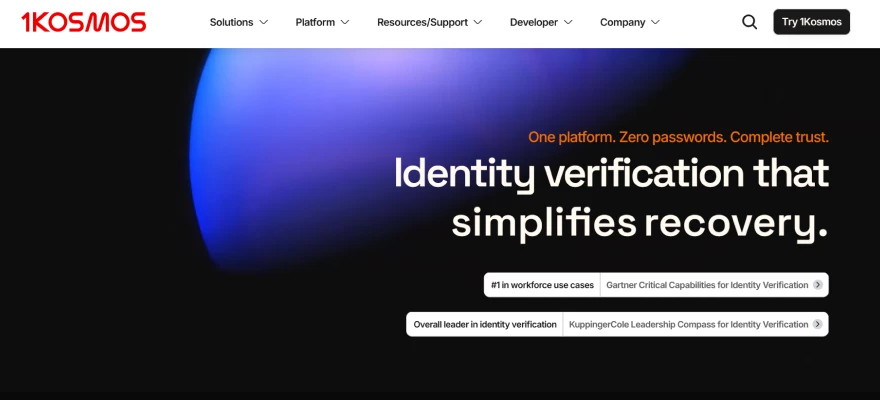
1Kosmos is a passwordless identity platform built for strong security and verified login. It combines identity proofing biometrics and cryptographic login in one system. Users first verify who they are using ID and face scan.
After that they log in without passwords using devices or biometrics. It focuses on real identity instead of just credentials. Many enterprises use it among passwordless authentication solutions because it removes passwords fully and reduces phishing risk.
Key features:
- Identity Proofing First. Users verify identity using ID and biometric scan before login. This creates trusted digital identity and reduces fake account risks.
- Biometric Passwordless Login. Users sign in using face or fingerprint instead of passwords. Login becomes fast and removes credential theft risk.
- FIDO2 and Cryptographic Security. It uses FIDO2 keys where no passwords are stored. This blocks phishing and replay attacks effectively.
- Device and Shared Login Support. Works on personal devices and shared systems using biometric tools like 1Key. Users can access systems without personal tokens.
- Offline and Multi Environment Access. It supports offline authentication scenarios using device based or pre generated credentials. It also supports cloud and hybrid environments.
Pros
- Combines identity verification and passwordless login which improves trust and security levels
- Strong biometric system reduces phishing attacks and removes dependency on passwords completely
- Works well for large enterprises with shared devices and complex workforce environments
Cons
- Setup process can be complex due to identity proofing and biometric enrollment steps
- Requires user onboarding effort which may slow initial adoption in large teams
- Pricing and deployment may feel heavy for smaller companies with simple needs
10. Descope
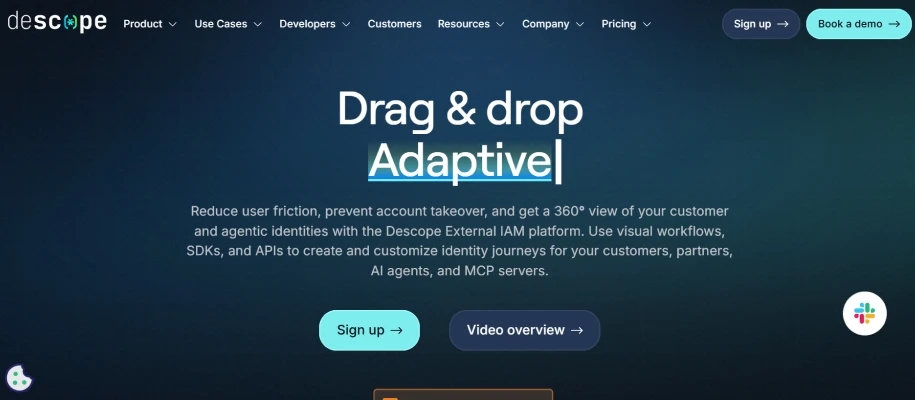
Descope is a modern identity platform built to make passwordless login simple. It is designed for developers and product teams who want fast setup without heavy coding. You can create login flows using drag and drop tools instead of building everything from scratch.
It supports many login options like passkeys magic links and OTP. Many teams use it as passwordless authentication tools because it reduces effort and speeds up deployment.
Key features:
- Multiple Passwordless Methods. You can use passkeys magic links OTP and social login together. This gives flexibility based on user needs.
- No Code Workflow Builder. You can design login flows using drag and drop interface. No need for deep backend coding.
- Progressive User Enrollment. Users can move from passwords to passwordless in steps. This avoids friction during transition.
- Adaptive MFA and Risk Control. The system checks risk signals and adds extra verification when needed. Security stays strong without blocking users.
- Fast Integration with SDKs and APIs. You can add authentication in apps using ready SDKs and APIs. This reduces development time.
Pros
- Very fast setup with low code approach reduces development time significantly
- Supports many passwordless methods which improves flexibility and user experience
- Strong focus on security with adaptive authentication and phishing resistant login
Cons
- Limited deep customization compared to fully code driven authentication systems
- Pricing may increase as application scales and usage grows over time
- Some advanced enterprise needs may require additional integration or configuration effort
11. Yubico
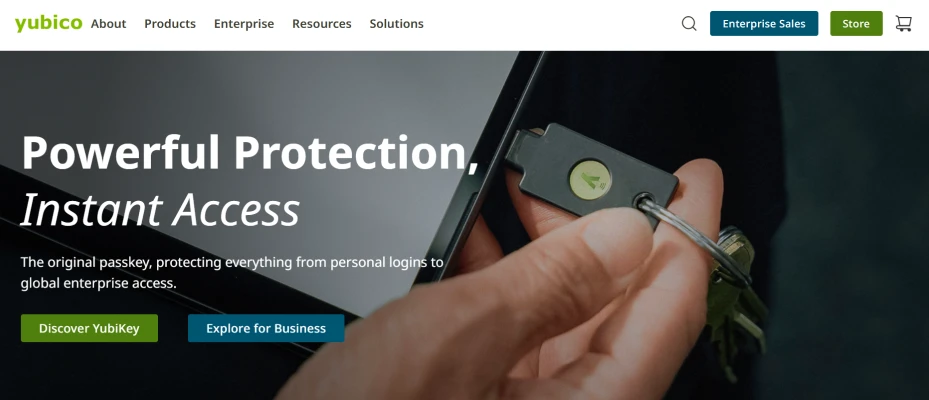
Yubico is known for its hardware based passwordless security called YubiKey. Instead of typing passwords users plug in or tap a small device to log in. It uses strong cryptographic keys stored inside the device so credentials are never shared.
This makes login very safe against phishing attacks. Many companies use it as one of the most trusted passwordless authentication solutions for high security environments.
Key features:
- Hardware Based Authentication. In FIDO based deployments users can authenticate without entering passwords. Users log in using a physical security key. No passwords are stored or entered during login.
- FIDO2 and WebAuthn Support. YubiKey supports modern standards for passwordless login using device bound cryptographic keys.
- Multi Protocol Support. It works with FIDO, OTP, smart cards and other protocols. This helps secure both modern and legacy systems.
- Phishing Resistant Login. Keys sign authentication requests so attackers cannot steal credentials. This protects against account takeover attacks.
- Wide Compatibility. Works across many apps, systems and devices using USB or NFC. Users can log in on desktop and mobile easily.
Pros
- Very strong security because credentials stay inside hardware and cannot be copied
- Works without internet battery or network which makes login fast and reliable
- Supports many systems and apps so it fits well in enterprise environments
Cons
- Requires physical device which users must carry and manage carefully
- Lost keys can create access issues and need backup authentication methods
- Less flexible compared to software based passwordless authentication tools available
How to Choose the Right Passwordless Authentication Solution?
You are not just picking a tool. You are redesigning how identity works across your system. That is why shallow comparison fails. You need layered thinking where security, usability and architecture move together.
Security Architecture Depth
- Security Architecture Depth. Many tools claim to be passwordless but still rely on passwords during recovery or fallback which weakens the entire system.
- Phishing Resistance Level. Strong solutions use FIDO2 and passkeys. These rely on cryptographic keys stored on the user device.
- Credential Strategy Design. You need to balance device bound passkeys and synced passkeys. Device bound gives stronger protection.
- Fallback Risk Control. Most breaches happen during recovery not during login. You should check how the system handles lost devices onboarding and account recovery.
User Experience vs Security Balance
- Frictionless Login Flow. Users should log in using biometrics or device trust without extra steps. If login takes effort, adoption will drop and support tickets will rise.
- Cross Device Consistency. Experience should stay stable across mobile desktop and shared systems. If login behaves differently users lose trust in the system.
- Adoption Curve Control. You should not force users into sudden change. Systems that allow gradual move from passwords to passkeys perform better in real environments.
Integration Complexity Reality
- Integration Complexity Reality. This is where most teams underestimate effort. You are not adding a feature.
- Legacy System Compatibility. Many enterprise systems are not built for passwordless. You should check how easily the solution connects with older apps and protocols.
- Identity Stack Fit. The tool should integrate smoothly with your IAM SSO and directories. If it needs heavy customization your timeline will expand quickly.
- Workflow Control and APIs. Advanced platforms allow you to design authentication logic based on risk context and behavior.
Scalability and Architecture Fit
- Standards Based Design. Solutions built on FIDO2 and WebAuthn scale better across platforms and vendors. This prevents vendor lock and future migration pain.
- Multi Environment Support. Your system may run on cloud hybrid or on prem. The solution should support all without adding complexity.
- Federation Strategy. Combining passwordless SSO reduces repeated authentication and simplifies identity management across apps.
Operational Cost Beyond Pricing
- Hardware vs Software Tradeoff. Hardware keys give strong security but add cost and management overhead. Software based passkeys are easier but need proper device trust controls.
- Support and Recovery Load. Passwordless shifts the burden to recovery flows. If recovery is not designed well your support team will struggle.
- Training and Migration Effort. Teams need time to understand policies and edge cases. Poor training leads to misconfiguration and security gaps.
Risk Adaptive Intelligence
- Risk Adaptive Intelligence. Modern authentication is dynamic not static. Systems should respond to risk in real time.
- Context Aware Decisions. Access should depend on device health location and behavior. This keeps security active without blocking normal users.
- Dynamic Authentication Flow. Low risk users should pass quickly. High risk users should face stronger verification. This balance is critical.
- Continuous Trust Model. Authentication should not end at login. The system should monitor sessions and adjust trust when risk changes.
True Passwordless Maturity Check
- Password Dependency Audit. Check every flow including admin access recovery and API usage. If passwords exist anywhere the system is not fully passwordless.
- End to End Password Removal. Mature systems remove passwords from storage login and recovery completely.
- Phishing Resistance Benchmark. FIDO based systems offer extremely high protection compared to OTP or SMS based methods.
Finding the Right Passwordless Authentication Solution
At this point you already saw one pattern. Most tools look strong in one area but break in another. Some give great UX but weak recovery. Some give strong security but complex rollout.
Real success comes when one system handles security, usability, integration, and scale together without friction. That is the real conclusion. You do not need more features. You need alignment across the entire identity flow.
The Solution That Actually Closes These Gaps
There is a category of platforms that do not treat passwordless as a feature. They treat it as the core layer of identity. That is where things start to work differently. Instead of patching gaps with extra tools they unify access security and control into one system.
This is where most enterprise teams quietly move when they scale beyond basic setups.
- Unified identity layer removes fragmentation across apps users and environments completely
- True passwordless core eliminates secrets using biometrics, passkeys and cryptographic authentication
- Adaptive risk engine adjusts authentication based on context behavior and real time signals
- Seamless SSO access connects cloud, on premise, legacy systems without disruption
- Zero trust enforcement verifies every access request instead of trusting sessions blindly
- Lifecycle automation engine manages join move leave events without manual admin effort
- AI driven access control reduces human error and speeds up identity decisions
- Deep integration capability works across APIs directories and hybrid infrastructure environments
Stop managing fragmented identity systems that create hidden risks. Move to a unified passwordless approach built for real scale and security. Book your demo today and see how modern authentication should actually work.
FAQs
What is the most secure way to implement passwordless authentication?
Use FIDO2 passkeys with device bound cryptographic keys and biometrics. Remove passwords fully and secure recovery flows. Add adaptive risk checks so high risk access always triggers stronger verification.
How much does passwordless authentication cost?
Cost depends on tools users and setup complexity. Software solutions scale with subscription pricing. Hardware keys increase cost. Real expenses include integration training support and long term maintenance effort.
What are the different types of passwordless authentication methods?
Common methods include passkeys biometrics magic links, one time codes push notifications and hardware security keys. Each method balances usability and security differently based on device support and risk level.


