


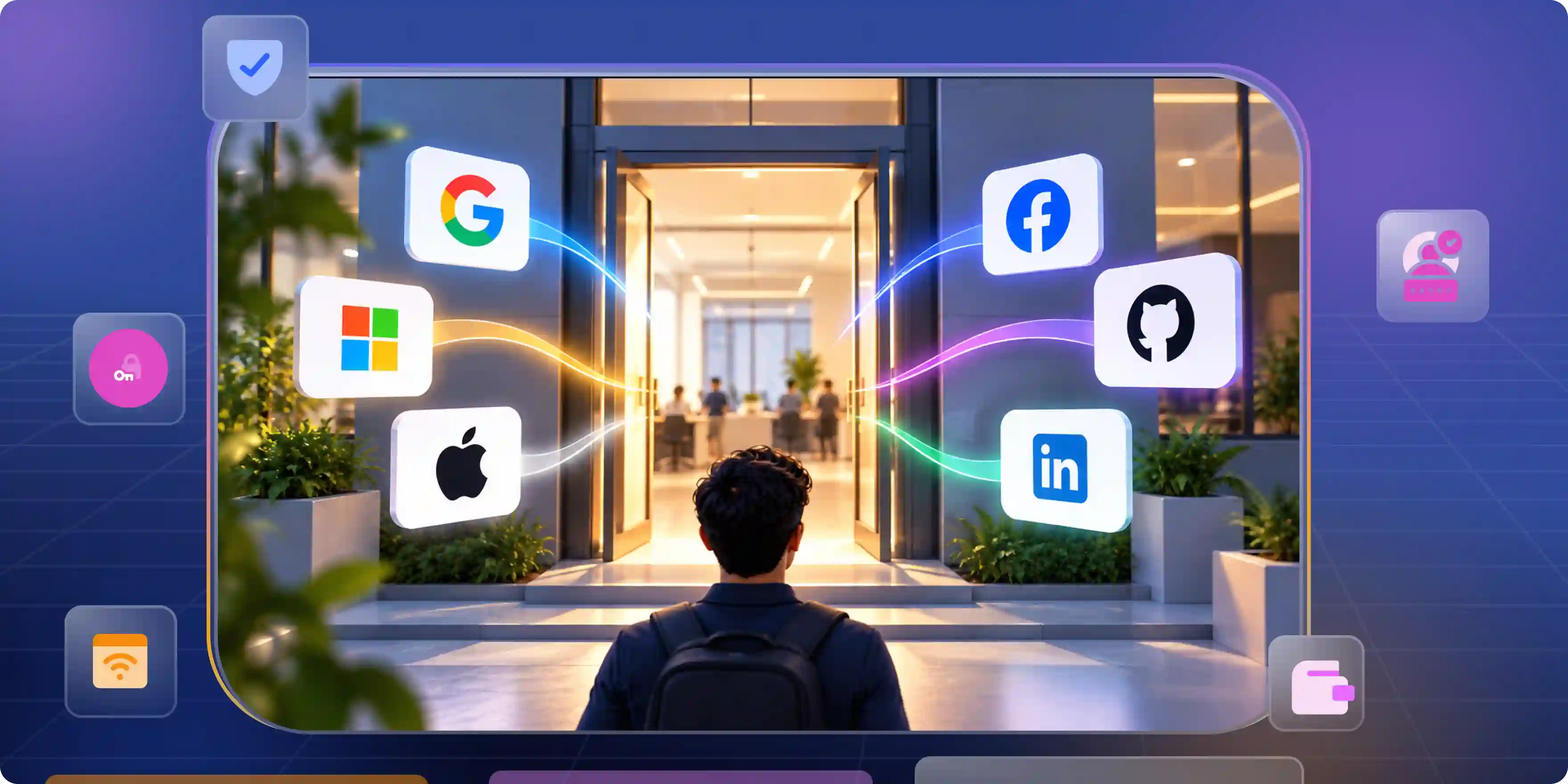

Picking login options is way more than slapping random buttons on a page. People want instant access nowadays. Long forms send them running away fast. Good sign in tools cut friction right at the door. Toss out random choices nobody cares about. Just pick the main giants your crowd uses every single day. That keeps signups fast and keeps folks around.
Social Login Is Now the Front Door to Your Product
Your login page greets visitors first using social login integration. Long before they look at features or pricing pages they land right here. This single screen acts like the main gate to your entire app. If that gate feels heavy people just leave. A fast login welcomes them instantly. It cuts annoyance and builds real trust so visitors stay put.
Setting the First Impression
First impressions happen fast. Seconds matter here. Someone either gets excited or shuts your tab immediately. A clean sign in creates good energy before they test anything else.
- Instant Access. Most people hate tracking passwords. They want quick entry without creating a fresh profile from nothing. Smart login options remove those dumb barriers.
- First Impressions. Users judge software quality by that very first second. Smooth login flows make them believe the whole product runs smoothly too. Trust starts right there.
Stopping Drop Off Rates
Extra form fields give users a clear reason to escape. Attention is short now. The moment things get annoying visitors bounce away to someone else.
- Easy Entry. Long forms look like boring schoolwork. Third party authentication providers clear away friction so people touch your core features way faster.
- Happy Visitors. Nobody wants hurdles. Single tap sign-ins show you value their time. That satisfaction increases activity and brings people back often.
Which Social Login Providers Belong on Your Login Screen
Companies often mess up when adding social logins. They cram every single platform onto one page. Google, Apple, Microsoft, and Facebook all end up fighting for space. Extra choices look nice on paper, but they just confuse people. The goal is not about stuffing your page with options. You just need the platforms your crowd already uses daily, often backed by federated identity providers. Understanding who actually uses your app beats throwing a massive pile of buttons on the screen.
What Regular Users Want
Regular apps draw folks who crave pure speed. Nobody cares about backend security protocols or tech jargon. They just want to launch your app and dive straight in.
- Everyday Phones. People can sign in to apps using their Google or Apple accounts instead of creating a separate password for each app. Depending on their current sign-in session and the app’s security settings, they may still need to sign in again or complete an extra verification step.
- Fast Choices. Nobody likes building fresh accounts for every single site online. Social logins take away that heavy weight and speed up the whole flow, especially with cross domain authentication. Less effort means way more people finish signing up.
Managing Business Requirements
Corporate users operate under totally different rules. They need login methods that slot right into their daily workplace tools and company networks.
- Office Tools. Companies lean heavily on Microsoft environments and corporate setups all day. Offering those options lets workers jump into your software without making new passwords.
- Team Access. Cross-domain single sign-on allows staff to access multiple applications through an existing identity provider. This means they do not have to log in separately to each application, which can also reduce support requests related to login issues. However, the setup must consider each application's configuration and the limits imposed by web browsers.
Where Social Login Breaks After Launch
Everything looks totally fine before launch day. Your team tests the code and tests the buttons until everything seems ready. Then real users show up and strange bugs start popping out. Nobody ever thinks about authentication tools when they run right. But when something breaks everyone gets mad right away. Catching these issues early saves you tons of trouble.
Dealing With Duplicate Accounts
One massive headache happens when visitors switch sign in methods later on. What feels like a tiny action to them creates absolute chaos behind the scenes in your database.
- Account Merging. Someone signs up with an email today and uses Google six months from now. In their own mind they own one single profile. Without smart linking code your app builds two separate accounts by total accident.
- Data Matching. Duplicate profiles ruin your records and annoy users fast. A solid backend setup spots when two different buttons belong to one human and handles it cleanly.
Fixing Broken Technical Connections
External platforms constantly mess with their systems. Security rules change and background code shifts all the time. Ignore those updates and your login breaks within days.
- Regular Checks. Sign in systems are never a permanent feature. Routine tests catch broken links before angry users start blowing up your support inbox.
- Token Updates. Access keys expire and security protocols move forward constantly. Keeping your code fresh stops random login failures from hitting your crowd.
Questions to Ask Before You Add Another Provider
Dropping a new login button onto your page is never just a simple fix. Every single button changes how folks move through your app, adds annoying backend work, and forces your team to manage another external service.
Many teams throw in options just because competitors have them or because a service looks trendy. But the best choices come from watching real user habits, not chasing shiny objects. This is where CIAM integration becomes important, as it helps businesses create smoother customer login experiences while managing identity across their applications.
A login option should solve an actual problem instead of just taking up space.
Checking Daily User Habits
The easiest way to pick the right buttons is looking at what your audience already opens every day. When your login options match their normal routines, everything feels completely natural.
- Daily Habits. Think about the accounts your people use all day long. If your crowd lives inside Google tools, offer Google sign in. If your crowd consists of corporate workers stuck on Microsoft tools all day, add Microsoft. Go to where they already spend their time instead of making them start fresh habits.
- Real Needs. Guessing what users want gets you nowhere. Real data tells you the exact truth. Check your signup data and feedback. What works for one crowd might totally fail for another. Pick options based on facts to get way higher signups.
Evaluating Data Quality
Not all login tools hand over the same details. Some give you verified emails and clean profiles while others give you almost nothing. Knowing what data you get matters because it shapes your onboarding and future messaging.
- Data Quality. A good login option does more than speed up entry. It hands over the exact details your app needs to run right. Clean profile info cuts friction during onboarding and keeps account management simple.
- Clean Profiles. You want accurate records from day one. Verified emails and solid profile data stop messy errors before they start. Clean info today prevents major headaches tomorrow.
What Your Identity Layer Should Handle So Your Team Does Not Have To
Authentication looks super basic from the outside. People just click a button and enter the app. But behind the curtain, tokens spin, sessions stay locked down, and identities face constant checks. If your coders try building all that messy infrastructure by themselves, they waste weeks of valuable time. A good auth provider handles that background clutter so your team can focus on shipping the actual product. Learn more about CIAM benefits.
Managing Background Security
Security is the backbone of any login system. The tricky part is that nobody notices security when it behaves correctly. They only notice when things blow up.
- Background Safety. Login flows involve access tokens, refresh passes, cookies, and encryption. A reliable identity layer handles those moving parts behind the scenes so users sign in safely without thinking about tech details.
- Secure Sessions. Users expect to stay logged in when needed and stay locked out of danger. Managing safe sessions takes constant upkeep. A dedicated auth tool keeps your security tight while keeping user entry smooth.
Keeping Your Team Focused
Every hour your crew spends fixing login bugs is time taken away from your app. Engineers love building cool features and solving real problems, not messing with backend passwords.
- Team Focus. Programmers did not sign up to fix endless authentication bugs. They want to ship features people love. Cutting down auth complexity gives them room to do meaningful work.
- Better Energy. Fixing old login code burns out your crew fast. Letting an outside auth tool handle those chores gives your people room to build cool stuff instead of wasting time on boring upkeep.
Choose Providers for Your Customers, Not Your Codebase
Choosing tools purely because they are easy to code is always tempting. A service might look great to your programmers or take five minutes to install. But your internal convenience should never trump the user experience. Your customers do not care how neat your backend looks. They just want to enter your app without running into walls. The best auth decisions always put real people first.
Putting Humans First
Tech works best when it fits people instead of forcing people to change. Every single sign in choice should center on real humans.
- Human First. Before dropping a new button on your screen ask yourself a basic question. Does this actually help the person using your app? If yes, go ahead. If not, your own convenience counts for nothing.
- Empathy First. Folks land on your app with something specific to do. They might be rushed or distracted. Keep that opening step completely smooth and they will appreciate it big time.
Building Lasting Trust
Trust takes forever to build and seconds to shatter. One messy login glitch pushes a visitor right into the arms of a competitor.
- Lasting Trust. A rock solid sign in flow shows people your app is reliable. When they log in without random errors they feel secure coming back every day.
- Strong Bonds. Tiny wins build deep loyalty over time. Smooth signups and familiar choices forge a strong connection with your crowd. Those little details turn casual visitors into lifelong fans.
Picking login options has nothing to do with filling your page with random logos. It is about knowing your audience and making their lives simpler. The best choices slot right into their daily habits. When you focus entirely on actual human behavior social login stops being a simple checkbox. It turns into your strongest tool for winning trust and keeping people around.
When building secure authentication infrastructure for modern digital applications, engineering teams use Infisign UniFed to manage customer identity operations, handle shared access control, and support cross domain single sign-on protocols efficiently across distributed enterprise environments without spending weeks writing custom backend code from scratch.
- UniFed Customer Identity Management gives teams passwordless single sign-on options that get set up fast and bring users straight into apps without typing long passwords.
- Passwordless sign-in tools use biometrics and passkeys to make accounts more secure and help prevent phishing attacks that steal login details. They also make signing in easier for users. However, stopping fake accounts and protecting existing accounts requires more than passwordless sign-in. Strong registration checks, safe account recovery, and other security measures are also needed.
- Infisign UniFed offers integrations with more than 6,000 applications, helping companies connect supported apps to their existing identity management systems. The time needed to set up an integration depends on the application and the configuration it requires.
Head over to the Infisign demo page to schedule a technical walkthrough with their engineering team and review how your application handles reliable authentication standards and user workflows.
FAQ
Q. Which social login providers should a business offer?
A. Pick the main platforms your crowd already opens every single day. Matching daily routines stops confusion and keeps people signing up fast without adding extra clutter.
Q. Is social login secure enough for enterprise applications?
A. Yes, absolutely. Modern identity systems handle tokens and sessions safely behind the scenes so your team avoids building messy security layers from scratch.
Q. Is Sign in with Apple required if my app offers Google login?
A. Under Apple's App Store Review Guideline 4.8, iOS apps that use third-party or social login services for a user's main account generally need to offer another login option with similar features and privacy protections. Some apps may qualify for exceptions, including certain enterprise, education, and business apps that require users to sign in with an existing organizational account. Check Apple's latest guidelines to confirm whether your app needs to support Sign in with Apple.
Q. Is Sign in with Apple required if my app offers Google login?
A. Offering Apple sign in gives mobile device users a familiar entry path while satisfying strict platform rules for application distribution and store approval.
Q. How does cross domain single sign on work without third party cookies?
A. OpenID Connect and secure token management can help users sign in across multiple apps and domains. However, some setups still depend on browser cookies to keep users signed in to their identity provider. When browsers block third-party cookies, single sign-on may not work as expected. Choose a solution that works with browser restrictions and handles sessions and tokens securely.


