


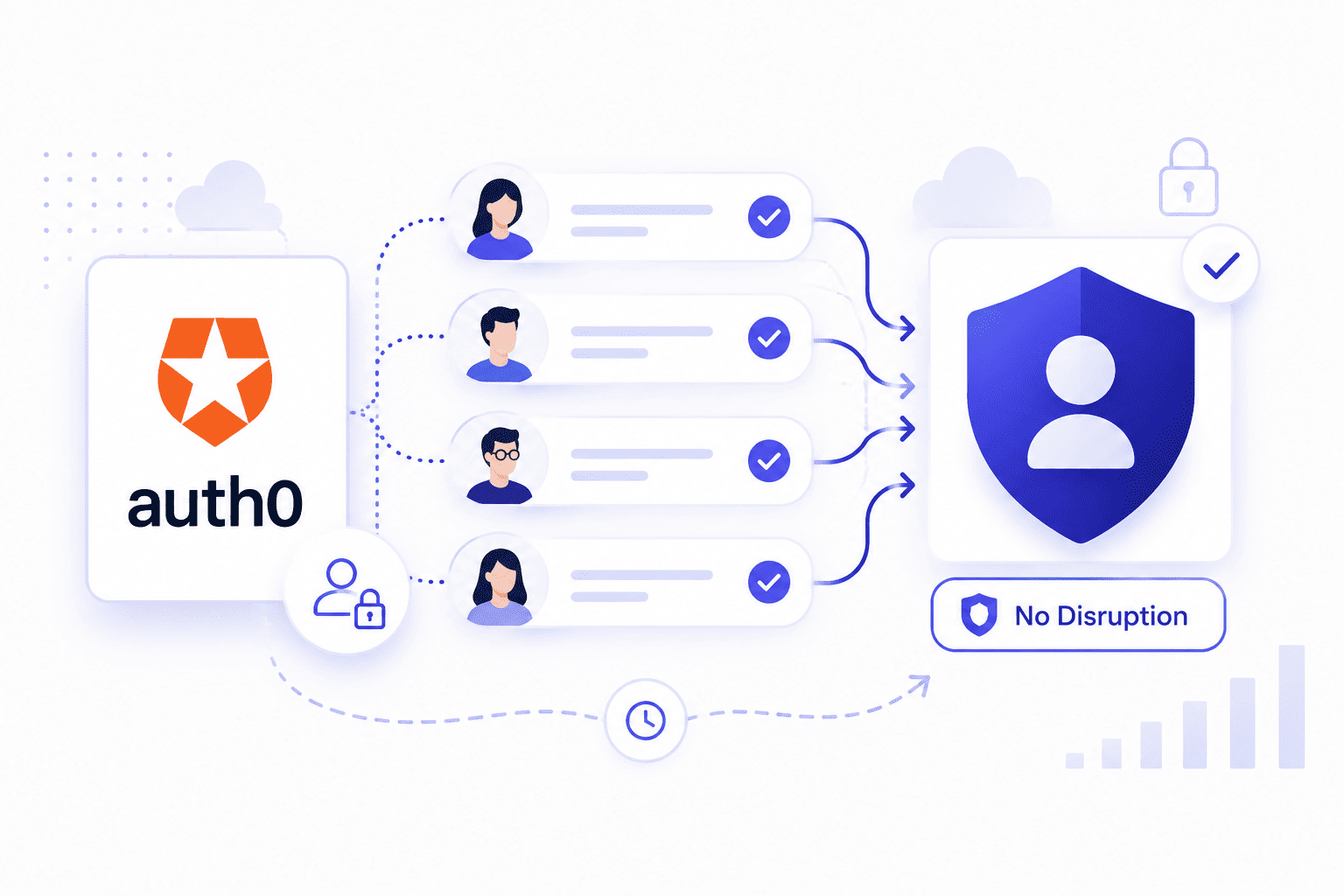

Most engineering teams wait until a painful billing cycle forces their hand before thinking about an Auth0 migration. Your product grows fast while your monthly subscription costs climb even faster and suddenly your basic login setup drains thousands of dollars for simple user authentication.
Breaking free from rigid vendor contracts takes careful database planning and a clear roadmap so your active community never notices a single glitch behind the scenes.
Why Teams Start Looking for the Auth0 Exit
Doing an Auth0 migration means moving thousands of active user profiles and secure passwords without breaking live sessions or locking anyone out. Engineering teams usually copy account data in batches or handle updates gradually to keep the backend stable over time.
Choosing a replacement platform for CIAM modernization depends heavily on your monthly budget hosting choices and how much freedom you want over your custom login screens.
- Planning the Move. Start by looking closely at your user database to decide whether you want to shift all accounts at once or move them slowly over time. Transferring this information securely ensures your community can log in normally without needing to reset their passwords.
- Selecting New Tools. Organizations can move to either a self-hosted open-source identity platform or a managed CIAM provider depending on what their security and business operations require. Picking the right setup stops those expensive monthly bills and lets you design custom login steps however you want.
- Executing the Switch. Update your app code and point your login endpoints to the new setup while testing everything in a safe staging area first. Watching the traffic live during the final switch helps you catch tiny bugs instantly so the whole launch goes smoothly.
What Staying on Auth0 Costs You Before the Next Renewal
Staying with your current identity provider too long drains your resources before your contract ends. Monthly bills climb fast as your user count grows, turning a simple login tool into a heavy expense.
Your team also loses valuable hours fighting strict limits instead of building new product features while you migrate data effectively to a new CIAM system.
- High Growth Bills. User growth feels like a penalty when pricing jumps every single time your community expands. Your monthly invoice scales much faster than actual revenue.
- Locked Features. Basic needs like custom domains and advanced security require expensive plan upgrades. Some advanced capabilities are available only on higher Auth0 pricing tiers so organizations should evaluate whether those plans align with their requirements and budget.
- Wasted Time. Engineers waste hours fighting platform limits making an Auth0 user migration look like a great escape. Managing these constant restrictions slows down your product delivery.
What Actually Makes an Auth0 Migration Risky and What Does Not
Doing a migrating off Auth0 project feels scary because you are dealing with live user passwords and active sessions. Many teams worry about losing data or breaking login flows during the switch. The real danger is poor planning rather than the move itself.
- The Password Fear. People think transferring encrypted passwords always causes massive login failures for users. In many cases bulk user imports or automatic lazy user migration allow users to continue signing in without password resets provided compatible password hashes are available.
- Downtime Worries. Teams fear long outages while pointing their apps to a new identity provider. Careful staging and testing DNS changes beforehand prevent any surprise downtime during the final launch.
- Custom Code Breaks. Rewriting custom login rules and hooks takes real care to avoid breaking user profiles. Proper testing ensures you can safely replace Auth0 without losing custom user metadata or breaking security settings.
What to Put in Place Before You Migrate
Getting ready to move away from your current setup requires mapping out your user database before touching any production code. You need a clear inventory of all active user records, passwords, and custom metadata.
Having this solid foundation ready for your Auth0 alternatives prevents chaotic surprises once the actual switch starts.
- Mapping User Data. Start by exporting all user accounts and checking how passwords are stored in your current system. Knowing your database structure helps you choose the right import method without losing important profile details.
- Setting Up Staging. Build a complete test environment that mimics your live production app down to every detail. Testing your login flows thoroughly in staging ensures your team catches any bugs early.
- Planning Communication. Prepare clear updates for your users just in case any minor login hiccups happen during the switch. Keeping people informed builds trust while your team handles the backend transition.
The Auth0 Migration Playbook That Protects Your Users
Moving your community to a new platform needs a careful plan that keeps active sessions safe and secure. Handling user records step by step stops people from getting locked out of their accounts. Following a structured guide makes the entire technical shift feel totally seamless.
- Staged User Imports. Move user accounts in small batches or use lazy migration to update passwords only when people log in. This smart approach keeps your servers from crashing under heavy traffic loads.
- Parallel Run Testing. Keep your old login system active alongside the new setup while running live checks. Depending on your migration strategy you may temporarily operate both identity systems in parallel to validate authentication before completing the cutover.
- Final DNS Cutover. If your migration includes changing authentication endpoints or custom domains, schedule the final cutover during low traffic periods and monitor the deployment closely.
Where Auth0 Migrations Go Wrong
Switching identity providers often fails when engineering teams rush the planning phase or skip crucial security checks. Forgetting to test edge cases like password resets usually leads to frustrated users and broken login pages. Avoiding these common traps keeps your engineering project on track.
- Skipping Thorough Testing. Rushing the launch without testing password hashing formats causes massive login failures across your app. Taking time to verify encryption details saves your team from frantic rollback moments later.
- Ignoring Custom Rules. Auth0 tenants utilizing legacy Rules or Hooks require migrating that logic to Actions or an equivalent extensibility mechanism on the target platform to preserve authentication behavior.
- Poor Traffic Monitoring. Failing to watch server logs during the final cutover leaves your team blind to sudden session drops. Keeping a close eye on system performance helps you move away safely without harming user experience.
How Long an Auth0 Migration Actually Takes
Planning and executing a complete move away from your provider usually takes anywhere from a few weeks to a couple of months. Migration timelines vary depending on the number of users, applications, integrations, customizations, and the migration strategy selected. Setting up your new database mapping and running safe tests take up the majority of that time.
- Audit and Mapping Phase. Expect to spend the first week reviewing your current setup, database schemas, and custom API hooks. Getting a clear view of your active user data prevents messy surprises later.
- Testing and Staging Phase. Engineers typically spend a few weeks building out the new sandbox environment and testing user imports. Running trial runs ensures passwords and login tokens translate correctly without any data loss.
- Final Rollout Phase. The actual switch happens over a single weekend or during low traffic hours with a quick DNS update. Monitoring traffic right after launch wraps up the project safely.
What to Require From the Platform You Migrate To
Choosing the right replacement platform means looking for software that matches your technical needs without locking you into high costs. Your new system must give your engineering team full ownership of user data and login workflows. Flexibility and straightforward pricing should guide your final choice.
- Open Source Freedom. Choose an identity platform that aligns with your operational model whether that is self-hosted or fully managed while meeting your security and compliance requirements.
- Flexible Password Imports. Ensure the new platform supports lazy migration or batch imports for encrypted passwords. This feature lets your community log in seamlessly without forcing thousands of manual password resets.
- Custom Code Support. The replacement must allow custom hooks, tokens, and multi-factor workflows to keep your app secure. Having robust extensibility means you never have to compromise on your product design.
How to Confirm the Migration Worked
Verifying your new login system requires active testing across staging and live production environments before celebrating. Your team needs to check every access point to ensure user sessions remain stable and secure. Watching system logs closely catches any hidden routing errors early.
- Session Validation Checks. Validate how existing access tokens, refresh tokens, and user sessions behave during the migration, and confirm that authentication continues as expected after token renewal or expiration. Verifying active sessions prevents frustrating dropouts right after launch.
- Password Reset Verification. Run trial password recovery requests through the new system to make sure emails deliver instantly. Ensuring recovery flows work smoothly keeps user support tickets to a minimum.
- Error Log Monitoring. Watch your server traffic and authentication error logs closely during the first forty eight hours. Catching minor endpoint glitches early guarantees a totally stable transition for your entire user base.
Migrate Off Auth0 on Your Terms, Not at Renewal
Escaping rigid provider contracts and high monthly bills means taking back control of your user data before your next renewal date rolls around. Moving away successfully comes down to thorough database mapping, careful staging tests and choosing flexible tools that respect your engineering freedom.
Transitioning your login infrastructure ensures you avoid surprise price hikes while keeping active user sessions completely safe.
To make this shift smooth, companies often adopt advanced platforms like Infisign UniFed which acts as a modern identity and access management solution. It brings together decentralized identity frameworks and flexible login controls so your team can manage user credentials without dealing with old school platform restrictions.
- Passwordless Security. Infisign UniFed offers modern passwordless authentication and Zero Trust principles to eliminate credential risks and secure user accounts without friction.
- Universal Single Sign On. The platform delivers adaptive multi factor authentication and unified login flows to keep user access smooth across every application.
- Complete Infrastructure Control. Engineering teams get robust access controls, automated user provisioning and full data ownership to scale without facing restrictive tier limits.
Stop paying massive bills just to let people log in. Schedule a meeting on the Infisign demo page today and see how we make your identity switch incredibly simple.
FAQ
How do I migrate users from Auth0 without forcing password resets?
You can migrate users without password resets by using lazy migration which securely imports user accounts and hashes on their very next login attempt.
How long does an Auth0 migration take?
An Auth0 migration typically takes anywhere from a few weeks to a couple of months depending heavily on your total user volume and custom application rules.
Can I migrate off Auth0 without downtime?
Many organizations minimize downtime by operating both identity systems in parallel before completing the final cutover although the achievable downtime depends on the migration architecture.
What happens to MFA enrollments when I leave Auth0?
Whether MFA enrollments can be migrated depends on the authentication method and the capabilities of both platforms. In cases where enrollments cannot be transferred securely, users may need to register their authenticators again.
Is it worth migrating away from Auth0?
Migrating away is worth it if your monthly bills are scaling too fast or you need to escape strict tier limits and platform lock in.


