


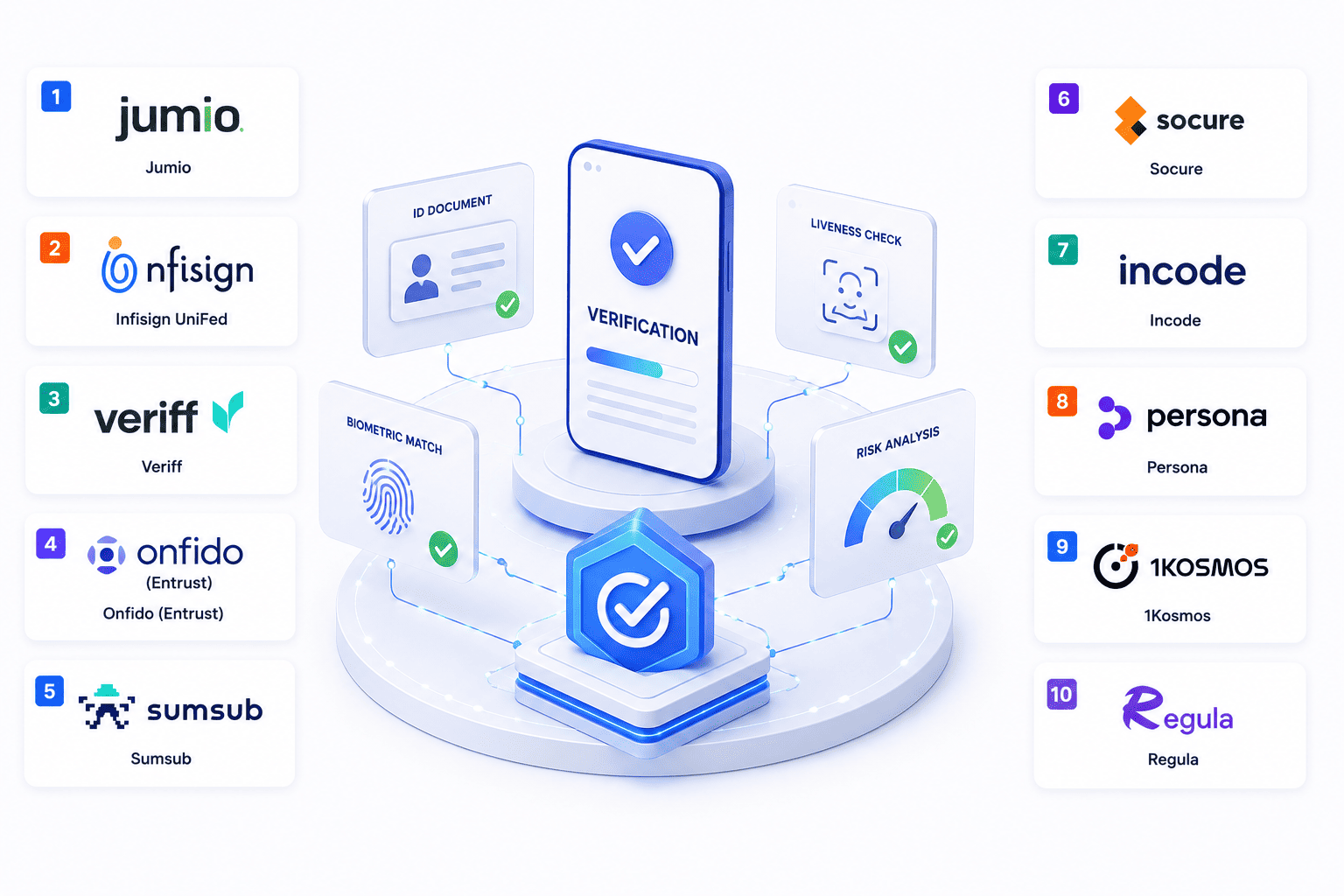

Ever wonder how apps instantly trust you while keeping hackers out? Finding the best identity verification software makes all the difference when dealing with online fraudsters. Instead of boring paperwork checks top platforms use clever tricks like lightning fast document scans, quick phone selfies and smart background monitoring.
Whether you run a tiny startup or a massive global marketplace, picking the right security tool stops bad actors dead in their tracks while letting genuine users breeze right through. Let us dive into the top platforms ready to protect your digital world today.
What Identity Verification Software Actually Does
Dealing with online fraudsters is exhausting when people sign up using fake names or stolen IDs. Identity verification software acts like a reliable security guard standing at your digital door. Programs scan official documents, match selfies and check watchlists instantly. Real customers breeze right through while bad actors get blocked before causing trouble.
- Document scanning. Smart scanners read passports and driver licenses in seconds to make sure paperwork looks completely legit. Systems verify hidden security holograms and layout details so nobody has to stare at files manually.
- Biometric matching. Software compares quick phone selfies against ID photos to prove ownership. Passive liveness checks run quietly behind the scenes to guarantee real humans stand right there.
- Risk screening. Filtering tools cross reference user details against global watchlists to catch financial crimes early. Protection systems keep platforms safe from shady accounts trying to slip past defenses.
How We Evaluated These Platforms
Sorting through security options gets super overwhelming when every single vendor promises miracles, especially with the rapid growth of AI in identity and access management. We evaluated these platforms based on publicly available product documentation, security capabilities, integration options, developer experience, and user onboarding features.
Our evaluation considered verification speed, fraud prevention capabilities, integration options, developer documentation, and overall user experience.
- User experience and speed. Testers timed how fast each platform finishes checks so customers never abandon signup forms. Quick processing keeps drop off rates low and keeps conversion numbers looking great.
- Fraud detection strength. Analysis checked how well tools block modern threats like deepfakes and forged papers. Solid security stops bad accounts dead in their tracks before causing any harm.
- Integration and setup. Evaluators looked at how easily developers plug tools into mobile apps and websites. Clear documentation and clean software kits make the whole deployment process feel effortless.
The 10 Best Identity Verification Platforms for 2026
Let us talk about finding the right tools because sorting through options to protect your users is tough and you can easily check out these platforms that make identity verification software super simple to set up.
1. Jumio
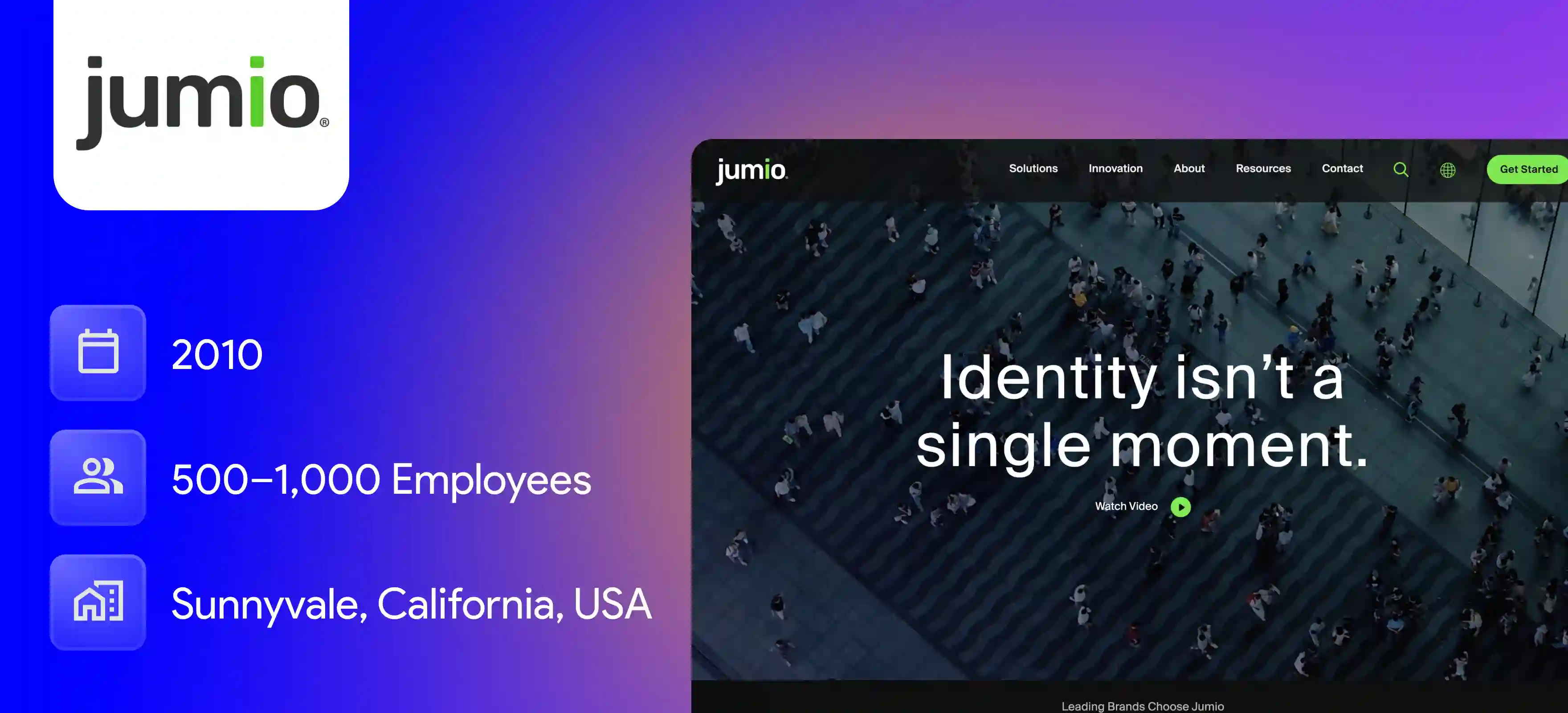
Jumio automates the online identity verification process using artificial intelligence and biometrics. It helps prevent fraud and stops identity theft. It makes compliance with anti-money laundering rules much easier while relying heavily on digital identity verification for global security.
Key Features
- Global checks. Automatically reads and validates thousands of passport and ID types across over two hundred countries. It handles multiple languages and document formats without making your users wait.
- Facial checks. Uses biometric face verification together with liveness detection to help confirm that the person presenting the identity document is physically present. The system stops spoofing attempts using photos or masks instantly.
- Crime screening. Cross-references user details against international watchlists to catch financial crime. It updates background records regularly to stay accurate.
Pros
- It handles global document checks seamlessly across more than two hundred countries and provides very strong biometric facial mapping.
- The dashboard is clean and user friendly making document uploads smooth for everyone.
Cons
- Pricing can feel quite expensive if you are running a smaller business or startup with low transaction volumes.
- Manual reviews can sometimes cause delays in processing when automated scans need extra checks.
2. Infisign UniFed
Infisign UniFed is an advanced platform that protects workforce and customer identities across different environments. It uses passwordless authentication and zero trust principles. It uses passwordless authentication, adaptive access controls, and Zero Trust principles to help protect workforce and customer identities.
Key Features
- No passwords. Removes traditional passwords entirely by relying on strict zero trust rules and device authentication. Users do not need to memorize complex codes anymore.
- Single sign-on. Lets users jump across local environments and cloud tools using one secure login step. Employees save time instead of logging into every app separately.
- Role updates. Instantly updates or revokes access permissions as user roles change within your company directory. It integrates with supported HR and identity management systems to automate user provisioning and access updates where configured.
Pros
- It completely removes the need for traditional passwords by using strict device authentication and zero trust rules.
- The single sign on setup makes it super simple for employees to move across different cloud apps without multiple logins.
Cons
- Passwordless authentication requires the encrypted password vault to be enabled.
3. Veriff
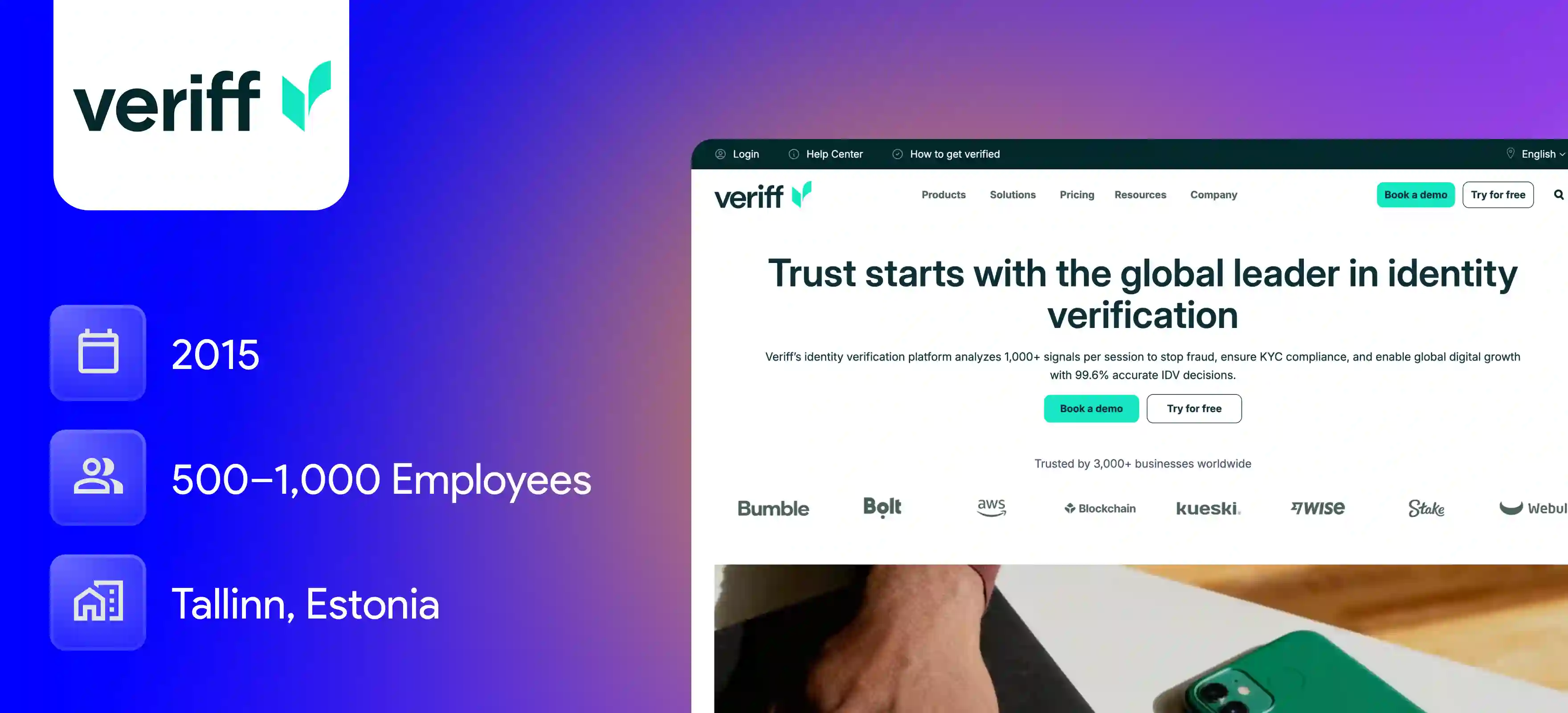
Veriff is an artificial intelligence native identity platform that helps organizations build trust online. It verifies real identities and assesses trustworthiness. It prevents fraud with minimal friction using advanced KYC verification software.
Key Features
- Fast results. Delivering verification results in just a few seconds to keep customer onboarding moving fast. Users complete their sign-ups without running into annoying lags.
- Video analysis. Records user actions during onboarding to check willingness and spot potential fraud attempts. The system looks at behavioral patterns to catch fake accounts early.
- Wide support. Recognizes thousands of identity document formats from all over the world. It adapts to different lighting conditions and angles automatically.
Pros
- First time pass rates are impressively high because it uses lightweight video checks instead of making users jump through endless steps.
- Verification results show up in under a minute which keeps customer drop off rates very low.
Cons
- The system requires users to record short videos and take selfies which can introduce slight friction for some customers.
- Bad lighting or camera angles during the live video feed can occasionally cause automated rejections.
4. Onfido (Entrust)

Onfido delivers next generation identity verification and background checks. It uses machine learning technology to verify that a person is who they say they are. It runs further security searches across the globe before clearing any user.
Key Features
- Smart auth. Uses machine learning models to spot forged IDs and altered security features. It catches subtle edits that human reviewers might easily miss.
- Flow control. Connects multiple fraud checks into a single streamlined pipeline tailored to your risk level. Companies can adjust the verification steps based on local rules.
- Photo match. Compares selfie captures against government-issued identity documents with high precision. Biometric scores confirm identity instantly without manual checking.
Pros
- The workflow builder lets teams set up custom rules and fraud checks without needing heavy coding skills.
- It covers a massive library of global document types and features robust device intelligence.
Cons
- Support response times can feel slow unless you pay extra for a premium service tier.
- Emerging local digital IDs sometimes need custom workarounds to integrate properly.
5. Sumsub
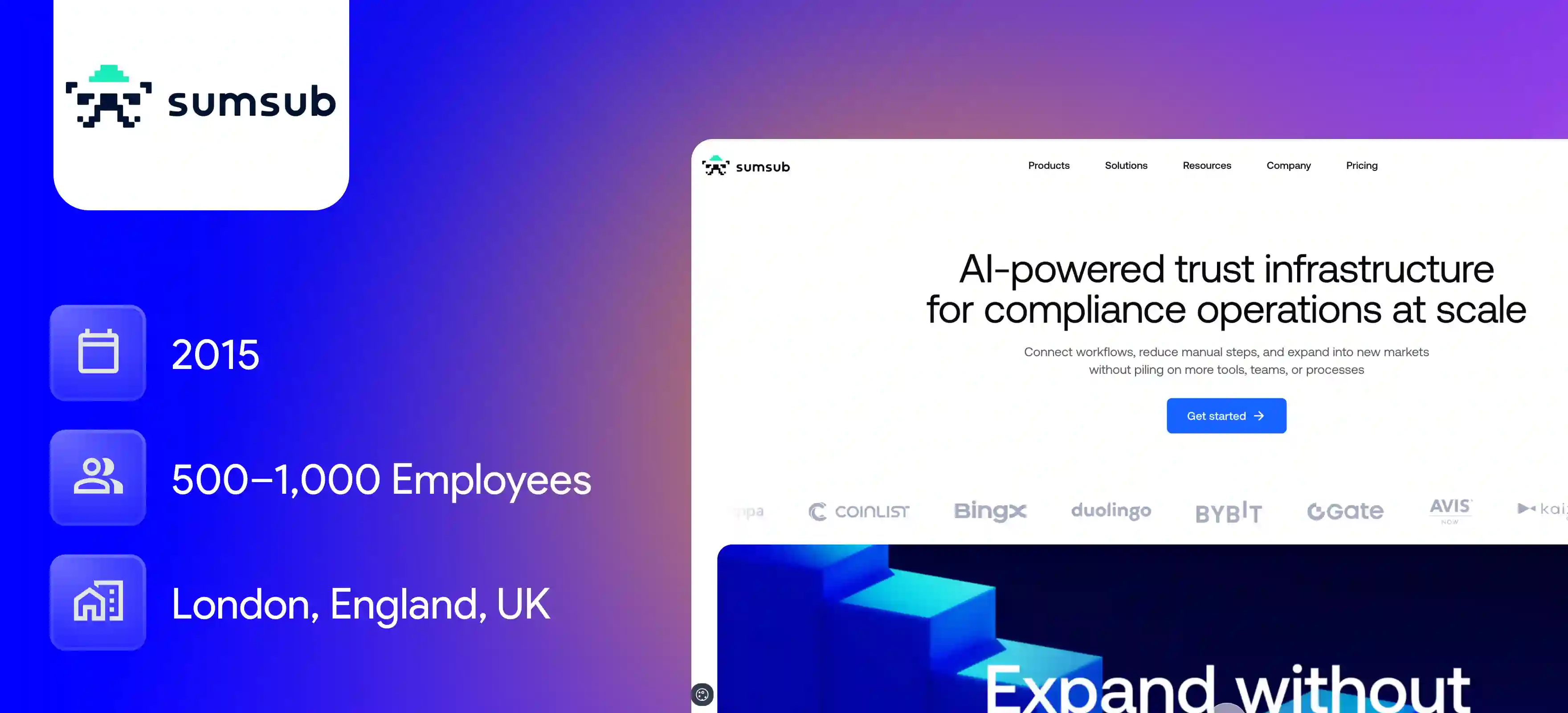
Sumsub provides a fully customizable verification platform that handles compliance and anti-fraud checks. It organizes customer onboarding flows in one single place. It uses powerful identity orchestration to manage regional rules smoothly.
Key Features
- Custom flows. Lets you change onboarding steps easily based on local regulations and risk thresholds. You can add extra checks for specific countries without rebuilding your app.
- Active tracking. Tracks user behavior and account activities continuously after the initial sign-up process. It spots unusual transactions or sudden profile changes right away.
- Business checks. Supports corporate checks alongside individual identity validation for complete protection. It verifies company registry data and ownership structures seamlessly.
Pros
- Setting up custom onboarding flows for different regions and local rules is very flexible and straightforward.
- The platform offers continuous tracking of user behavior and detailed watchlist cross checks after sign up.
Cons
- Making changes to complex workflows can sometimes cause unexpected knock on effects in your system.
- The pricing is on the higher side which makes it harder to fit tight startup budgets.
6. Socure
Socure uses predictive analytics and machine learning to evaluate digital footprints. It approves low risk users instantly. It does this without forcing every customer to upload physical documents to complete their registration steps.
Key Features
- Smart scoring. Evaluates digital footprints and historical data to approve low-risk users automatically. It looks at phone and email records to verify identity signals.
- Broad reach. Handles identity checks smoothly for young adults and newer residents who lack traditional credit histories. Traditional credit bureaus often fail to verify these specific groups.
- Fast sign-ups. Confirms user details in seconds without forcing every customer to upload documents. Users enjoy a smooth registration experience that feels completely invisible.
Pros
- It uses predictive analytics to approve low-risk users instantly without forcing everyone to upload documents.
- Great coverage for young adults and newer residents who do not have traditional credit bureau histories.
Cons
- The data analysis side has many attributes embedded in reason codes which makes investigation a bit confusing for new users.
- The software package is quite expensive for extra checks beyond standard onboarding.
7. Incode
Incode offers a fully automated identity verification platform for modern apps. It handles biometric checks and passive liveness detection seamlessly. It works inside mobile and web applications while utilizing reliable identity verification software.
Key Features
- Passive liveness. Verifies real humans behind screens using simple on-screen movements without slowing people down. Users do not have to perform awkward facial expressions on camera.
- Age checks. Checks user ages securely to help platforms comply with legal restrictions. It confirms date of birth details straight from official identification documents.
- App integration. Implements smoothly into mobile apps to handle high volumes of users without performance drops. Software kits fit neatly into iOS and Android environments.
Pros
- Passive liveness checks happen completely in the background without making users perform awkward facial movements.
- The software integration kits fit into mobile apps smoothly and handle high volumes without performance drops.
Cons
- Pricing is high for smaller projects that do not handle large verification volumes.
- The learning curve can feel steep if your team has no prior experience setting up KYC workflows.
8. Persona
Persona provides a flexible modular framework for growing teams. Product teams can build and customize their own identity verification and compliance workflows. It uses simple building blocks designed specifically for scaling businesses.
Key Features
- Easy setup. Drag and drop different verification building blocks to design custom user journeys. You do not need heavy coding skills to build unique verification flows.
- Case tools. Organizes flagged applications neatly so risk teams can handle manual reviews efficiently. Reviewers can see all user data points in one clean interface.
- Global reach. Supports identity verification programs across more than two hundred countries and territories. It handles local data privacy rules automatically across different borders.
Pros
- The drag and drop framework lets product teams design unique verification flows easily without heavy engineering work.
- Managing flagged cases is simple because all user data points are organized into one clean interface.
Cons
- Building deeply customized logic outside standard templates still requires technical setup time.
- Managing multiple global privacy rules across different territories needs careful initial configuration.
9. 1Kosmos
1Kosmos combines advanced biometric authentication with decentralized digital wallets. It verifies user identities securely. It meets strict government and enterprise privacy standards across various industries without storing vulnerable records.
Key Features
- Safe wallets. Stores verified credentials securely on the user side without keeping vulnerable central databases. Hackers cannot steal user data because there is no central server honeypot.
- Strict rules. Meets strict security requirements including NIST guidelines for digital authentication. Government agencies and large banks trust these high security protocols.
- Session checks. Re-checks user identities whenever risk levels shift during active sessions. If a user's behavior changes unexpectedly the system asks for re-authentication.
Pros
- Stores verified credentials securely on the user side instead of keeping vulnerable central databases.
- Meets strict government security standards and NIST guidelines required by large financial institutions.
Cons
- Decentralized credential setups can require extra education for users who are used to traditional logins.
- Initial technical implementation takes more time compared to standard plug and play software.
10. Regula
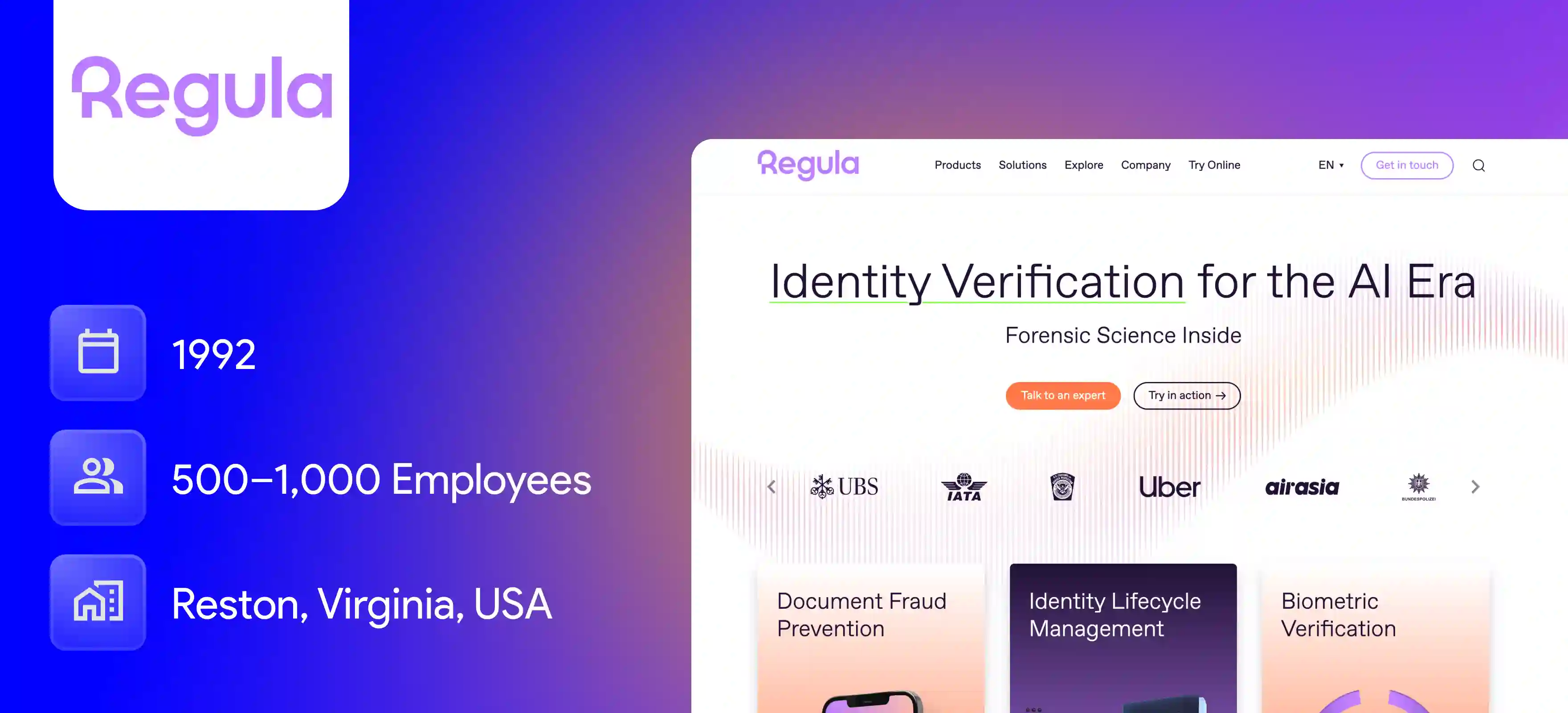
Regula specializes in forensic level document verification for official papers. It combines a massive global ID database with specialized hardware assisted scanning tools. It operates through dependable document verification software to catch advanced counterfeits.
Key Features
- Deep scans. Scans documents under infrared ultraviolet and visible light to catch clever counterfeits. It reveals hidden security holograms and microtext on official IDs.
- ID library. Relies on a massive global database of passport and ID layouts updated continuously. The software recognizes new document versions as soon as governments release them.
- Hardware tools. Combines software development kits with physical scanners used by border control authorities. Airports and immigration desks use these tools for high security checkpoints.
Pros
- Deep forensic scans check documents under multiple light sources to catch advanced counterfeits and hidden holograms.
- The global ID library updates constantly as soon as governments release new passport layouts.
Cons
- It relies heavily on specialized hardware scanners which work best for physical checkpoints rather than pure remote apps.
- Hardware-backed setups come with higher upfront equipment costs for businesses.
H2: How to Choose the Right Identity Verification Software
Picking security software shouldn't feel like rocket science. Start by looking at what your business actually needs right now. If most users sign up on phones, look for mobile first tools.If you manage a hybrid identity setup across global operations, make sure the system reads IDs from every country you serve.
- Match your budget. Figure out how much cash you want to spend per user check so costs do not surprise you later. Free trials help test water before committing long term.
- Prioritize user speed. Pick tools that verify people in seconds so customers do not close tabs out of pure annoyance. Fast signups mean more happy buyers.
- Talk to developers. Ask your tech team how hard plugging the system into your app actually is. Simple software kits save everyone massive headaches.
Where Identity Verification Breaks After Onboarding
Managing identity sprawl becomes a massive challenge when companies stop caring about security the second a new user finishes signing up. That is a huge mistake because hackers love waiting until after the welcome screen disappears to make their move. Real safety means keeping an eye on things every single day.
Traditional security checks like SMS codes fail because fraudsters easily bypass them after stealing credentials. Continuous biometric monitoring and periodic re-verification protect active accounts long after the initial signup finishes.
Infisign UniFed is an advanced security platform that blends passwordless access control with continuous identity management to keep active user sessions completely safe.
- Infisign UniFed gets rid of annoying passwords completely so nobody can guess or steal your login keys.
- Single sign on lets people jump between apps smoothly while safety checks run quietly in the background.
- Automated tools cut off access right away the moment someone leaves the team or changes jobs.
- Real time tracking spots weird user behavior instantly before an account gets hacked.
Want to see how security actually breaks down after onboarding? Head over to the demo page right now and see how Infisign UniFed stops hackers in real time.
FAQ
Where Identity Verification Breaks After Onboarding?
Security often fails post-onboarding when systems treat verification as a one-time event rather than an ongoing process. Without continuous session monitoring and behavioral checks, hijacked accounts can slip through unnoticed.
What's the difference between identity verification and authentication?
Identity verification proves who a person is during initial registration by checking government documents and biometrics. Authentication simply verifies that the returning user matches the credentials or device tokens associated with that established account.
How does identity verification software work?
The software captures user-submitted documents or data, runs machine learning and biometric scans, checks liveness parameters, and cross-references global watchlists to provide an instant pass or fail decision.
Can identity verification stop account takeover?
Yes, modern platforms prevent account takeovers by employing continuous session re-authentication, passive liveness detection, and device trust signals whenever unusual user behavior occurs.


