


When teams depend on CyberArk they often feel a gap between security and real work. The platform is built for deep control but that control comes with heavy processes. Small access changes take effort. Daily operations feel slow. Over time security teams spend more energy managing the tool than managing risk.
As environments move toward cloud and fast delivery this gap becomes clearer. CyberArk follows an older access model that does not adapt easily to modern identity driven workflows. Dev and IT teams feel blocked and users lose patience.
This is why organizations start looking for CyberArk alternatives. They want strong security that feels lighter, smarter and easier to run in real environments.
Best CyberArk Alternatives and Competitors: A Side-by-Side Comparison
What Is CyberArk?
CyberArk is a privileged access security platform designed to protect high risk accounts. It is widely used by enterprises that manage complex IT environments.
Over time many organizations have started exploring alternatives to CyberArk as their infrastructure becomes more cloud focused. This shift shows how access security requirements are changing.
- Privileged Access Focus. CyberArk locks down admin accounts that carry the most risk. It controls who gets access and when so damage stays limited.
- Centralized Credential Management. All credentials live in one secure place. Access is given only when rules allow which keeps things clear.
- Audit Visibility. Every privileged action is tracked. Security teams can see what happened without digging too deep.
Pros and Cons of CyberArk Privileged Access Management
CyberArk delivers strong security but it also introduces complexity. Some organizations appreciate its depth while others struggle with daily operations.
This is why teams often compare it with CyberArk pam alternatives before committing. A balanced view helps organizations align expectations with reality.
Advantages of CyberArk
CyberArk has built a strong reputation in enterprise security. Its features are designed to handle complex and sensitive environments. Even as modern pam solutions gain popularity these advantages remain relevant. They explain why many large organizations still rely on it.
- Policy Based Access Control. Access follows clear rules. Once policies are set things stay consistent. Teams make fewer mistakes over time.
- Strong Account Security. CyberArk protects admin and high risk accounts using secure vaulting. Privileged access stays locked down.
- Session Monitoring. Admin sessions are recorded and tracked. Teams can see what actually happened during access.
- Wide Integration. CyberArk works with many systems and tools. Large environments can connect it with existing setups.
- Audit Ready. Logs and reports are detailed. Compliance teams can answer audit questions easily.
Limitations of CyberArk
While CyberArk is powerful it does not fit every environment. Modern infrastructure needs speed and flexibility especially in cloud setups. Because of this many teams start looking at CyberArk competitors that work better with agile and cloud first workflows.
- Hard to Set Up. Initial deployment takes time and skill. Teams often need experts to get it right.
- High Cost. Pricing and licensing feel heavy. Smaller teams struggle to justify the spend.
- Complex Daily Use. Simple changes take effort. Admin work feels slow and rigid.
- Weak for Cloud Speed. Built for older systems. Cloud and DevOps teams feel slowed down.
List of 10+ CyberArk Competitors & Alternatives for Modern Privileged Access and Identity Security
As teams review how privileged access is handled many realize traditional tools no longer fit the way they work today. Security needs have changed and older platforms often feel out of step.
Organizations now look for tools that are easier to manage quicker to deploy and better suited for cloud and identity first environments. The list below covers platforms that meet these needs in practical ways.
1. Infisign
Infisign is built around problems teams run into with older PAM tools. Too much effort goes into managing access instead of managing risk. Infisign reduces that load while still keeping privileged access under clear control.
Many teams look at Infisign when exploring CyberArk alternatives after dealing with slow rollouts, complex workflows and weak cloud support. It fits teams that want security to stay strong but stop getting in the way of real work.
Key Features
- Privileged Access Management. Admin access rarely starts as a problem. It grows slowly as teams move fast. Infisign keeps that access in check so only what is truly needed stays active while everyday work continues without friction.
- Just in Time Privileged Access. Ask yourself this. Why should admin access exist when no work is happening. Infisign treats privileged access like a tool not a status. It appears when work starts and disappears when the job is done.
- Least Privilege and Access Policies. Most access issues come from people having more permission than they actually need. Infisign keeps access tied to who someone is, how they work and what they are using so permissions stay precise and intentional.
- Audit Trails and Compliance Visibility. When something goes wrong the first question is always who did what. Infisign makes that answer obvious so audits stop feeling like investigations and start feeling routine.
- Cloud Native and Hybrid Ready. Most teams are tired of running one access model for cloud and another for on premise systems. That split creates gaps and confusion. Infisign removes this by applying the same access rules everywhere so security stays clear instead of scattered.
- Risk Based and AI Driven Access Decisions. Access requests come through Slack and Teams like normal work messages. Infisign keeps an eye on patterns and flags anything unusual early so teams can step in before problems grow.
- Single Sign On with Adaptive MFA. MFA becomes frustrating when the same checks appear on every login. Infisign applies MFA based on context. Normal sign-ins pass quietly. When a login comes from a new device, location or unusual behavior MFA steps in. Security is applied where real risk exists.
- 6000+ Pre Built Integrations. Access problems usually start when a new tool shows up and no one wants to wire it in. Infisign already knows most of these systems so access does not become another project every time something new is added.
- Passwordless Authentication. Infisign Passwordless Authentication lets users sign in without relying on passwords. Login becomes simpler and faster while security improves by removing one of the most common attack points.
Pros
- Easy to Adopt. The interface feels clean and intuitive from day one. Security teams spend less time on training. User adoption improves naturally across departments.
- Modern Security Architecture. Identity first and zero trust principles guide platform design. Risk based access replaces static controls. Security posture becomes stronger with less effort.
- Scales with Growth. Infisign supports growing user bases and expanding infrastructure. Access policies remain manageable over time. Long term scalability becomes easier to maintain.
Cons
- Passwordless authentication requires the encrypted password vault to be enabled.
2. Okta
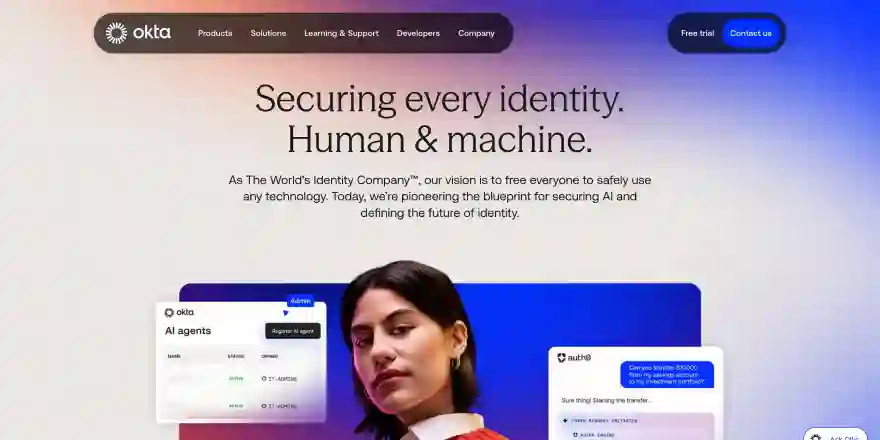
Okta is widely known for identity and access management across cloud applications. The platform focuses on secure authentication and centralized access control.
Many teams consider Okta as part of modern pam solutions and review it among CyberArk competitors when identity becomes the main security layer. It fits well in environments that rely on SSO and MFA.
Key Features
- Identity Based Privileged Access. Privileged access is tied to individual user identity. This improves visibility and removes risk from shared admin accounts.
- Just in Time Access. Admin access is granted only when needed. Access is removed automatically after the task ends.
- Credential Vaulting. Privileged credentials are stored securely in a vault. Users never see or handle raw passwords.
- Approval Workflows. Privileged access requests follow approval steps. This adds control before sensitive access is granted.
- Audit Logs and Reporting. All privileged actions are logged centrally. Security teams can review activity and support compliance reviews.
Pros
- Strong User Experience. Login flows feel simple and fast. End users face less friction. Adoption improves naturally.
- Scalable Identity Platform. Okta supports large user bases easily. Growth does not add complexity. Operations stay manageable.
Cons
- Limited Native PAM Depth. Privileged access controls are not as deep as dedicated PAM tools. Extra solutions may be required. Evaluation depends on the use case.
3. Sailpoint
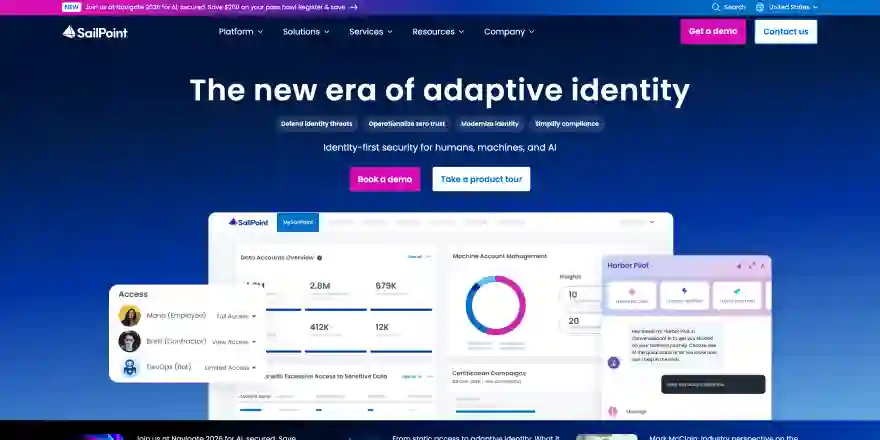
SailPoint is an identity governance software built for organizations that prioritize control visibility and compliance. Many enterprises review SailPoint among CyberArk competitors when managing access at scale becomes a governance challenge.
Key Features
- Identity Governance. SailPoint helps teams review and certify access regularly. This makes it easier to understand who has access and why.
- Access Lifecycle Management. User access updates automatically during join move and leave events. This reduces manual work and lowers risk from outdated permissions.
- Policy Based Access Control. Access decisions follow business rules and policies. This keeps permissions consistent across users and systems.
- Privileged Access Oversight. Privileged access is reviewed and governed through identity policies. This adds visibility but does not replace deep session control.
- Audit and Compliance Reporting. Access history and certifications are documented clearly. Compliance teams can support audits without chasing data.
Pros
- Strong Compliance Support. Audit readiness remains high. Reporting feels detailed and structured. Regulators gain clear insight.
- Enterprise Ready Design. Large organizations benefit from mature governance features. Identity sprawl becomes easier to control.
Cons
- Complex Implementation. Setup requires planning and expertise. Time to value may feel longer. Smaller teams may struggle initially.
4. Jumpcloud
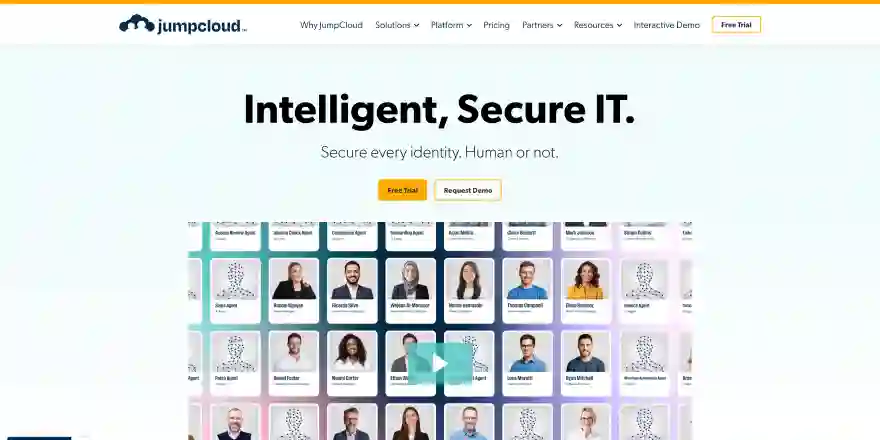
JumpCloud is an identity and access management tool that combines identity management with device and directory services. Many companies explore JumpCloud as one of the CyberArk alternatives for simpler access control. The solution works well for cloud centric teams.
Key Features
- Cloud Directory Services. Users and devices are managed from one dashboard. Old directories are no longer needed.
- Device Trust Enforcement. Access depends on device security status. Unsafe or unknown devices can be blocked.
- Role Based Access Control. Access is given based on the user role. Permissions stay clear and consistent.
- User and Device Visibility. IT teams can see users' devices and access in one view. This makes control easier.
- Cloud Ready Design. JumpCloud works well in cloud first environments. Setup feels quick and light.
Pros
- All in One Simplicity. Identity and device management live in one platform. Tool sprawl is reduced.
- Remote Workforce Friendly. Distributed teams are supported easily. Cloud based control fits modern work models.
Cons
- Limited Advanced PAM Features. Deep privileged session monitoring is not the core focus. High risk environments may need extra tools.
5. Ping Identity
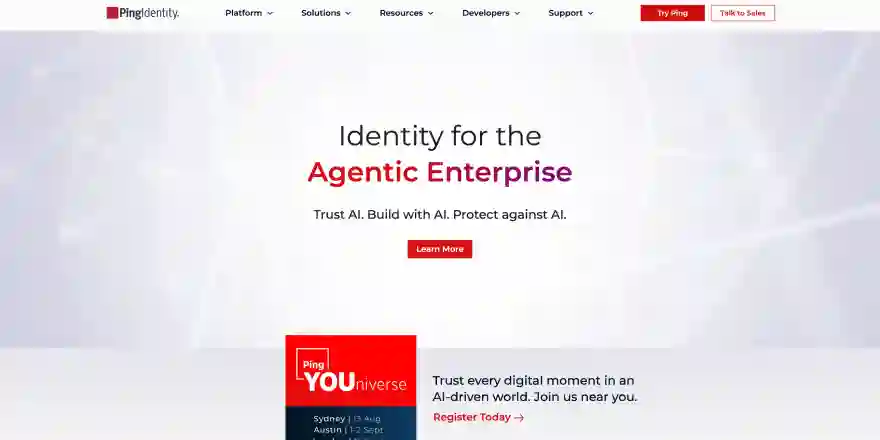
Ping Identity provides identity focused security for large enterprises with complex environments. Many organizations review Ping Identity among CyberArk alternatives when traditional PAM tools feel hard to deploy or manage.
The platform focuses on authentication federation and access control. It fits well where identity driven access is the priority.
Key Features
- Adaptive Authentication. Risk signals influence access decisions. Authentication adjusts dynamically. Security remains contextual.
- Federated Identity Management. Users can sign in across many systems using one trusted identity. This reduces login complexity.
- Single Sign On Support. Users access multiple applications with one login. This improves user experience and control.
- API Access Security. APIs are protected using identity based access. Modern apps stay secure without slowing development.
- Central Access Control. Access rules are managed from one place. Visibility improves across users and systems.
Pros
- Enterprise Grade Identity Control. Large scale environments are supported. High availability remains strong. Performance stays reliable.
- Flexible Integration Options. Complex architectures are handled well. Identity becomes centralized.
Cons
- Configuration Overhead. Initial setup can feel heavy. Skilled resources are often required. Smaller teams may feel stretched.
6. Microsoft EntraID
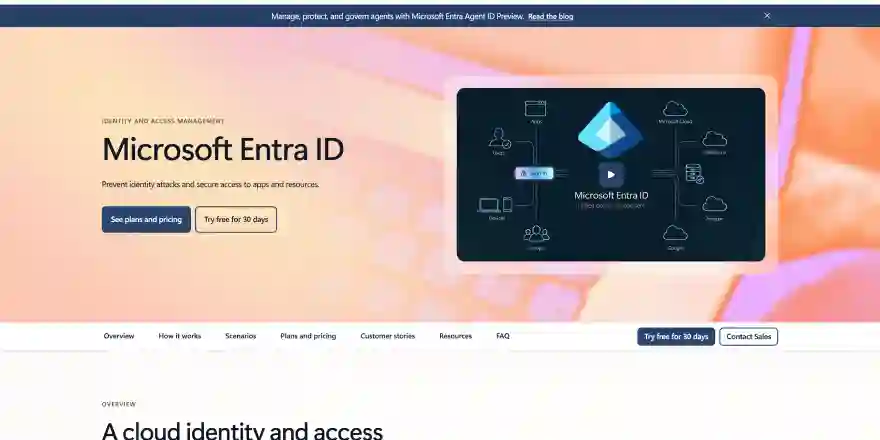
Microsoft Entra ID works best in Microsoft based environments where identity and access are closely tied to Azure and Microsoft services. Many organizations review it among CyberArk competitors when cloud identity control is the main need.
Key Features
- Role Based Access Control. Permissions follow defined roles. Administrative access stays controlled. Governance becomes clearer.
- Azure Identity Integration. Identity and access connect deeply with Azure services. Management stays unified across the Microsoft cloud.
- Conditional Access Policies. Access changes based on risk signals like location and device. Unsafe access can be blocked early.
- Privileged Role Management. Admin roles can be time limited and approved. Standing privileges are reduced.
- Audit Logs and Visibility. Access activity is logged clearly. Security teams can review actions and support compliance.
Pros
- Native Microsoft Ecosystem Support. Integration feels seamless. Admin effort is reduced. Productivity increases.
- Cost Effective for Microsoft Users. Licensing aligns with existing plans. Budget impact stays manageable.
Cons
- Limited Standalone PAM Depth. Dedicated privileged session controls are basic. Advanced PAM use cases may need additional tools.
7. Oracle Identity
Oracle Identity is used by organizations that already work with Oracle systems. The platform helps control user access across applications and databases. Many companies see Oracle Identity as one of the CyberArk competitors in large enterprise environments. The focus stays on structure and control rather than speed.
Key Features
- Central Access Control. User access is managed from one place. Permissions follow defined roles. Administration becomes more organized.
- User Provisioning. Access is given and removed through set processes. Manual work is reduced. Security teams stay in control.
- Role Based Permissions. Access follows defined roles. This keeps permissions clear and consistent.
- Privileged Access Oversight. Admin access is controlled through policies. Visibility improves but deep session control is limited.
- Audit and Compliance Reporting. Access activity is logged clearly. Compliance reviews become easier.
Pros
- Strong Enterprise Fit. Works well in Oracle heavy environments. Integration feels natural. Stability remains high.
- Structured Access Management. Clear rules guide permissions. Risk stays controlled. Processes remain consistent.
Cons
- Complex Setup. Initial deployment takes time. Skilled resources are often required. Smaller teams may struggle.
- Less Flexible for Cloud First Teams. The platform feels heavy in fast moving environments. Agility can be limited.
8. Delinea
Delinea focuses mainly on privileged access security. The platform helps protect admin level accounts across systems. Many teams review Delinea while searching for CyberArk alternatives that feel easier to manage. The approach remains practical and security focused.

Key Features
- Privileged Credential Protection. Admin passwords are stored securely in a vault. Direct exposure to credentials is avoided.
- Just in Time Access. Privileges are given only when needed. Access is removed automatically. Standing access stays limited.
- Session Monitoring. Privileged sessions can be tracked and reviewed. Visibility improves during audits.
- Least Privilege Enforcement. Users receive only required permissions. Risk from over access stays low.
- Central PAM Management. Privileged access is managed from one place. Control and oversight become easier.
Pros
- Focused PAM Capabilities. The platform is built specifically for privileged access. Security remains strong. Use cases stay clear.
- Simpler Than Legacy Tools. Setup and daily use feel more manageable. Teams move faster.
Cons
- Limited Identity Features. Identity governance is not the main focus. Extra tools may be required.
- Scaling Needs Planning. Large environments require careful design. Growth adds complexity.
9. IBM Security
IBM Security provides access management as part of a broader security portfolio. The platform supports identity and privileged access use cases. Large enterprises often evaluate IBM Security among CyberArk competitors due to its scale. The solution fits organizations that prefer vendor consolidation.
Key Features
- Privileged Access Controls. Sensitive accounts are protected. Risk stays contained. Monitoring supports compliance.
- Identity and Access Management. User access is controlled across many systems. Policies help keep permissions consistent.
- Session Monitoring. Privileged activity can be monitored. Security teams gain better visibility.
- Central Policy Management. Access rules are managed from one place. Governance becomes easier to enforce.
- Audit and Enterprise Reporting. Logs and reports support audits. Compliance teams get clear insight.
Pros
- Enterprise Scale Support. Large environments are handled well. Stability remains strong.
- Broad Security Portfolio. Multiple security tools work together. Vendor sprawl is reduced.
Cons
- Complex Management. Configuration requires expertise. Daily operations can feel heavy.
- Slower Deployment. Implementation takes time. Time to value may feel long.
10. One Identity
One Identity focuses on identity governance and privileged access together. The platform helps manage who has access and why. Many organizations consider One Identity as part of CyberArk alternatives during vendor evaluation. The solution balances structure and flexibility.
Key Features
- Identity Governance. Access reviews and approvals follow clear rules. Teams understand who has access and why.
- Privileged Access Management. Admin access is controlled and monitored. Risk from misuse stays limited.
- Unified Management Console. Identity and privileged access are managed together. Daily operations feel smoother.
- Role Based Access Control. Permissions are assigned by role. Access stays consistent across systems.
- Audit and Compliance Reporting. Access activity is logged clearly. Compliance reviews become easier.
Pros
- Balanced Feature Set. Identity and PAM features work together. Coverage feels complete.
- Flexible Deployment Options. Supports on premise and hybrid setups. Choice remains open.
Cons
- Learning Curve. The platform takes time to understand. Training may be required.
- Interface Complexity. Some workflows feel busy. Usability could improve.
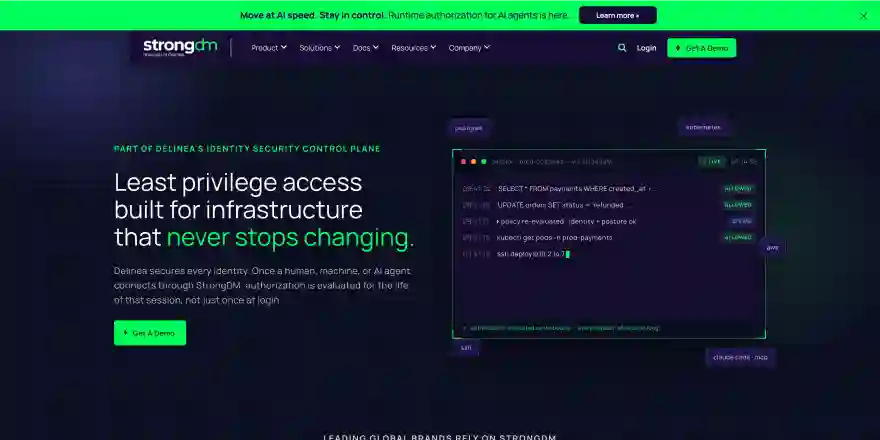
11. StrongDM
StrongDM controls access to infrastructure and databases without sharing credentials. The platform acts as a secure access gateway. Many teams explore StrongDM as one of the CyberArk alternatives for cloud and DevOps teams. The approach focuses on simplicity.
Key Features
- Access Without Credentials. Users connect to systems without seeing passwords. Credential leakage risk stays low.
- Centralized Access Control. All access rules are managed from one place. Changes apply instantly.
- Just in Time Access. Access can be granted only when needed. Standing permissions stay limited.
- Infrastructure and Database Access. Teams can securely access servers databases and services. DevOps workflows stay smooth.
- Audit Logging. Every access request is logged clearly. Reviews and audits become easier.
Pros
- Very Easy to Use. Setup feels quick. Daily management stays simple. Teams save time.
- Great for Cloud Teams. Works well with modern infrastructure. DevOps workflows stay smooth.
Cons
- Limited Traditional PAM Features. Deep session recording is not the main focus. Some enterprises may need more.
- Not Ideal for Legacy Systems. Older environments may face limitations. Evaluation is important.
What Are the Key Features to Look for in a CyberArk Alternative?
When teams look to replace CyberArk the decision is not only about features. It is about how well a PAM tool fits daily work, long term growth and budget. This is why teams compare different CyberArk competitors before buying. A good choice should reduce risk without adding new complexity.
- Ease of Deployment and Ownership. The tool should be easy to deploy and easy to maintain. Long setup times and heavy admin effort increase cost over time.
- Effective Privileged Access Control. The solution should limit admin access strictly. Privileges should be granted only when needed and removed automatically to reduce exposure.
- Identity Driven Access Decisions. Modern PAM tools should rely on identity and context instead of static passwords. This improves security and simplifies access management.
- Cloud and Hybrid Readiness. The platform should work across cloud and on premise systems. Buying a tool that fits only one environment creates future gaps.
- Audit and Compliance Support. Logs and reports should be easy to access and understand. This reduces audit stress and ongoing compliance effort.
- Usability for Teams. A PAM tool should feel simple for admins and users. Poor usability leads to workarounds and weakens security after purchase.
Secure Privileged Access with the Right CyberArk Alternative
Infisign brings identity and privileged access together using its UniFed platform and IAM suite. Teams do not have to manage IAM and PAM as separate tools anymore. Everything runs from one place which makes daily work easier. Cloud and hybrid systems stay covered without extra setup. Security feels strong but not heavy.
- Privileged Access Control. Admin access stays locked down across systems. Teams always know who has access and when.
- Just in Time Access. Privileges appear only when work needs to be done. Once the task ends access goes away on its own.
- Least Privilege Policies. Users get only what they need to do their job. Extra access never hangs around.
- Audit Logs and Compliance. Every privileged action is recorded clearly. Reviews stop feeling stressful.
- Cloud and Hybrid Support. The same access rules work everywhere. Teams do not need different setups for different systems.
- Risk Aware Access. Access changes based on behavior device and context. Suspicious activity gets caught early.
- SSO with Adaptive MFA. Users sign in once and keep moving. Extra checks show up only when risk looks high.
- 6000 Plus Integrations and Passwordless Login. Infisign works with over 6000 apps. Passwords stop being a daily problem.
If managing privileged access feels complicated, a short Infisign demo can help. See how access control works in a simpler way and decide if it fits your environment.
FAQs
What is the difference between CyberArk and Okta?
CyberArk focuses on privileged access and credential security, while Okta focuses on identity authentication and SSO. CyberArk suits deep PAM needs, Okta suits identity driven access management.
How long does it take to implement a CyberArk alternative?
Modern cloud native tools like Infisign, JumpCloud, StrongDM, and Okta can often be deployed in days or a few weeks. More complex enterprise focused tools like SailPoint, One Identity, IBM Security, Oracle Identity, and Ping Identity usually take longer due to setup, integrations, and governance requirements.
Which CyberArk alternative is best for mid-sized organizations?
Tools like Infisign offer identity first privileged access, just in time access, passwordless login, and cloud ready deployment which reduces admin effort. JumpCloud fits teams that want simple access control with cloud directory services, device trust, and role based access for distributed workforces.
Which CyberArk alternative is best for enterprises?
Enterprises often choose Infisign for cloud native PAM with identity first access and wide integrations. SailPoint fits compliance driven environments with strong governance. One Identity suits hybrid enterprises needing combined identity and privileged access control.


